28
Making Variations of Printouts
Operation
4
Press the MENU button.
The normal screen appears.
Selecting a Memory Page
Memory page
A memory area in which an image is captured is called a
memory page in this manual.
The number of usable memory pages depends on the type
of the reduced images selected and on the memory mode.
a) Cannot be selected when the input signal type is 720p.
Note
Images of differing signal types (SDTV/1080i/720p)
cannot coexist on the same multiple reduced image screen.
If you change the input signal type with the SD/HD SEL
setting in the HDTV SETUP menu, the images stored in
the memory will be overwritten the next time you capture
images.
Selecting a memory page
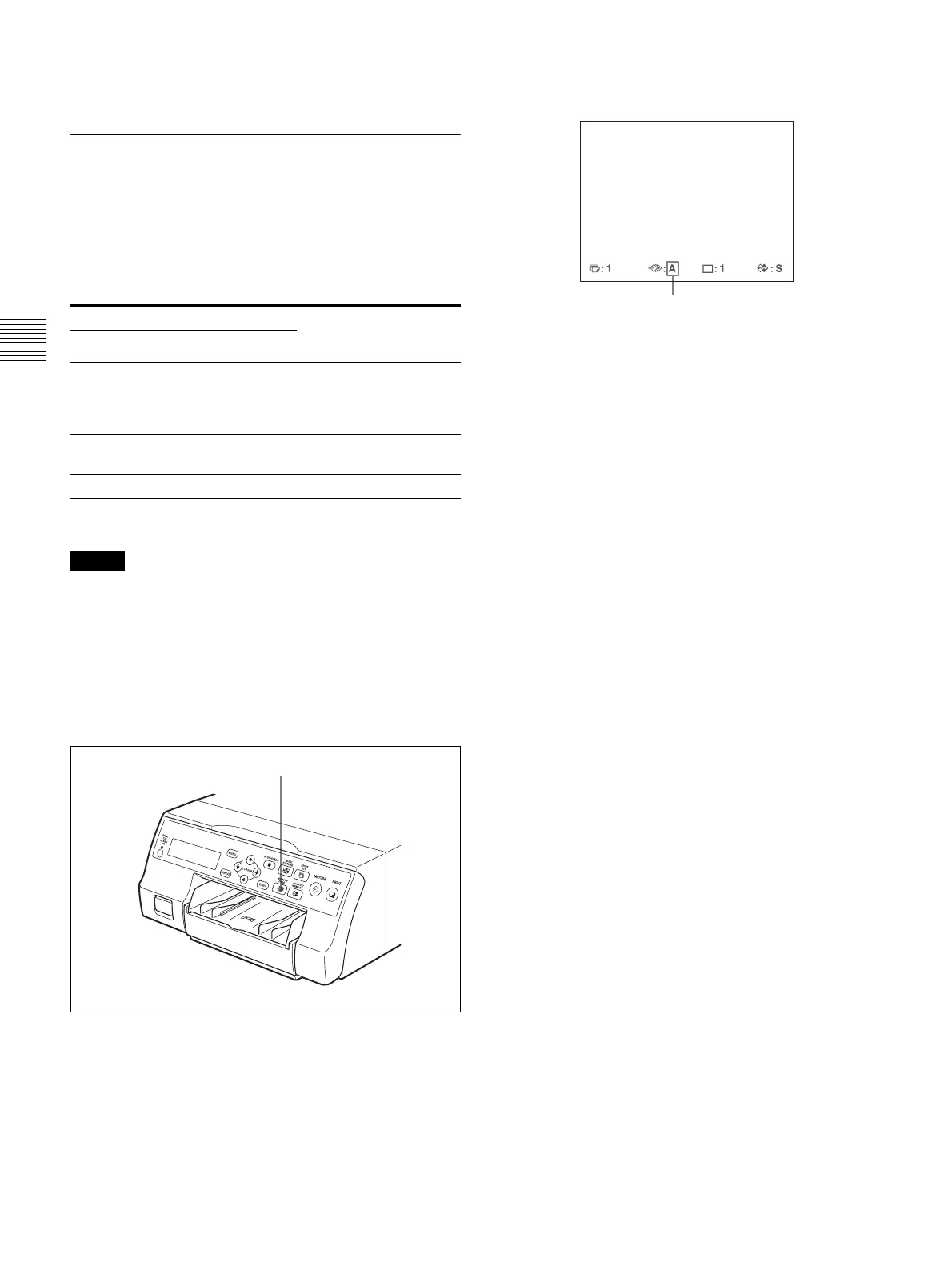
Press the MEMORY PAGE button repeatedly until the
desired memory page appears.
Usable memory page Type of reduced
images to be captured
in memory
FRAME FIELD
a)
A, B, C, D, E,
F, G, H
A1, A2, B1, B2, C1,
C2, D1, D2, E1, E2,
F1, F2, G1, G2, H1,
H2
Full image
A, B, C, D A1, A2, B1, B2, C1,
C2, D1, D2
Two reduced images
A, B A1, A2, B1, B2 Four reduced images
MEMORY PAGE button
Currently selected memory page



 To Next Page