72
Error/Warning Messages
Miscellaneous
Warning Messages
In case of a warning, only warning messages appear. The
ALARM lamp does not light.
PAPER MISMATCH PAPER MISMATCH • The ink ribbon and paper are mismatched.
tUse ink ribbons with paper from the same printing pack.
(See page 66.) In addition, do not reuse paper that has
been previously ejected.
• The base plate of the printer is detached.
tAttach the base plate securely. (See page 75)
SWITCH LEVER SWITCH LEVER The position of the media switch lever does not match the type
of ink ribbon being used.
tSet the lever to the proper position. (See page 15.)
MECHA TROUBLE:HEAD nn MECHA TROUBLE nn
HEAD
The thermal head is malfunctioning.
tTurn the printer off, and then on again. If the error message
persists, consult your Sony dealer.
MECHA TROUBLE:TEMP nn MECHA TROUBLE nn
TEMP
The internal temperature of the printer is abnormal.
tTurn the printer off, and then on again. If the error message
persists, consult your Sony dealer.
MECHA TROUBLE:FAN nn MECHA TROUBLE nn
FAN
A malfunction occurred with the printer’s internal fan.
tTurn the printer off, and then on again. If the error message
persists, consult your Sony dealer.
CLEAN HEAD : SET SHEET CLEAN HEAD:
SET SHEET
A cleaning sheet has not been set.
tInsert the paper feed tray with a cleaning sheet placed inside.
(See page 65.)
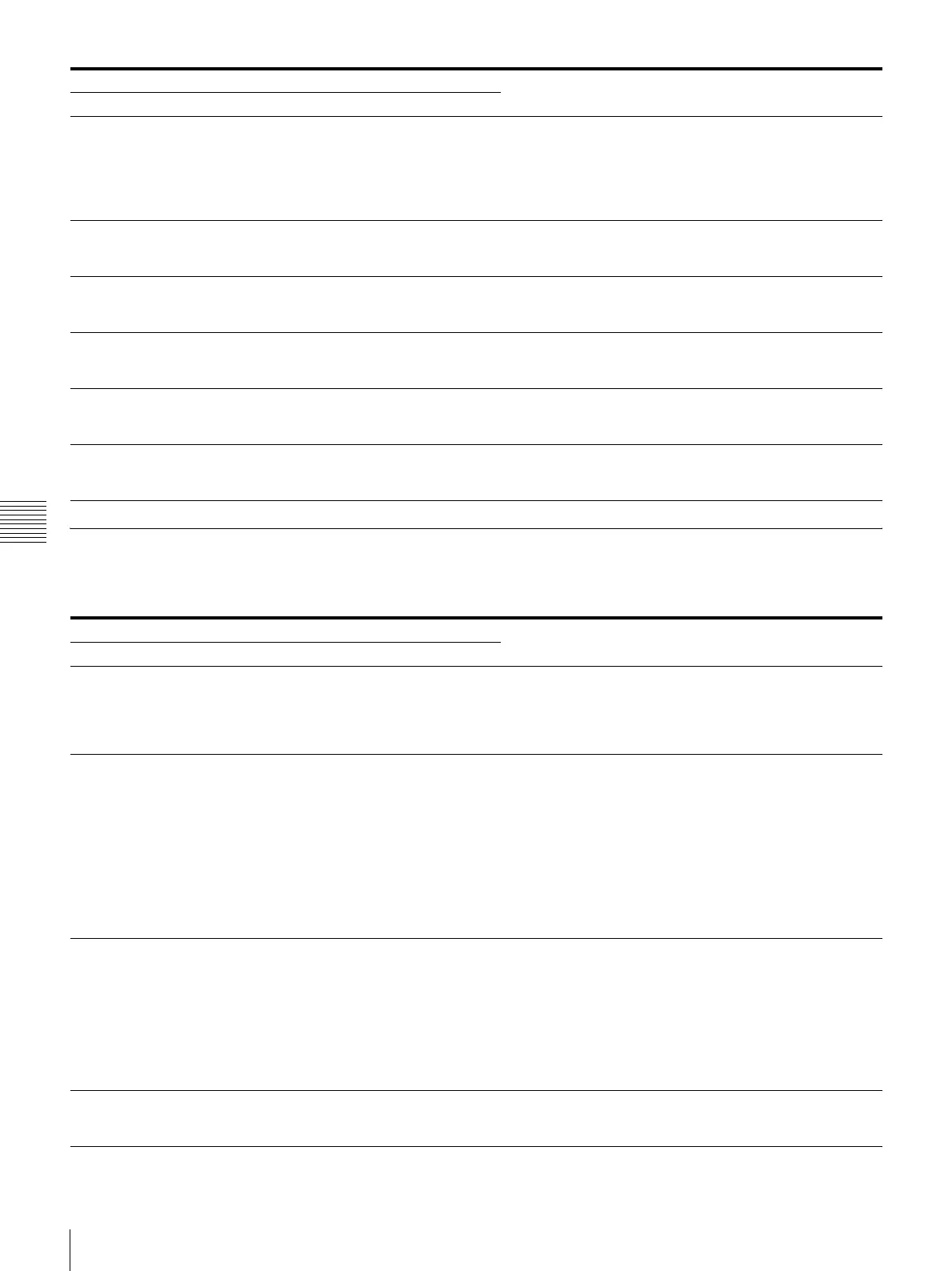
Error message Possible causes and remedies
On the video monitor On the printer window display
Warning message Possible causes and remedies
On the video monitor On the printer window display
HIT ANY KEY. HIT ANY KEY. This message appears when the remote control unit is used in
CAP-STOP (CAPTURE STOP) mode and when the printer
stops capturing images once images have been captured to all
memory pages (to the last point of the last memory page).
tPress any button. Printer operation is enabled after this.
INPUT MISMATCH INPUT MISMATCH • The input image signals from the input device (VTR, video
camera, etc.) do not match the NTSC/PAL switch setting.
tInput signals that match the NTSC/PAL switch setting.
• The input image signals from the input device (VTR, video
camera, etc.) do not match the SD/HD SEL setting in the
HDTV SETUP menu.
tInput component signals that match the SD/HD SEL
setting.
• A signal other than a video signal (such as an audio signal,
etc.) is input.
tInput the correct video signal.
NO INPUT NO INPUT • The printer is not receiving an input signal from equipment
corresponding to the input selected on the INPUT SETUP
menu.
tCheck the input signal selected on the INPUT SETUP
menu. (See page 19.)
tCheck whether the video equipment is outputting a video
signal in playback mode.
tCheck that the connections between the signal source
equipment and the printer are secure. (See page 12.)
NO IMAGE NO IMAGE The image is not captured in the memory page.
tCapture the image in memory then start printing. (See
page 20.)



 To Next Page