53
Adjusting the Color and Picture Quality
Adjustment
Note
If grayscale data is changed due to COLOR ADJUST
menu and color balance adjustments, the adjustments of
this function may affect the picture quality.
1
Display the HSV adjustment menu from the
PRINTER SETUP menu.
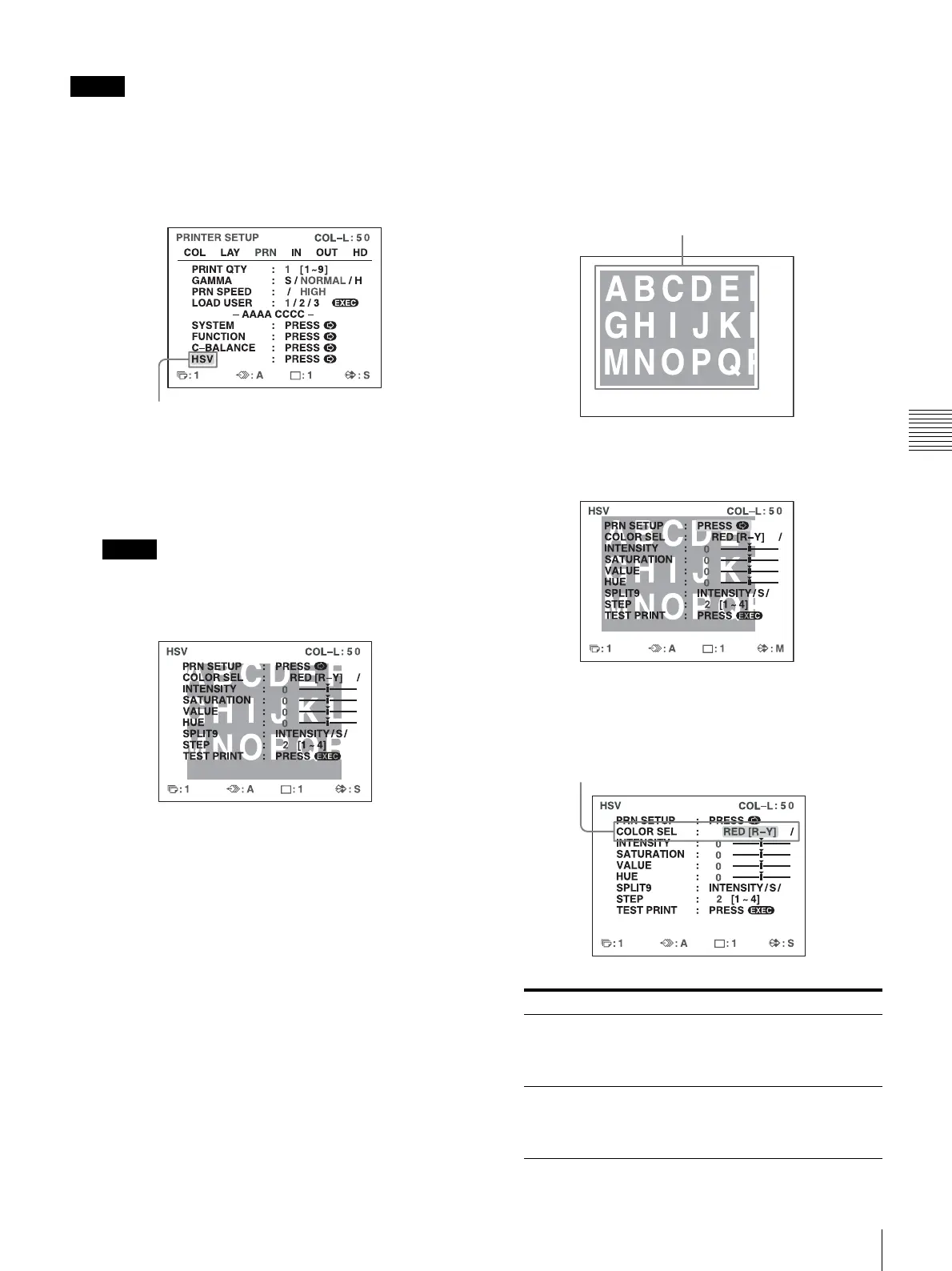
The highlighted area on the HSV adjustment menu
will be printed to be used for HSV adjustment. You
can move this area to any place on the video monitor.
Note
If the layout was set to two or four reduced image
display, the image on which the cursor was positioned
will be displayed in full size.
2
Decide the position of the source image to be used for
HSV adjustment.
To decide the position of the source image, move the
highlighted area by pressing the M, m, < or ,
button while holding down the DISPLAY button.
3
Press the CAPTURE button.
The image captured in memory appears.
4
Specify the color to adjust.
Specify the color with COLOR SEL.
Highlight HSV in green by pressing the M or m button,
then press the , button.
COLOR SEL Description
RED [R-Y] Specifies red for adjustment.
When adjusting the INTENSITY, the
hues between red and yellow (R-Y)
are specified.
YEL [Y-G] Specifies yellow for adjustment.
When adjusting the INTENSITY, the
hues between yellow and green (Y-G)
are specified.
Move the highlighted part to the desired image position by
pressing the M, m, < or , button while holding down the
DISPLAY button. (The HSV adjustment menu disappears
temporarily.)
Highlight COLOR SEL in green by pressing the M or m button,
then specify the color to adjust using the < or , button.



 To Next Page