6-1
UP-895/(E)
Section 6
Service Mode (Self-diagnostic Function)
Turn on the power while pressing and holding the PRINT and COPY keys. Release the keys when the
buzzer sounds after about two seconds. The service mode is then entered.
6-1 Printing the Test Pattern
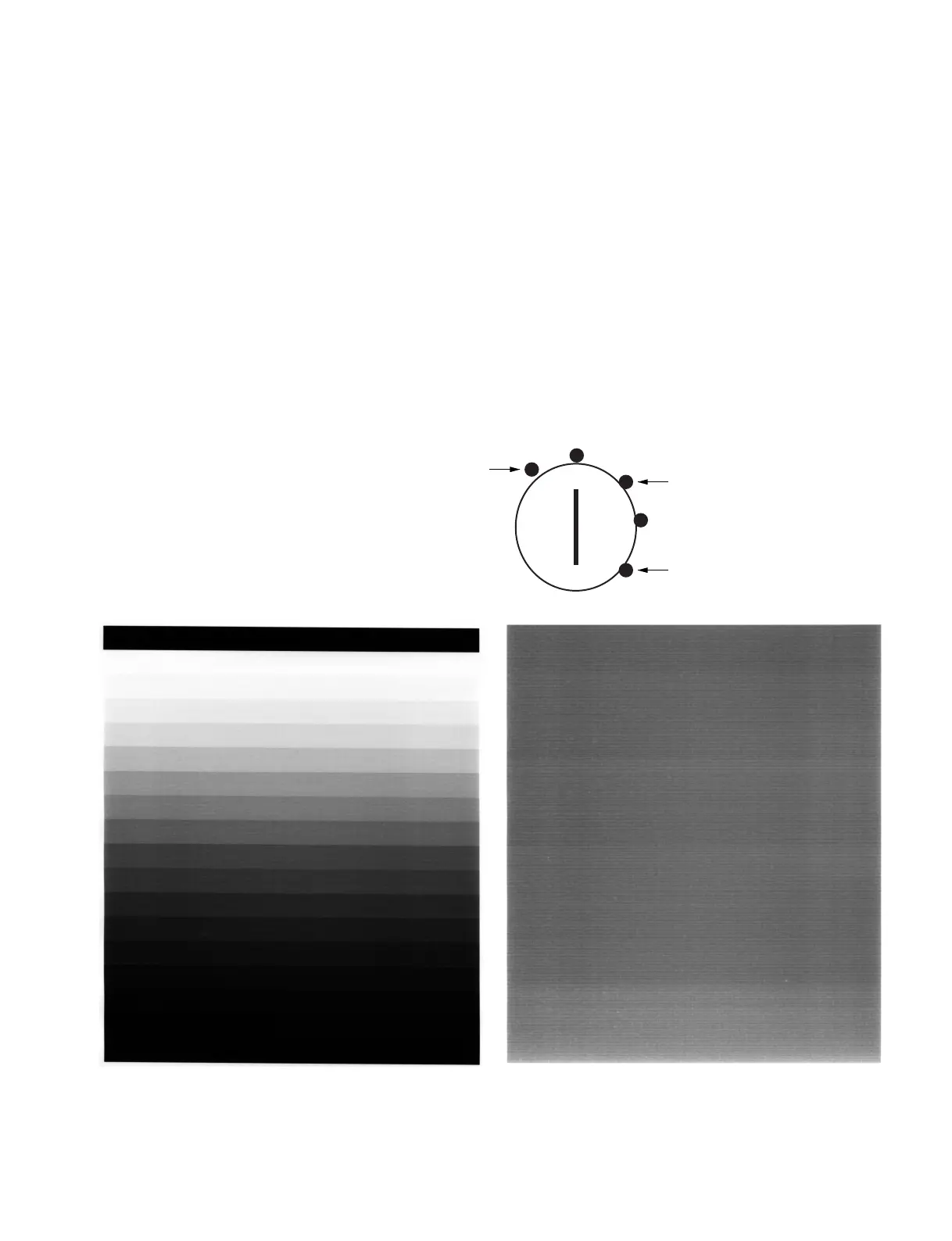
Set the POSI/ENGA switch to POSI (no print can be performed when this switch is set to NEGA). “Stair
step” and “Gray” are available as a test pattern for printing.
1 Press the PRINT key. → Print the stair step pattern.
2 Press the COPY key. → Print the gray pattern.
For the gray pattern, the concentration of gray can be selected from 100 %
white to 100 % black in five steps using the PRINT SIZE switch.
100 % white
Intermediate gray
100 % black
Stair step Gray



 To Next Page