58
Operation
Notes
• Do not fold the paper or touch the printing surface. Any dust on the printing
surface will result in poor printing quality.
• Use only paper made specially for the UP-980 series (page 97).
• Select the paper type from the PICTURE menu (page 76).
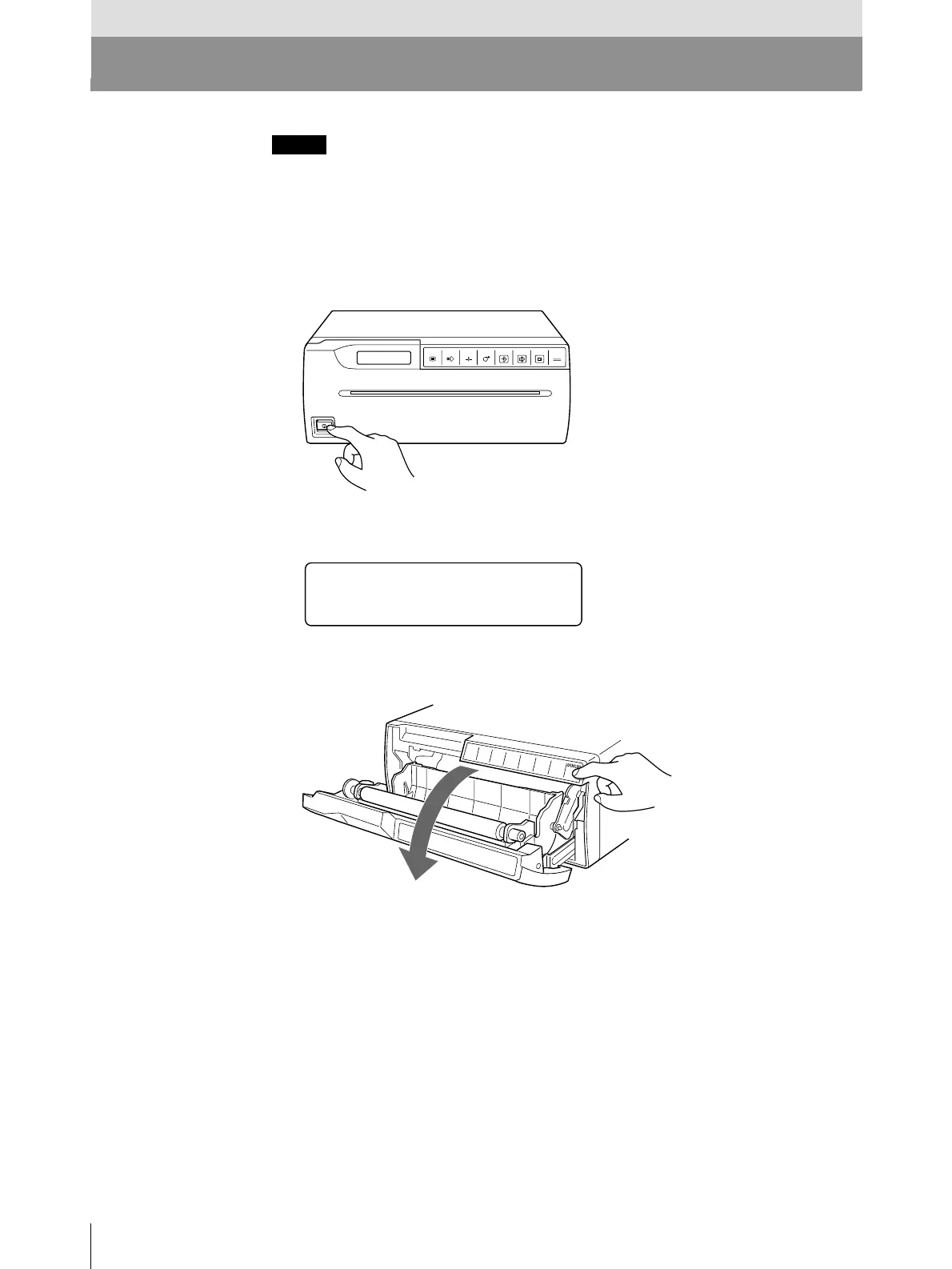
1 Press the power ON/OFF switch to turn on the printer.
The following message appears on the printer window display.
2 Press the OPEN/CLOSE button to open the door panel.
Operation
Loading Paper
OPEN/CLOSE
PRINTCOPY
CAPTURE
FEEDCUTSKIPMENU
UP
_
980
BY SONY



 To Next Page