75
Connection and Adjustment
Menu operation procedure
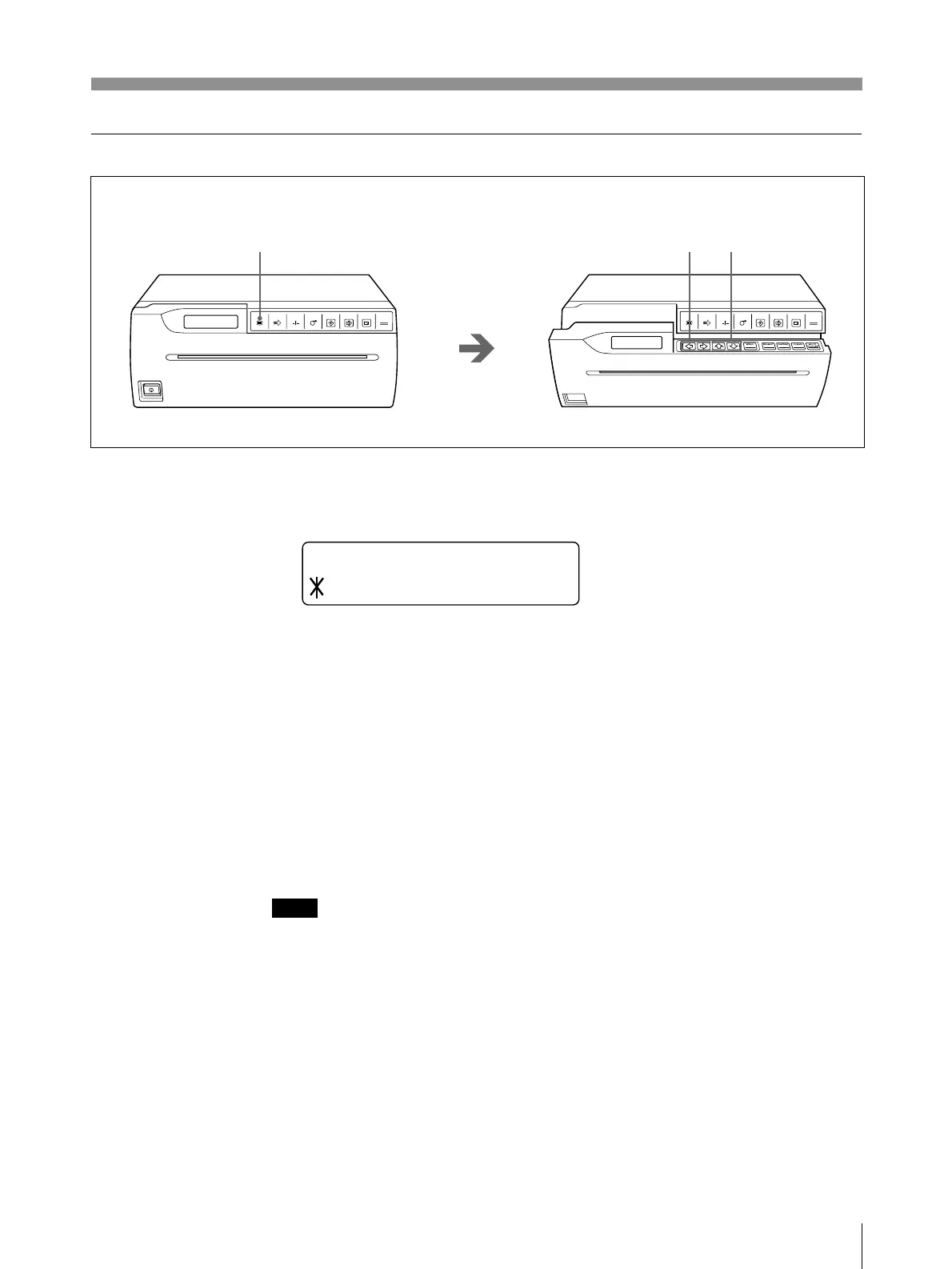
1 Press the MENU button.
The door panel opens slightly and the sub panel appears.
The main menu appears in the printer window display.
2 Display the desired main menu by pressing the ı or ∫ button.
3 Display the desired sub menu by pressing the ◊ or √ button.
4 Select the desired selection or change the value by pressing the ı or ∫ button.
To return to the regular window display
Press the MENU button to return to the main menu. Then press the MENU button
again. The door panel closes and the printer window display returns to the regular
display.
Or press the OPEN/CLOSE button. The door panel closes and the printer window
display returns to the regular display.
Note
If you turn off the printer power with the door panel opened after you have
changed the menu settings, those modified settings will become invalid. To execute
and retain the menu settings, return to the regular window display by closing the
door panel.
OPEN/CLOSE
PRINTCOPY
CAPTURE
FEEDCUTSKIPMENU
OPEN/CLOSE
PRINTCOPY
CAPTURE
FEEDCUTSKIPMENU
1 2,4
3
MENU
LAY /PRT
PCTUREI
/



 To Next Page