80
Setting Up the Printer (Continued)
Connection and Adjustment
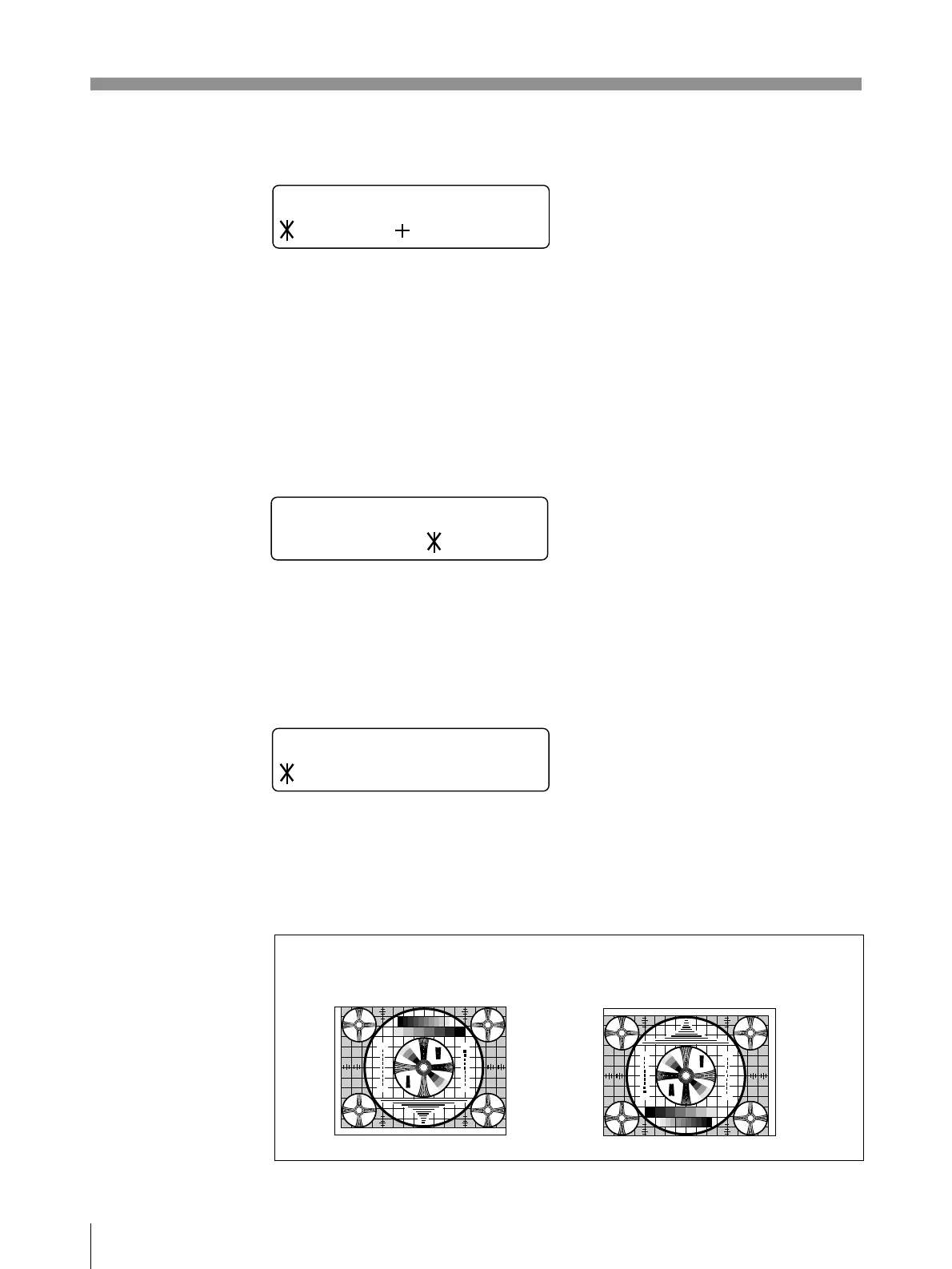
AUTO FEED
Sets the margin at the top and bottom of the printout. Used to set the paper size
after printing.
The margin can be set in 15 steps from 0 to +15. One step corresponds to a 5 mm
margin. Thus, up to 75 mm margin can be added to the top and bottom of the
printout.
The amount of paper to be fed out is shortened by pressing the ı button.
The amount of paper to be fed out lengthened by pressing the ∫ button.
FRAME COLOR
Selects the border color of the reduced images in the multi picture mode.
BLACK: The border color is black.
WHITE: The border color is white.
DIRECTION
Selects whether the top or the bottom of the screen is to be printed first.
NORMAL: Normally make printouts using this setting. Printing is done from the
bottom of the screen.
REVERSE: Starts printing from the top of the screen.
AUTO FEED 0
______ _ _______
F R AME CO L O R
BLACK/ WHI TE
DIRECTION
NORMAL / REVERSE
30
3
2
2
3
3
4
3
4
1
3
5
5
3
1
1 357 7 531
5
3
1
30
3
2
2
3
3
4
3
4
30
3
2
2
3
3
4
3
4
3
2
3
3
4
4
3
2
5
3
1
30
275
87654321
475
50
250
9
4
5
5
7
5
4
3
3
2
3
2
30
10
7
0
3
30
3
2
2
3
3
4
3
4
1
3
5
5
3
1
1 357 7 531
5
3
1
30
3
2
2
3
3
4
3
4
30
3
2
2
3
3
4
3
4
3
2
3
3
4
4
3
2
5
3
1
30
275
87654321
475
50
250
9
4
5
5
7
5
4
3
3
2
3
2
30
10
7
0
3
NORMAL REVERSE



 To Next Page