84
Setting Up the Printer (Continued)
Connection and Adjustment
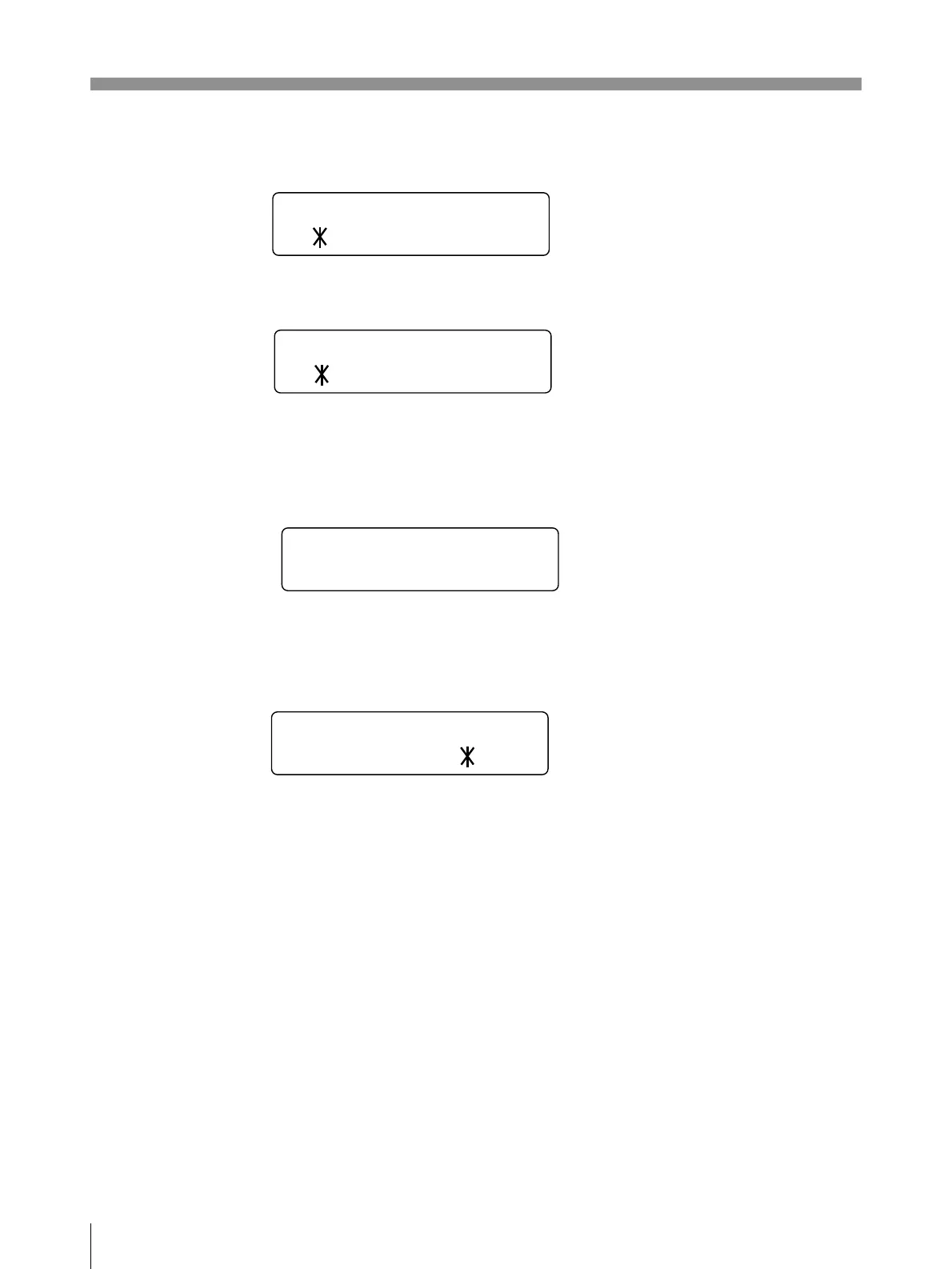
LOAD/SAVE
LOAD sub menu
SAVE sub menu
You can save up to three settings. These settings are managed according to the
LOAD number. You can load only on setting at a time.
For details, see “Saving the Menu Settings” on page 92.
INITIALIZE
Resets the currently adjusted settings to the factory setting values.
To initialize, press the EXEC button.
INTERRUPT
Sets whether the PRINT and CAPTURE buttons are activated to enable
interruption of the printing process and capture an image in memory.
Printer operation differs between the single picture and multi picture modes.
In the single picture mode:
ON: By pressing the PRINT button while printing, the printer stops printing,
captures the image displayed, and starts printing immediately.
OFF: Even if you press the PRINT button, the printer continues printing without
stopping.
In the multi picture mode:
ON: By pressing the CAPTURE button while printing, the printer stops printing,
captures the new image and displays it at the position where the cursor has been
placed.
OFF: Even if you press the CAPTURE button, the printer continues printing
without stopping.
When remotely controlling the printer
The button on the remote control unit or foot switch functions exactly same as the
PRINT button and CAPTURE button.
For details, see pages 63 and 68.
INTERRUPT
ON / OFF
LOAD
<
EXEC
>
1/ 2/ 3
SAVE
<
EXEC
>
1/ 2/ 3
INITIALIZE
<
EXEC
>



 To Next Page