26
Tuner Settings
Menu structure and operation
Procedure for portable diversity tuner (URX-P40)
There are two menu display modes that can be selected
ac
cording to the application.
Simple mode
This mode displays only the required settings for the tuner
and audio output.
You can enable simple mode by setting MENU MODE
(men
u display mode) to SIMPLE.
Configuration menus
• GP/CH (group/channel) select
• PHONES (monitor audio) setting
• BAND (frequency band) select (Not available on the
Japan mo
del, Korea model, 90U model, and E model)
• CLR CH SCAN (clear channel scan) function
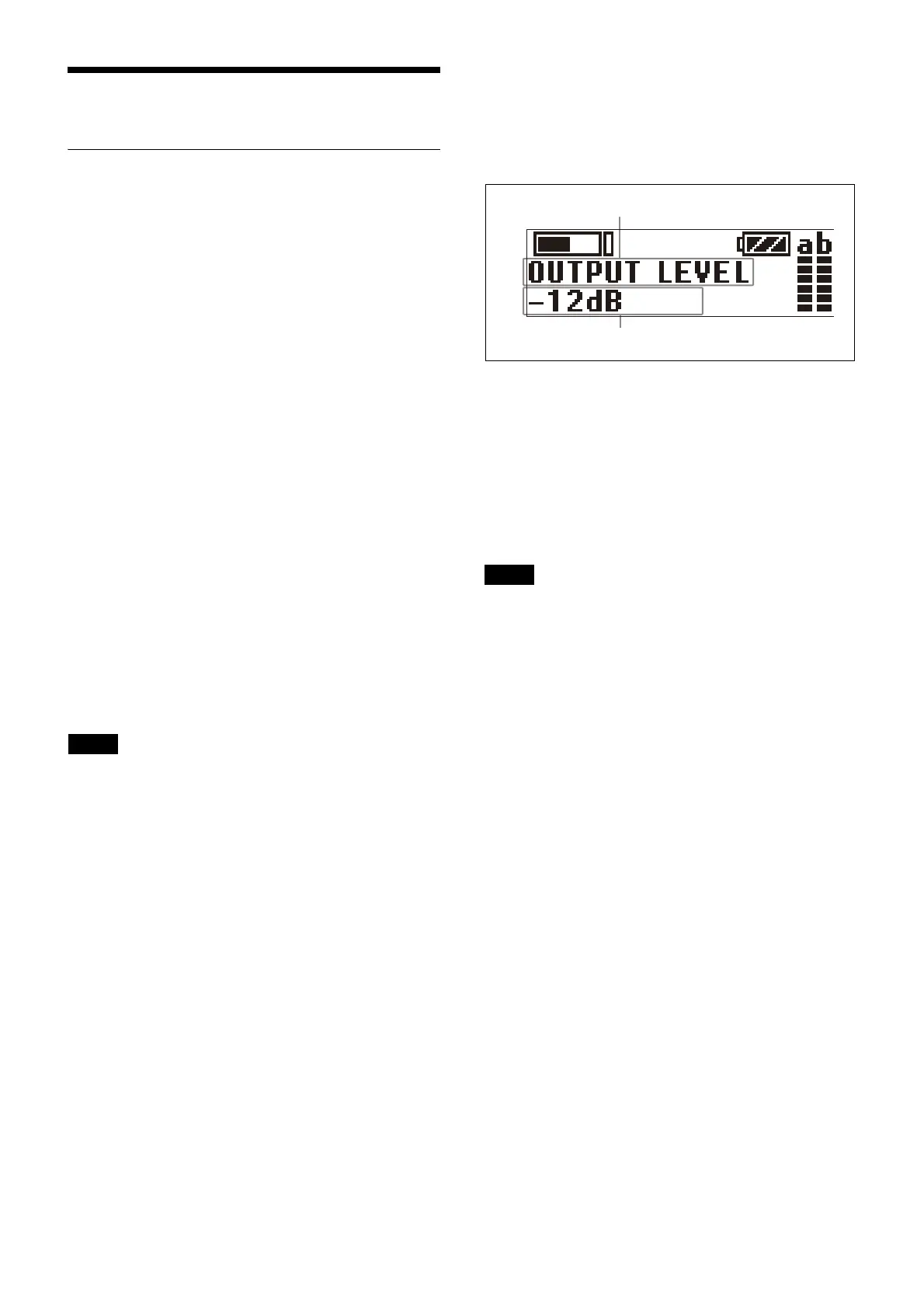
• OUTPUT LEVEL (audio output
level) setting
• SYNC RX->TX (NFC communication) function
• SYNC TX->RX (NFC communication) function
• POWER LOCK (POWER bu
tton lock) function
• RUNNING TIME (accumulated running time) display
• MENU MODE (menu display mode) setting
Advanced mode
This mode displays all configuration menus.
You can enable advanced mode by setting MENU MODE
(men
u display mode) to ADVANCED.
The existing settings configured in adva
nced mode are
active even when using simple mode.
Configuration menus
• GP/CH (group/channel) select
• PHONES (monitor audio) setting
• BAND (frequency band) select (Not available on the
Japan mo
del, Korea model, 90U model, and E model)
• CLR CH SCAN (clear channel scan) function
• OUTPUT LEVEL (audio output
level) setting
• SYNC RX->TX (NFC communication) function
• SYNC TX->RX (NFC communication) function
• POWER LOCK (POWER bu
tton lock) function
• RUNNING TIME (accumulated running time) display
• MENU MODE (menu display mode) setting
• MONITOR MODE (monitor audi
o level screen lock)
function
• CH MEMORY (store previous channel) function
• POWER SOURCE (external power selection) setting
• ACT CH SCAN (active c
hannel scan) function
• COMPANDER (compander mode) setting
• BATTERY TYPE (battery type)
setting
• DISPLAY MODE (display setting) function
• BRIGHTNESS (display brightness) setting
• FCT RESET (factory default setting) function
• VERSION (software version) display
Basic menu operation
The basic menu operation is the same in simple mode and
advanced mode.
1
Press the + or – button to display the function to be
set.
2
Press and hold the SET button until the setting starts
flashing.
3
Press the + or – button to change the setting.
4
Press the SET button to enter the setting.
If no operation is performed for 30 seconds, the display
will turn
off or will dim. Pressing any button will turn the
display on again.
For details about display
settings, see “Changing the
display settings (DISPLAY MODE)” (page 33).
Procedure for portable diversity tuner
(URX-P41D)
The menus and the hierarchy of each menu have the
following structure.
UTILITY menu
You can display the UTILITY menu from the meter
screen that displays various information about tuners 1
and 2.
The UTILITY menu is used to configure basic settings of
t
he unit.
RX1 (tuner 1) menu
Configures RX1 (tuner 1) settings.
RX2 (tuner 2) menu
Configures RX2 (tuner 2) settings.
EXT.IN menu
Configures settings for a microphone connected to the
MIC INPUT (audio input) connector.
Note
Note



 To Next Page