38
Setting the frequency to an active channel
(ACT CH SCAN)
Searches for channels already in use. This is useful when
using more than one tuner in combination with a single
transmitter.
For details, see “Searching for active channels within a
group (Active Channel Scan)” (page 29).
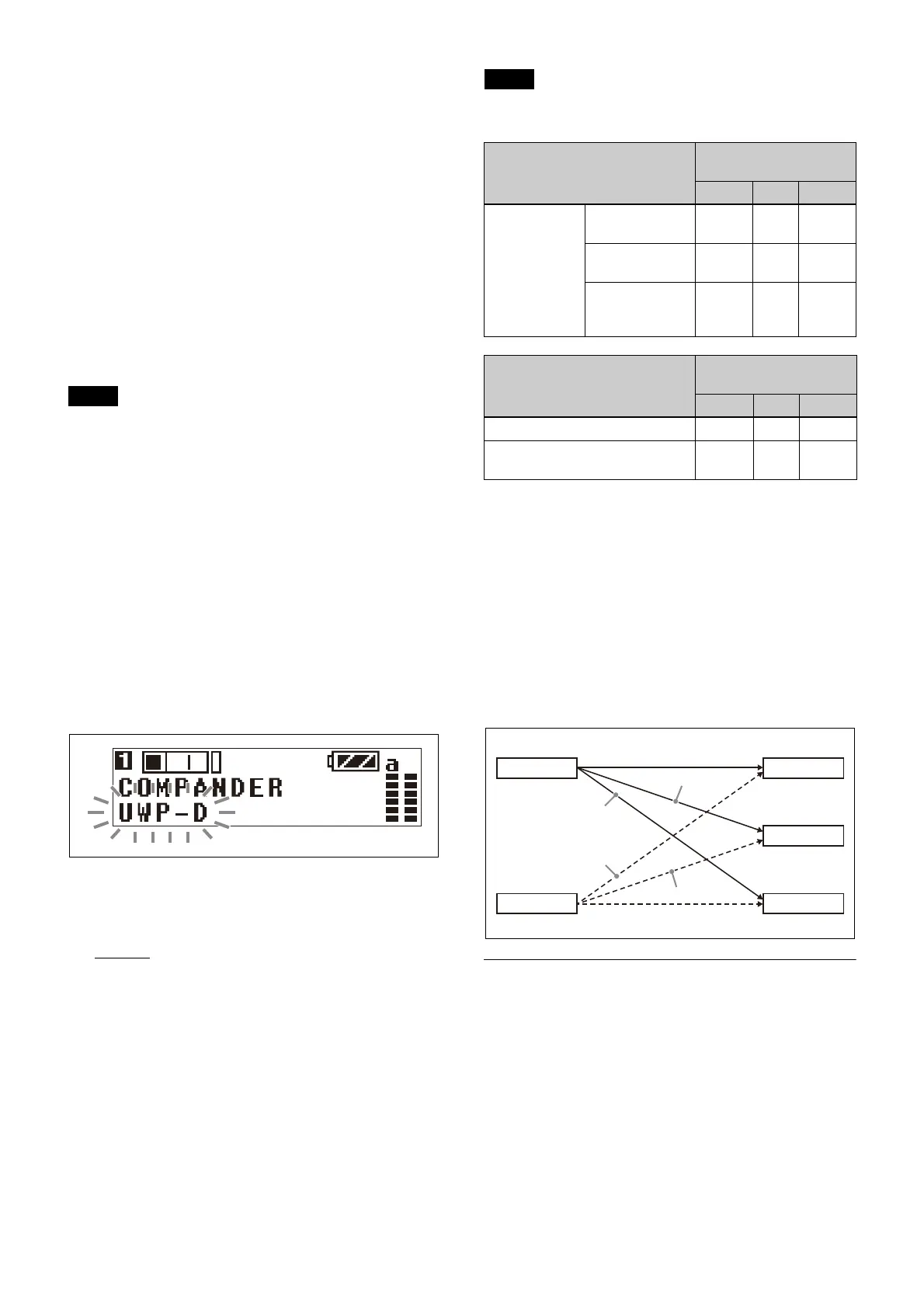
Setting the compander mode
(COMPANDER)
The compander mode must be switched depending on the
transmitter to be combined with the unit.
You can set different compander modes for tuner 1 and
tu
ner 2.
• When operating in conjunction with UWP-D series
t
ransmitters, set the compander mode of the transmitter
to the same setting as the unit (URX-P41D).
• No audio is output if the tone signal frequency is
d
ifferent due to the use of a combination of devices with
different compander mode settings.
1
Press the MENU button to display the RX1 menu or
RX2 menu.
2
Press the + or – button to display the COMPANDER
screen.
3
Press and hold the SET button for one second or
longer.
The selected items starts flashing.
4
Press the + or – button to select the compander mode,
then press the SET button.
The selected compander mode is set.
UWP-D: Select for combination with Sony UWP-D-
series transmitters.
UWP: S
elect for combination with Sony UWP-series
transmitters.
WL800: Sel
ect for combination with Sony WRT-
series transmitters.
Transmitter and compander mode
combinations
Configure the correct compander mode for the transmitter
you are using.
No audio will be output if the c
ombination of transmitter
and compander mode setting is incorrect.
Selecting the connector for output of
received audio (OUTPUT ASSIGN)
Selects the connector for output of the received signal.
The factory default settings are
OUT1 for tuner 1 and
OUT2 for tuner 2.
OUT1: Ou
tput audio from the OUTPUT 1 connector.
OUT1/2: Outp
ut audio from both the OUTPUT 1/2
connectors.
OUT2: Ou
tput audio from the OUTPUT 2 connector.
The following combina
tion of output connector settings
are supported.
EXT.IN menu
Procedure for portable diversity tuner
(URX-P41D)
The EXT.IN menu is used to configure
settings for a
microphone connected to the MIC INPUT (audio input)
connector of the unit.
Selecting an external microphone to use
(MIC SELECT)
Selects the type of microphone connected to the MIC
INPUT (audio input) connector.
Notes
Note
Transmitter Compander mode of
unit
UWP-D UWP WL800
UWP-D series
(UTX
-B40,
UTX-M40,
UTX-P40,
UTX-B03,
UTX-M03,
UTX-P03,
UTX-B03
HR)
Compander
mode: UWP-D
a × ×
Compander
mode: UWP
× a ×
Compander
mode: WL800
× × a
Transmitter Compander mode of
unit
UWP-D UWP WL800
UWP series (UTX-B2, UTX-H2) × a ×
WRT series (WRT-822,
WRT-860, etc.)
× × a
Tuner 1
Tuner 2
OUTPUT1
OUTPUT2
OUTPUT1+2
RX1: OUT1
RX2: OUT2
RX1: OUT1/2
RX2: OUT1/2
RX1: OUT2
RX2: OUT1



 To Next Page