52
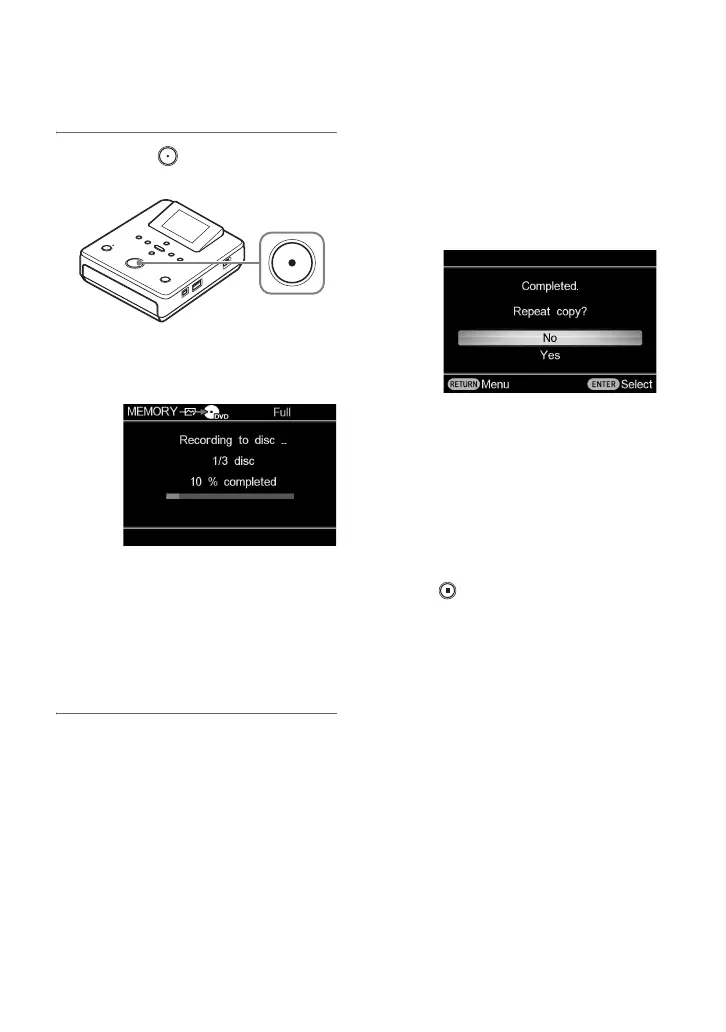
3 Press the (record) button to
start recording.
This unit starts the recording process.
The following appears in the display
window.
If the contents do not fit onto a single
disc
The disc will be ejected automatically
when it becomes full, and the message
“Insert a blank disc.” appears. Remove
the created disc and insert a blank one.
Recording will resume automatically.
When recording is completed
The message “Completed.” appears.
To repeat copy
For [Select Photos] in copy mode, you can
copy the same photos as the ones just
recorded.
The message [Completed. Repeat copy?]
appears.
If you want to copy the same photos as the
ones just recorded, select [Yes] to change a
disc.
When changing a DVD disc, a message
asking whether to finalize the disc will
appear if [Auto Finalizing] is set to [OFF]
(page 57). Follow the message.
To stop recording
Press the (stop) button when replacing a
disc.
You cannot stop while recording is in
progress.
z Hints
• For a DVD disc, the disc will be finalized
automatically when recording is complete if
[Auto Finalizing] is set to [ON] (page 57).
• This unit can recognize photo files stored up to
the 8th tree in a camera or memory card.
b Note
• When replacing a disc in step 3 or “To repeat
copy” (page 52), insert the same type of blank
disc as used at the beginning of the copy.



 To Next Page