103
nN
Upgrading your VAIO computer
Removing and installing a memory module (VGN-T series)
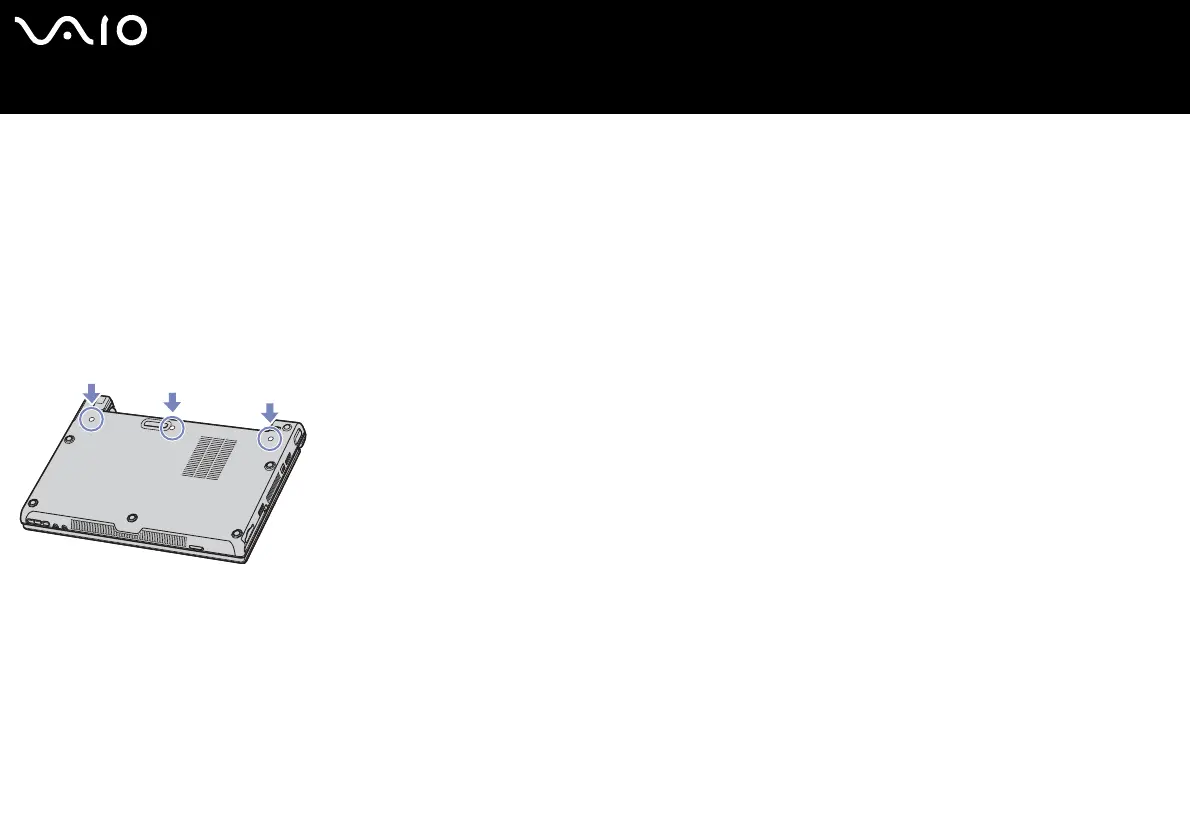
There is one memory slot at the bottom of your notebook and one under the keyboard.
To change or add a memory module, proceed as follows:
1 Shut down your computer and disconnect all peripheral devices.
2 Unplug the computer and remove the battery pack.
3 Wait until the computer cools down.
4 Unscrew the 3 keyboard screws at the bottom of your computer.
5 Touch a metal object (such as the connector panel on the back of your computer) to discharge static electricity.
6 Turn your computer around and lift the cover.






 To Next Page