90
nN
Connecting peripheral devices
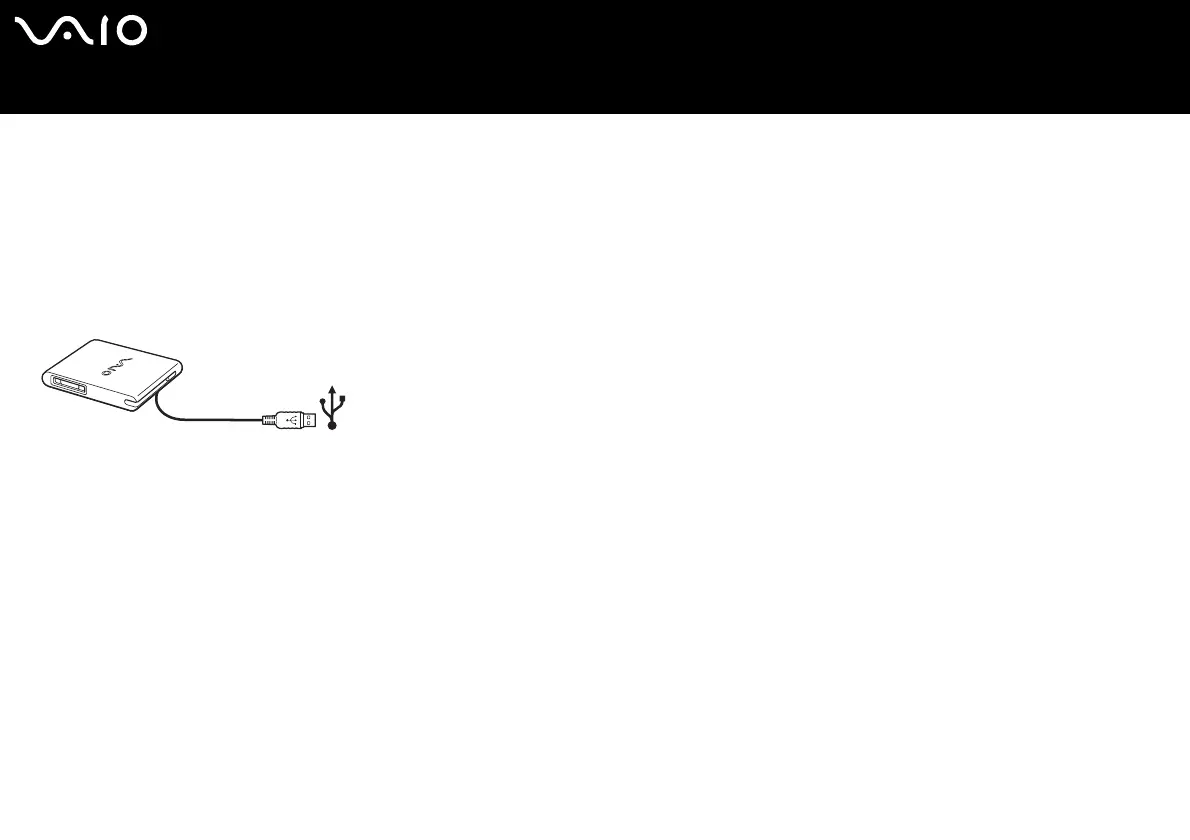
Connecting a USB floppy disk drive
As an optional extra, you can purchase a USB floppy disk drive and connect it to your computer.
To connect a USB floppy disk drive, proceed as follows:
1 Choose the USB connector you prefer to use.
2 Plug the USB floppy disk drive cable into the USB connector. The VAIO logo on the disk drive should be facing up.
Your USB floppy disk drive is now ready for use.
✍ When using a USB floppy disk drive, do not apply force on the USB connector. This may cause a malfunction.
To remove a USB floppy disk drive, proceed as follows:
❑ If your computer is on, wait until the floppy drive LED indicator turns off and then unplug the USB cable. If the floppy disk drive
is not removed properly, your system may crash and you may lose any unsaved data.
❑ If your computer is off, you can unplug the USB cable directly from the computer.






 To Next Page