43
nN
Using your VAIO computer
Inserting a Memory Stick
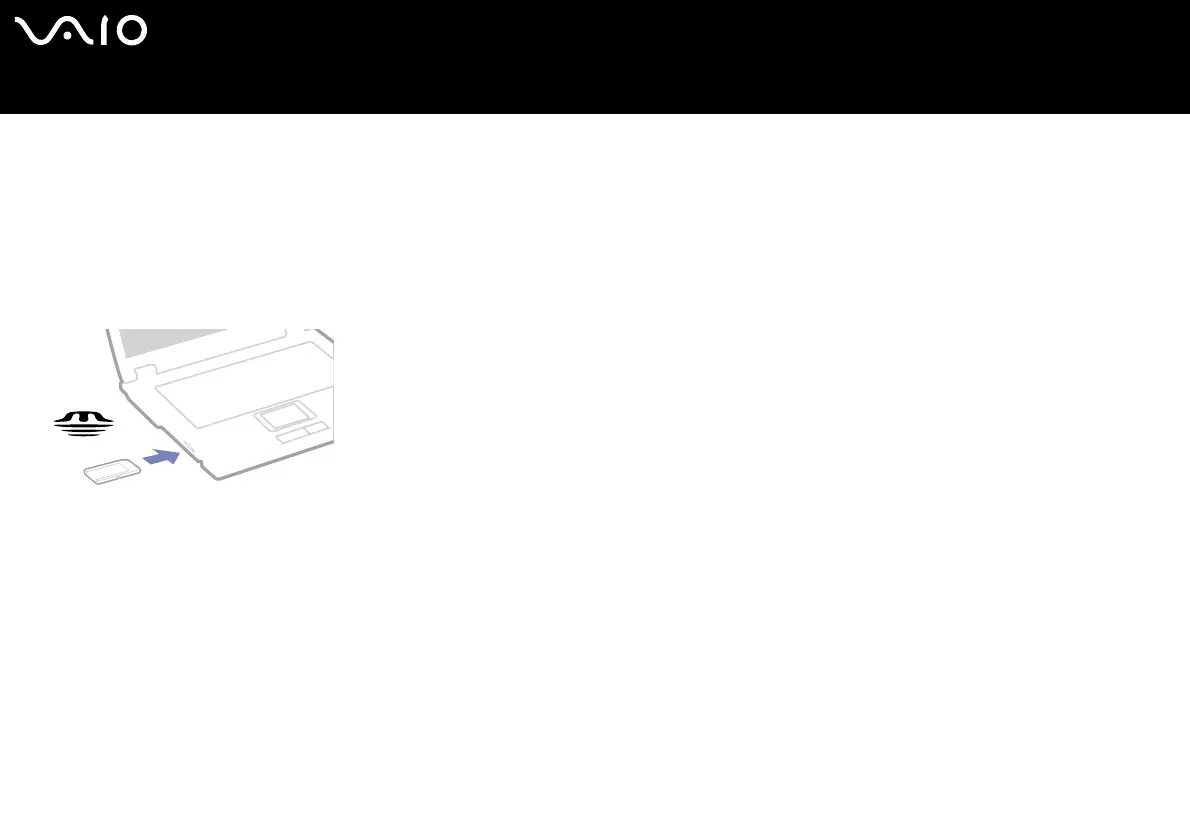
To insert a Memory Stick, proceed as follows:
1 Once you have stored your data from your digital device, insert the Memory Stick with the arrow facing up and toward the
Memory Stick slot.
2 Carefully slide the Memory Stick into the slot until it clicks in place.
The Memory Stick is automatically detected by your system and appears in your My Computer window as a local drive.
! Hold the Memory Stick with the arrow pointing in the correct direction when you insert it into the slot. To avoid damaging the computer or the Memory Stick, do not force
the Memory Stick into the slot if it does not insert smoothly.
Loading large volumes, for example, image clips, may take a while.






 To Next Page