42
nN
Using your VAIO computer
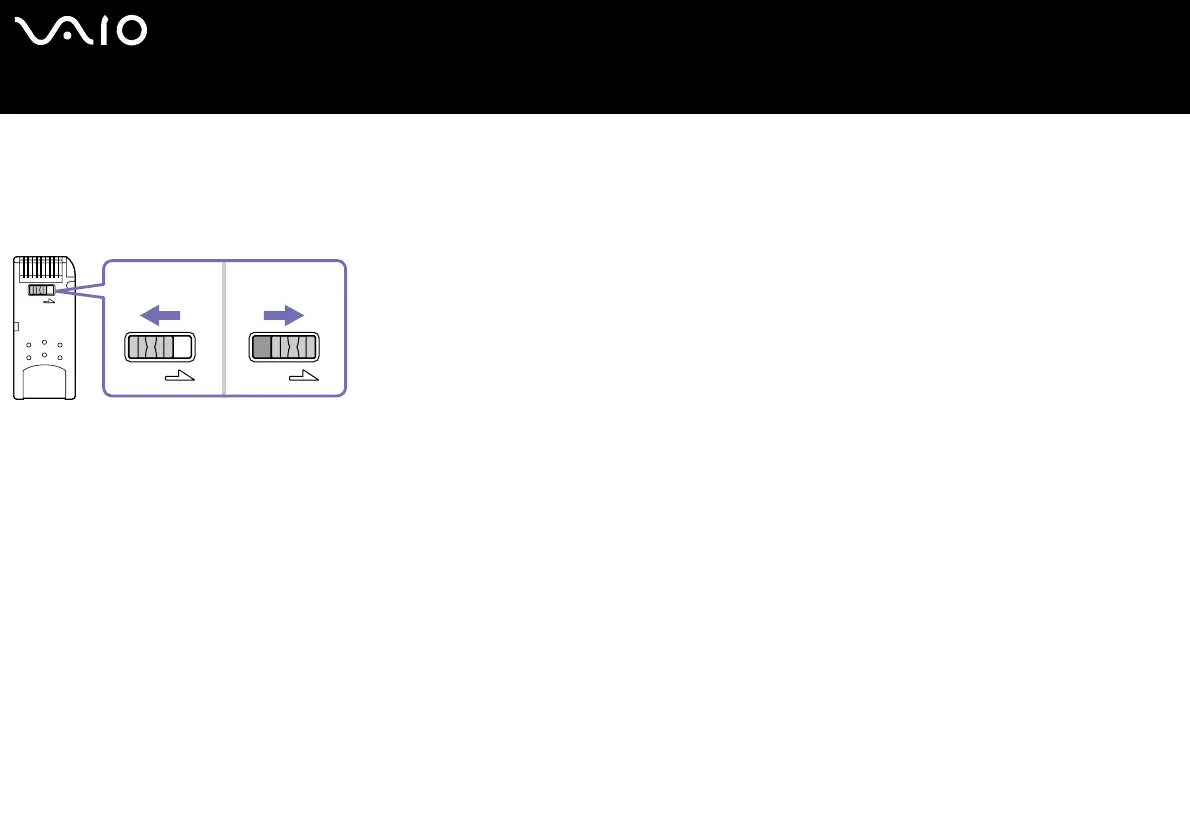
Write-protecting a Memory Stick
Some Memory Sticks are designed with an erasure prevention switch to protect valuable data from accidental erasure or overwriting.
Move the tab horizontally or vertically to set or release write-protection*. When the erasure prevention switch is off, data can be
saved on the Memory Stick. When the erasure prevention switch is on, data can be read from but not saved on the Memory Stick.
* Some kinds of Memory Stick do not have a lock switch.






 To Next Page