32
nN
Using your VAIO computer
Using the disc drive
Your computer is equipped with a disc drive. See the Specifications sheet for details on your model.
To insert a disc, proceed as follows:
1 Turn on the computer.
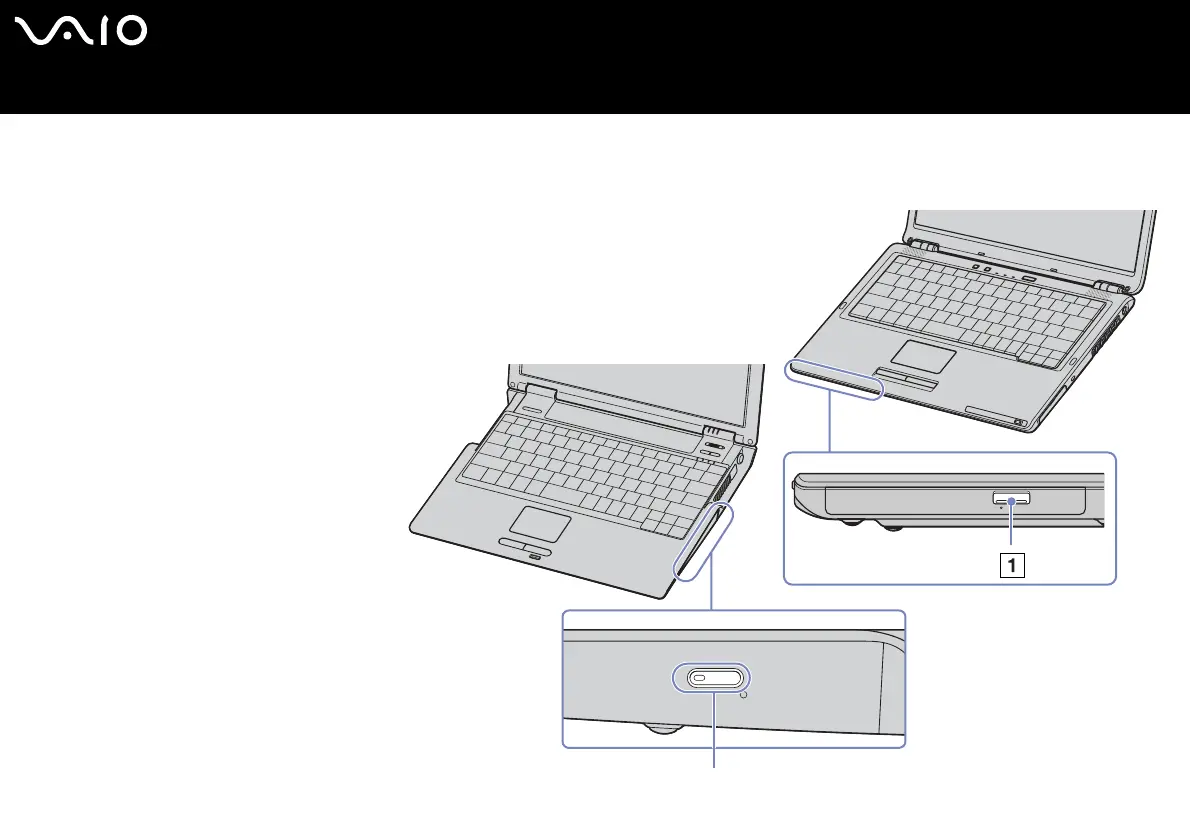
2 Press the eject button (1) to open the
drive.
The tray slides out.
3 Place a disc in the middle of the tray
with the label side facing up until the
disc clicks into place.
4 Close the tray by pushing it gently.
¨Graphics may differ from your notebook model.
✍ See the printed Guide to Troubleshooting and
Recovering your VAIO System and the VAIO
Troubleshooting - Burning DVDs and CDs in the
Windows Help and Support Center if you have
problems using discs.






 To Next Page