89
nN
Connecting peripheral devices
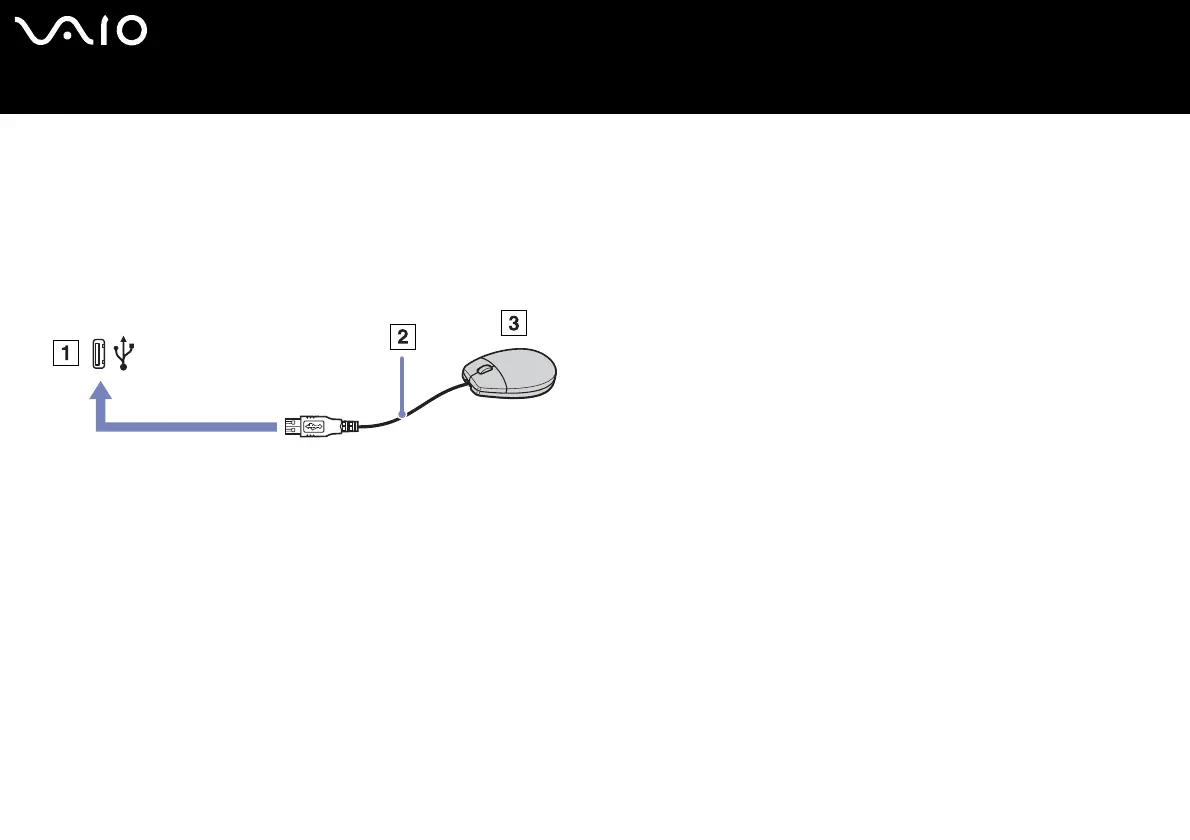
Connecting a USB mouse
To connect a USB mouse, proceed as follows:
1 Choose the USB connector (1) you prefer to use.
2 Plug the USB mouse cable (2) into the USB connector.
You can use your USB mouse (3).
✍ The VAIO USB mouse software driver is preinstalled on your computer, therefore, you only need to plug the USB mouse into the USB connector and you can start working.






 To Next Page