93
nN
Connecting peripheral devices
Connecting a printer
You can connect a Windows-compatible printer to your computer to print documents.
Connecting a printer using the USB connector
You can connect a USB printer compatible with your version of Windows to your computer.
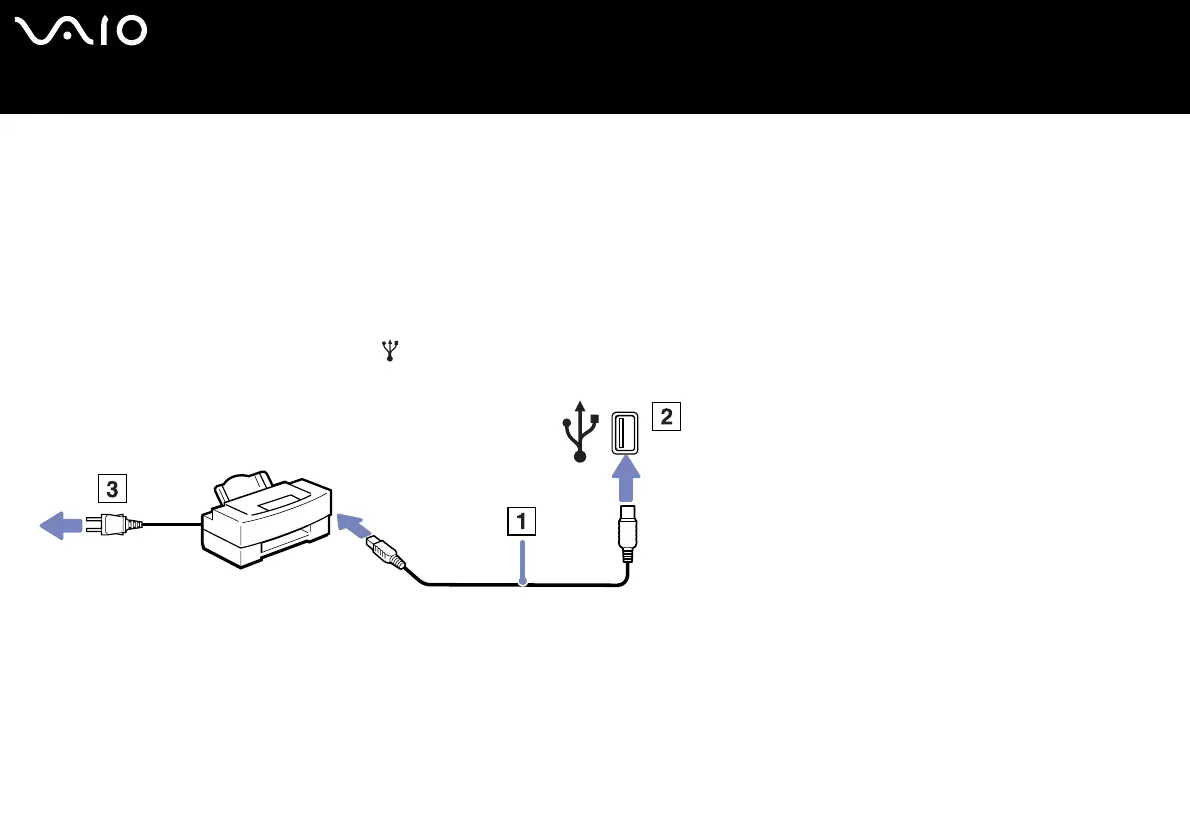
To connect a printer using the USB connector, proceed as follows:
1 Plug a USB printer cable (1) into one of the USB connectors (2) on your computer.
A USB connector is identified by the symbol on your computer and printer.
2 Plug the printer power cord into an AC outlet (3).






 To Next Page