65
nN
Connecting peripheral devices
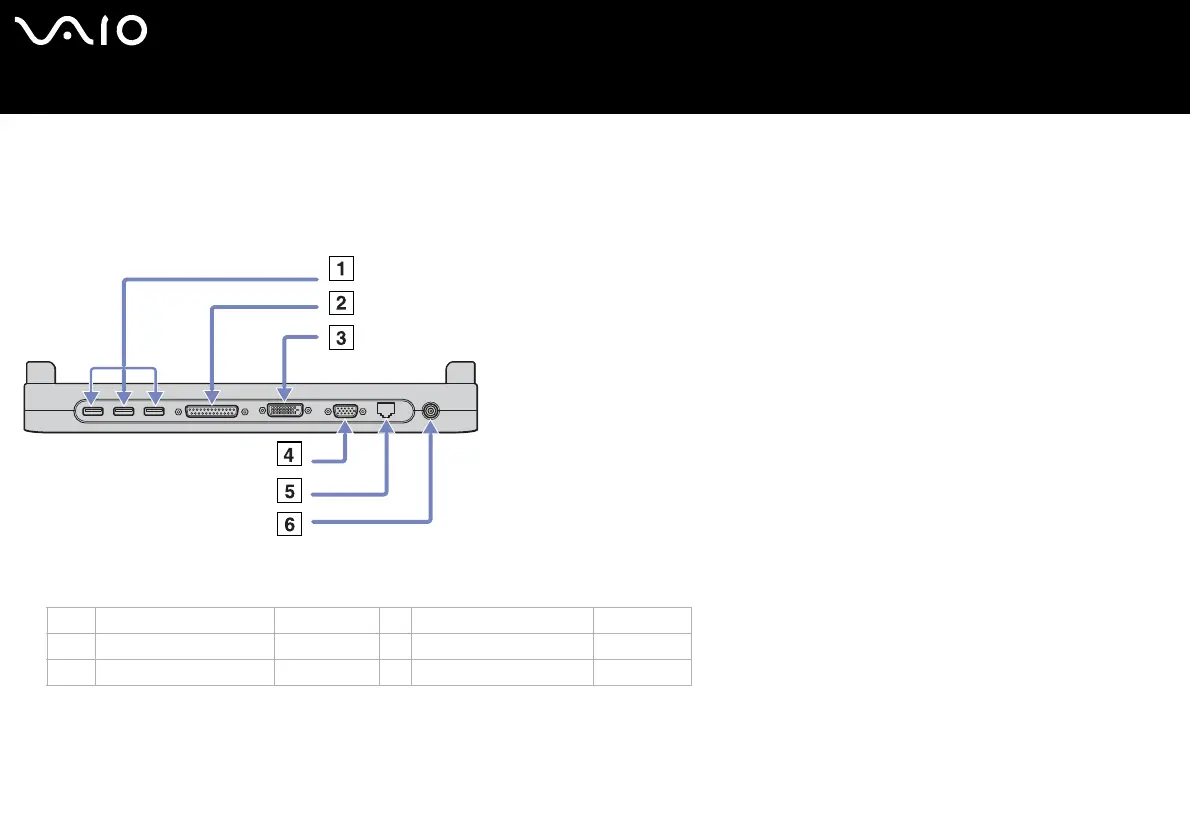
Connecting a docking station
Your computer supports the use of an optional docking station. Attaching a docking station enables you to connect additional
peripherals to your computer, such as a printer or an external display.
VGN-S series:
1 3 USB ports (page 88) 4 Monitor/VGA port (page 76)
2 Printer port (page 93) 5Network (page 98)
3 DVI-D connector (page 76) 6DC In (page 14)






 To Next Page