87
nN
Connecting peripheral devices
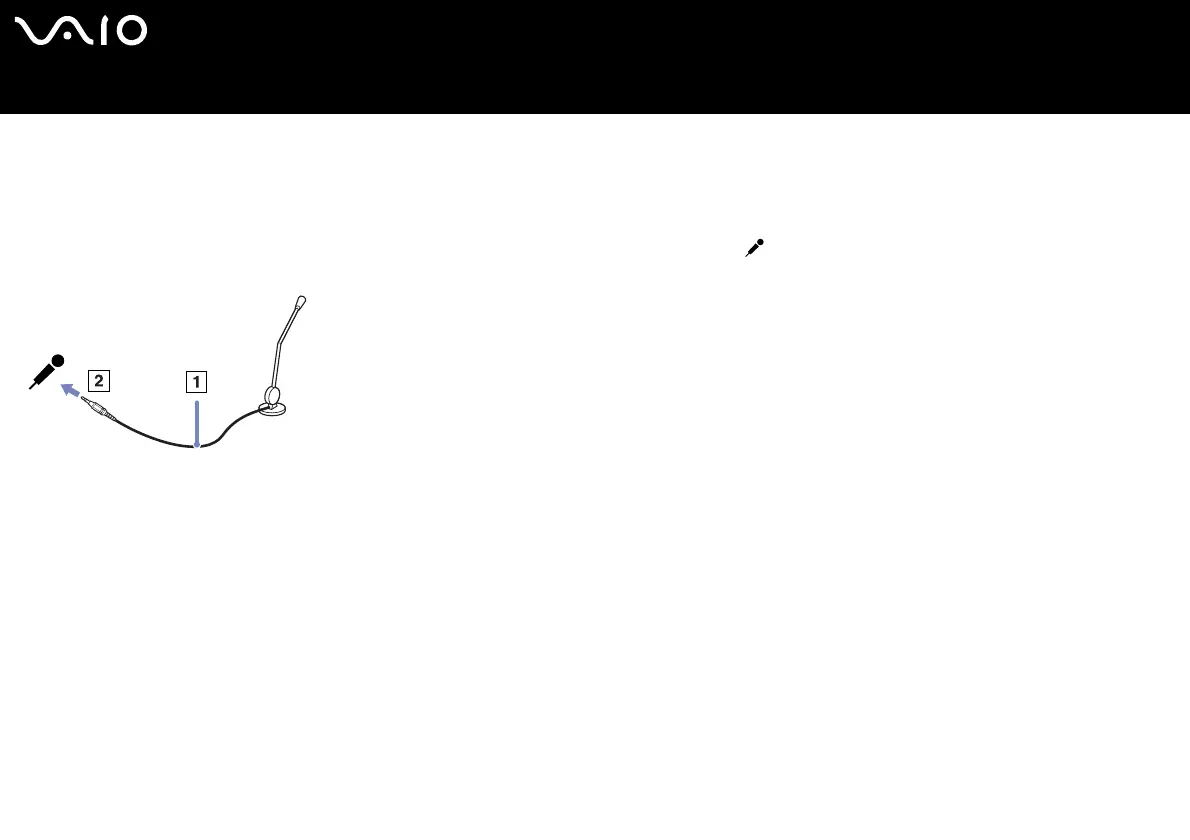
Connecting an external microphone
If you need to use a sound input device, for example to chat on the internet, you need to plug in an external microphone.
To connect an external microphone, proceed as follows:
Plug the microphone cable (1) into the microphone connector (2) identified by the symbol.
✍ Make sure your microphone is designed for computer use.






 To Next Page