16
nN
Using your VAIO computer
Inserting the battery pack (VGN-S series)
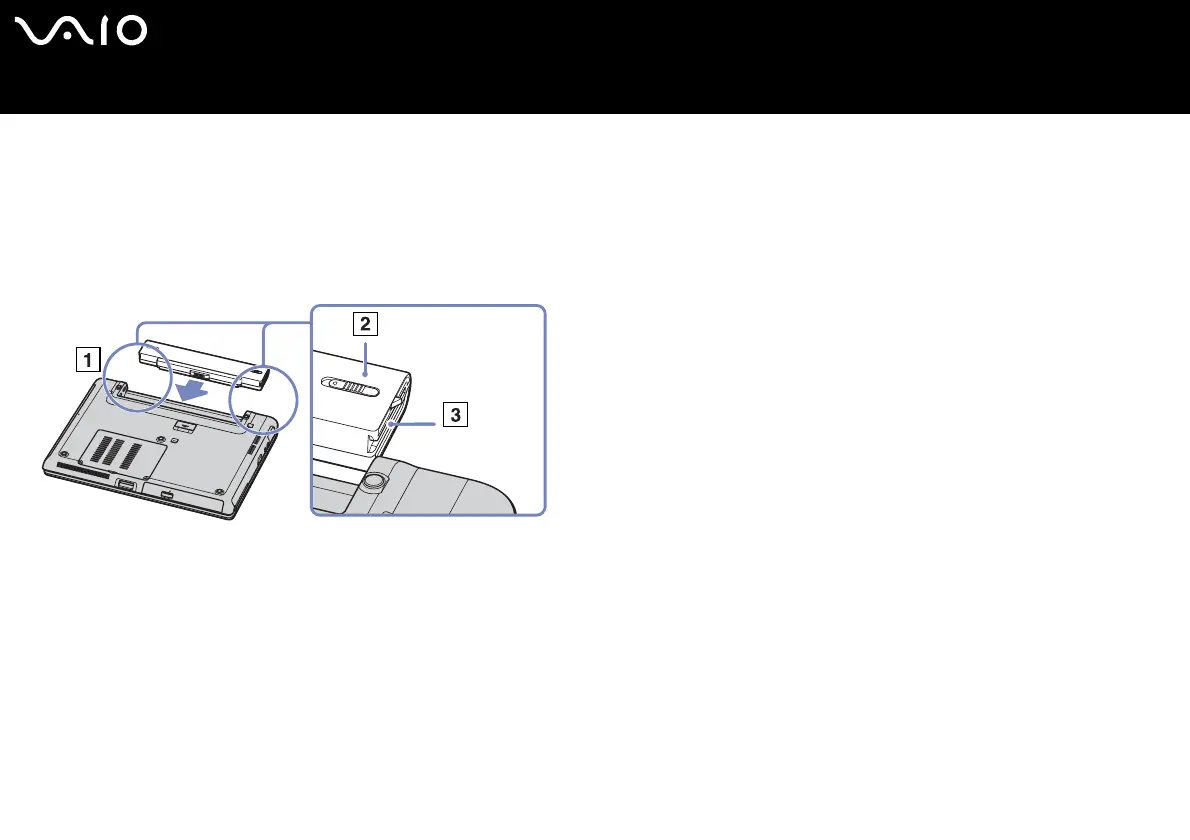
To insert the battery pack, proceed as follows:
1 Slide the battery into the compartment (1) until it clicks into place.
2 Slide the lock lever (2) into the Lock position to secure the battery on the computer.
3 Move the release lever (3) to the Release position.
✍ When the computer is directly connected to AC power and has a battery pack inserted in the battery bay, it uses power from the AC outlet.






 To Next Page