29
nN
Using your VAIO computer
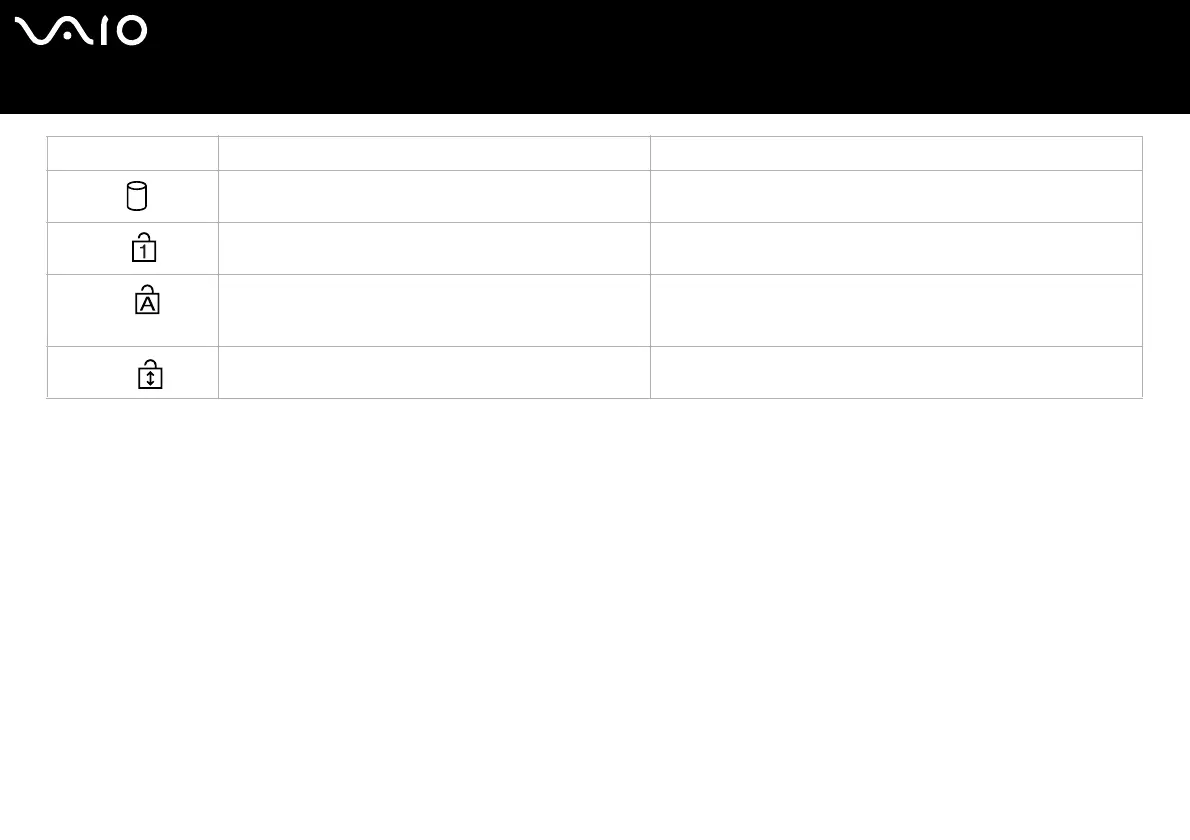
Light On Off
Hard disk
Data is read from or written to the hard drive. The hard drive is not being accessed.
Num Lock
Turns on when the number keys in the numeric keypad are
active.
Turns off when the alphanumeric character keys in the keypad area
are active.
Caps Lock
Turns on when the letters appear in uppercase as you type.
The <Shift> key lowers the case of typed characters when
Caps Lock is on.
Turns off when the letters appear in lowercase as you type (unless
you hold down the <Shift> key).
Scroll Lock
Turns on when the screen scrolls differently (not all
applications support this function).
Turns off when the information moves across the screen normally.






 To Next Page