70
nN
Connecting peripheral devices
Attaching your computer to the docking station (VGN-T series)
If your computer is equipped with a docking station, proceed as follows:
1 Disconnect all peripherals from the computer.
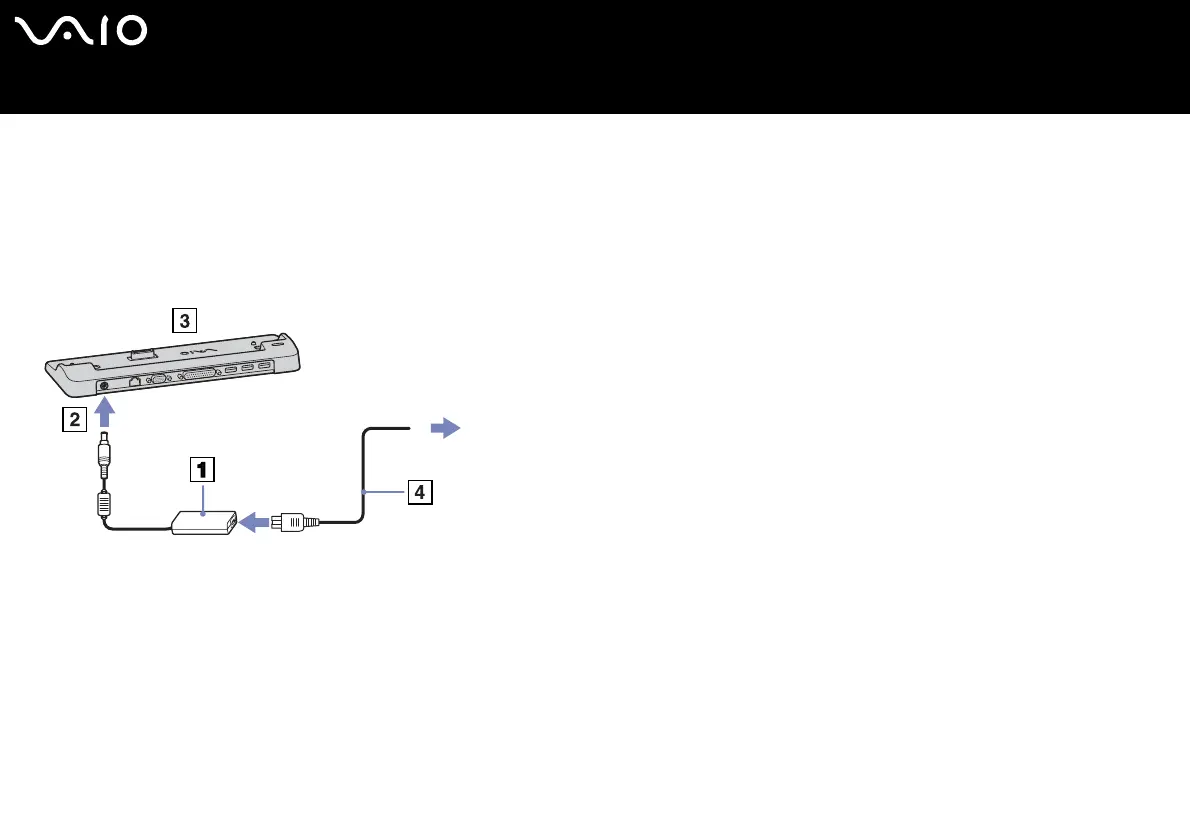
2 Plug the cable attached to the AC adapter (1) into the DC In port (2) on the docking station (3).
3 Plug the power cord (4) into the AC adapter and an AC outlet.
4 Remove the docking station cover located at the bottom of the notebook.
5 Place the notebook on the docking station and push down until it clicks into place.
6 Tur n o n t he no te bo ok .
✍ Use the AC adapter that comes with your notebook or the optional Sony adapter.






 To Next Page