23
Projecting an Image
Projecting/Adjusting an Image
1 Press the ?/1 key on the unit or the remote commander.
The projector starts shutdown and turns off. If you press the ?/1 key within 10 seconds
again, shutdown is cancelled.
Do not turn off the projector soon after the lamp lights. It may cause a malfunction of the lamp
(does not light ,etc.).
2 Unplug the AC power cord from the wall outlet.
To turn off without displaying confirmation message
Press and hold the ?/1 key on the unit for a few seconds (page 54).
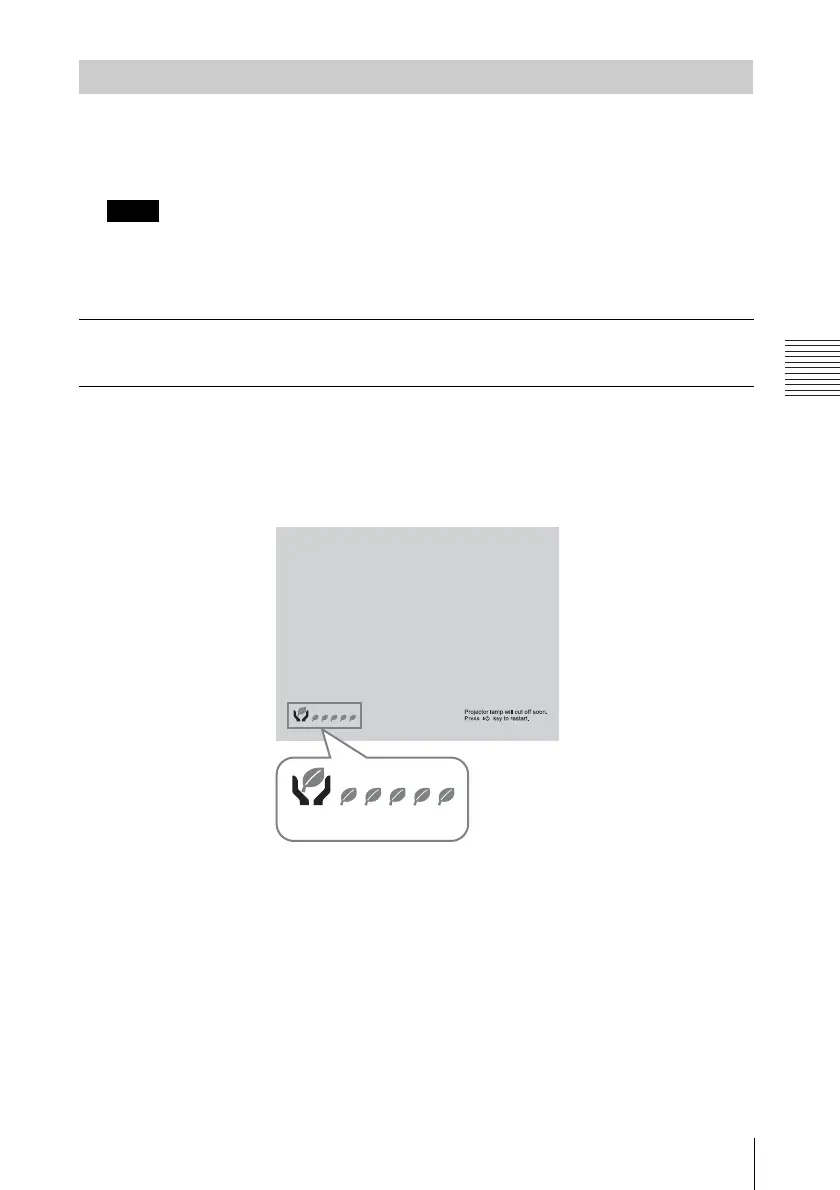
ECO gauge
This gauge indicates the current effectiveness of the projector’s ECO function. (For details on
the ECO function, see “ECO MODE key” (page 8) and “ECO” (page 31).)
The leaf icons are displayed when the projector is shut down. The number of displayed icons
varies according to how much energy is saved as a result of using the ECO function.
Turning Off the Power
Note
ECO gauge



 To Next Page