38
Using Network Features
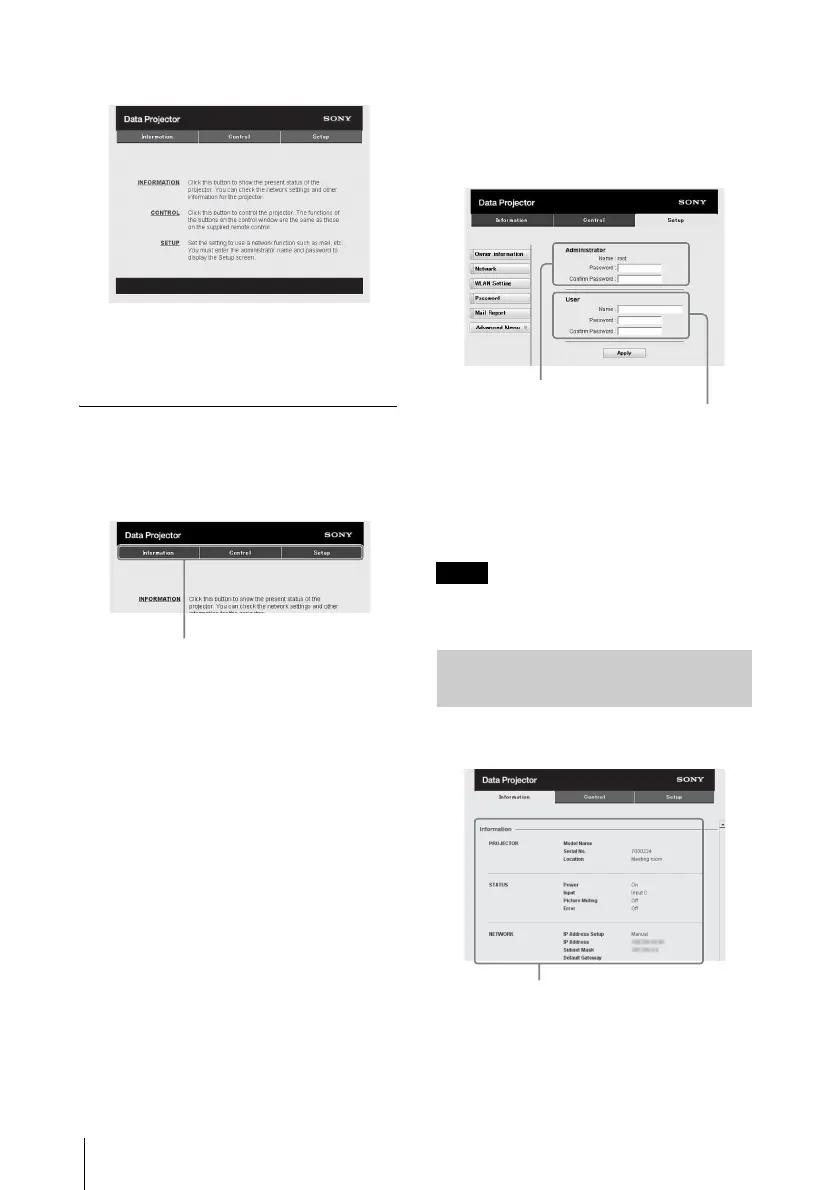
The following window appears in the
Web browser:
Once you make the network settings,
you can open the Control window only
by performing step 3 of this procedure.
How to operate the Control window
Switching the page
Click one of the Page Switching buttons to
display the desired setting page.
Setting the access limitation
You can limit a user for accessing any
particular page.
Administrator: Allowed access to all
pages
User: Allowed access to all pages except
the Setup page
Set the access limitation from [Password] of
the Setup page.
When you access the Setup page for the first
time, enter “root” in the user name box in the
authentication dialogue and enter
“Projector” in the password box.
The Name box of the Administrator is preset
to “root.”
When you change the password, input a new
password after deleting the password
(*****) that was set.
The password of the administrator and user
can be set using up to 16 characters for each.
If you forget your password, consult with
qualified Sony personnel.
You can confirm the current settings for the
projector on the Information page.
Page Switching buttons
Note
Confirming the Information
regarding the Projector
Entry area for [Administrator]
Entry area for [User]
Information area



 To Next Page