EasyManua.ls Logo

Sony VPL-HS20 - Page 30

Sony VPL-HS20
142 pages
Print Icon
To Next Page IconTo Next Page
To Previous Page IconTo Previous Page
Loading...
2-4
VPL-HS20
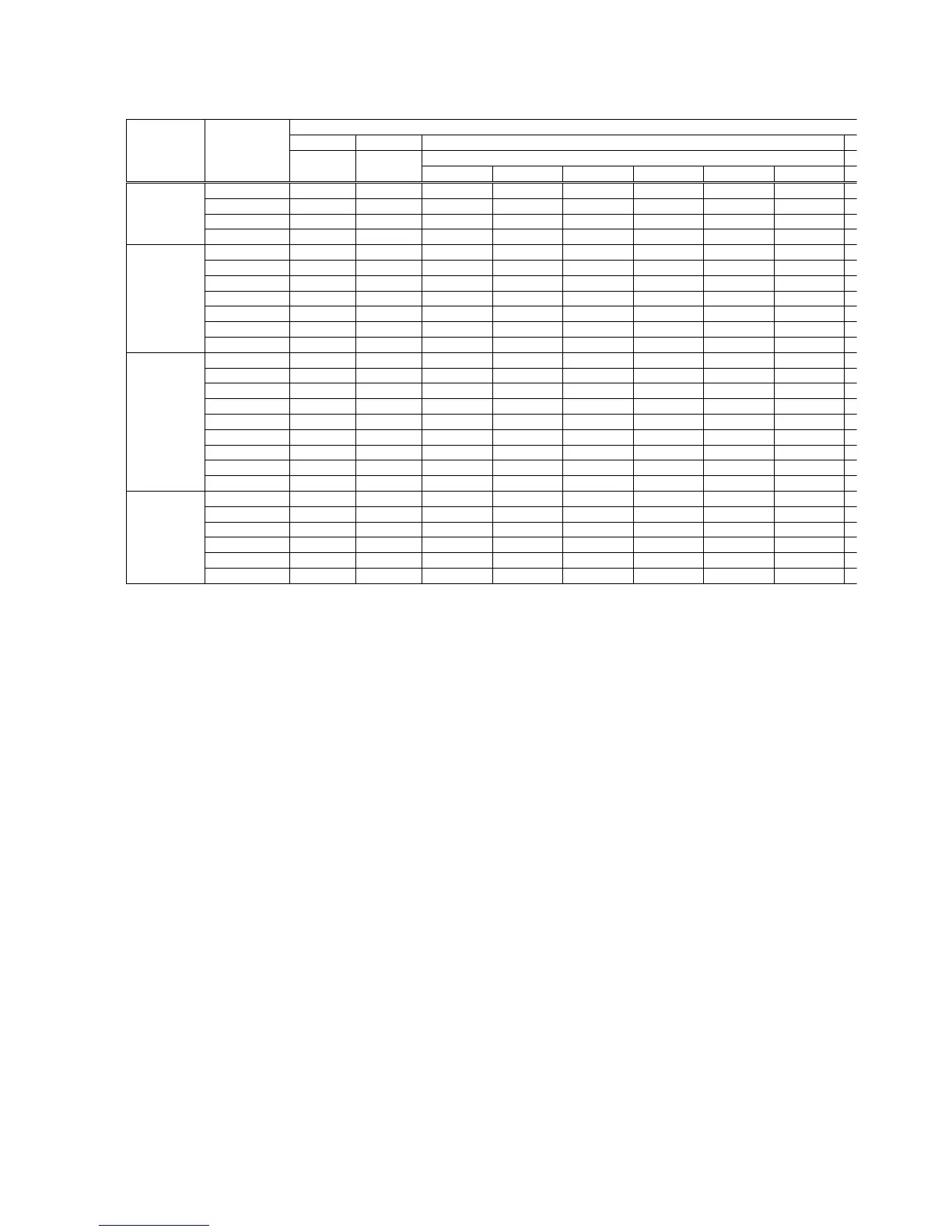
MenuTitle ItemName
Set Memory Status Memory
All Input Ch.
Dynamic Standard Cinema User1
On
English
Center
Black
Manual
0
Off
Off
Blue
On
Off
Indication only
Indication only
Indication only
Indication only
Indication only
Indication only
Indication only
Indication only
Indication only
MENU SETTING Status
Languege
Menu Position
Menu Color
V Keystone
Side Shot
Image Flip
Background
Test Pattern
High Altitude Mode
fH
fV
(Memory No.)
(Resolution)
Lamp Timer
ROM Version
SC ROM Version
Operation Timer
Prev. Lamp Timer
INSTALL SETTING
INFORMATION
W/B SETTING
Picture Memory
Memory Name
User2 User3
Gain R
G
B
Bias R
G
B
Manual...
* : “Dot Phase, H Size, Shift H/V and Picture Mode” in the “INPUT SETTING” menu have an initial value
respectively in accordance with the input signal (PRESET MEMORY No.).
Note : There are nonadjustable items in accordance with the input signal.

Related product manuals