1-4
VPL-HS60/HS51A
1-4. Replacing the Board
1-4-1. C Board
Removal
1. Remove the base assembly. (Refer to Section 1-3-1.)
2. Remove the rear cover and connector panel assembly.
(Refer to steps 2 to 4 of Section 1-3-3.)
3. Remove the four screws and disconnect the harness
from the connector (CN14) on the F board.
4. Remove the shield plate (CU).
5. Disconnect all harnesses and flexible flat cables from
the connectors on the C board, then remove the C
board.
6. Remove the shield plate (CD) from the C board.
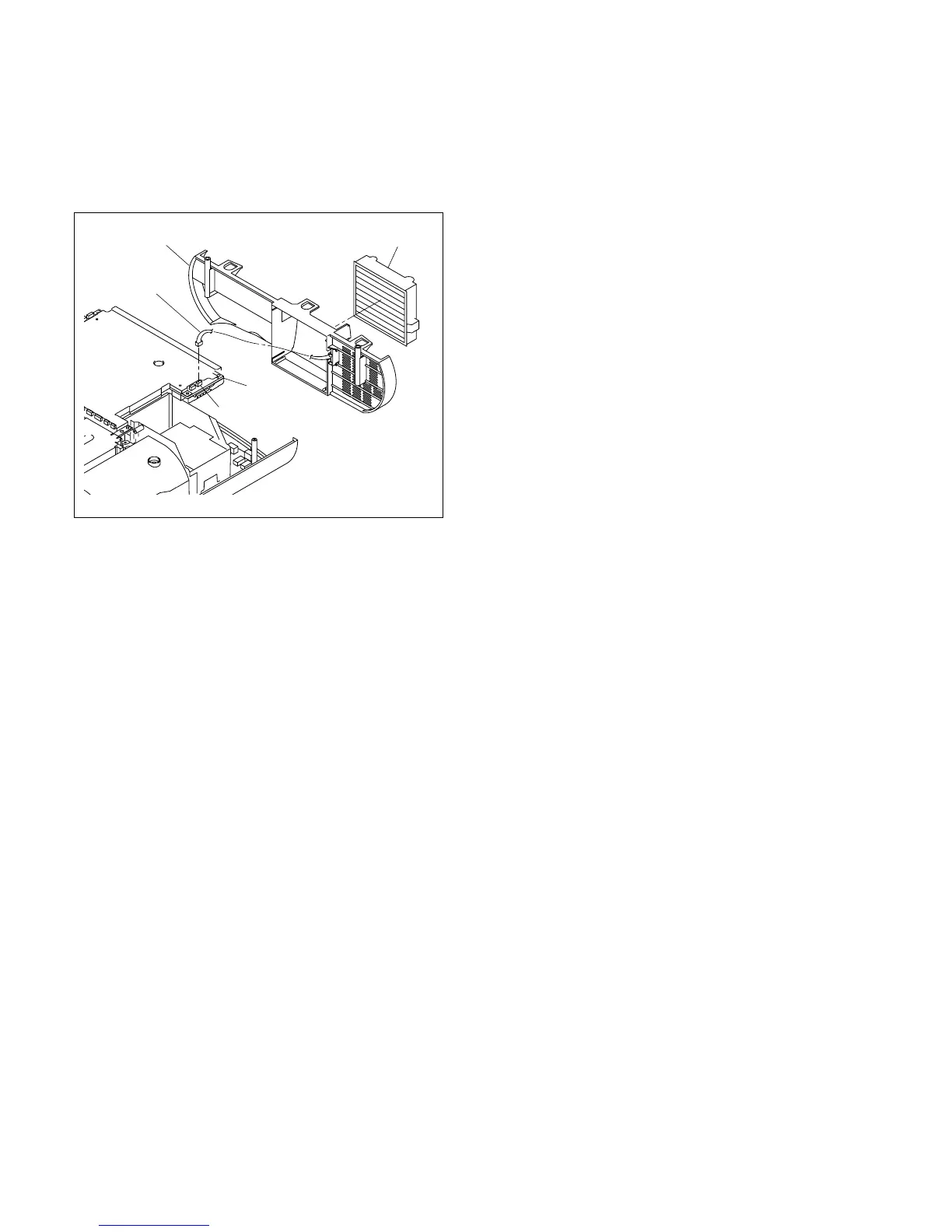
8. Disconnect the harness from the connector (CN201)
on the C board.
9. Remove the filter assembly.
10. Remove the rear panel.
Installation
11. Attach the rear cover and the rear panel in the reverse
order of steps 2 to 10.
12. Attach the base assembly.
C board
CN201
Rear panel Filter assembly
Harness



 To Next Page