1-21
VPL-HS60/HS51A
2. Minimum voltage adjustment for fan 1 drive
1. Enter “29: Fan1/Reg Min” in Other of Device Adjust.
2. Adjust the voltage so that pin 1 of the connector
CN1907 on the C board is within the following
specification.
Specification: 4.60 ± 0.05 V
3. Maximum voltage adjustment for fan 4 drive
1. Enter “30: Fan2/Reg Max” in Other of Device Adjust.
2. Adjust the voltage so that pin 1 of the connector
CN1910 on the C board is within the following
specification.
Specification: 12.0
+0.1
V
_0.2
4. Maximum voltage adjustment for fan 3 drive
1. Adjust the voltage so that pin 1 of the connector
CN1909 on the C board is within the following
specification.
Specification: 12.0
+0.1
V
_0.2
5. Minimum voltage adjustment for fan 4 drive
1. Enter “31: Fan2/Reg Min” in Other of Device Adjust.
2. Adjust the voltage so that pin 1 of the connector
CN1910 on the C board is within the following
specification.
Specification: 6.7
+0.1
V
_0.2
6. Minimum voltage adjustment for fan 3 drive
1. Adjust the voltage so that pin 1 of the connector
CN1909 on the C board is within the following
specification.
Specification: 6.7
+0.1
V
_0.2
7. Maximum voltage adjustment for fan 5 drive
1. Enter “32: Fan3/Reg Max” in Other of Device Adjust.
2. Adjust the voltage so that pin 1 of the connector
CN1911 on the C board is within the following
specification.
Specification: 12.0 ± 0.1 V
8. Minimum voltage adjustment for fan 5 drive
1. Enter “33: Fan3/Reg Max” in Other of Device Adjust.
2. Adjust the voltage so that pin 1 of the connector
CN1911 on the C board is within the following
specification.
Specification: 4.60 ± 0.05 V
Procedure after adjustment
1. Change the value of “27:Fan/Reg Adj.Cont” from 1 to 0.
2. Save the value in the memory.
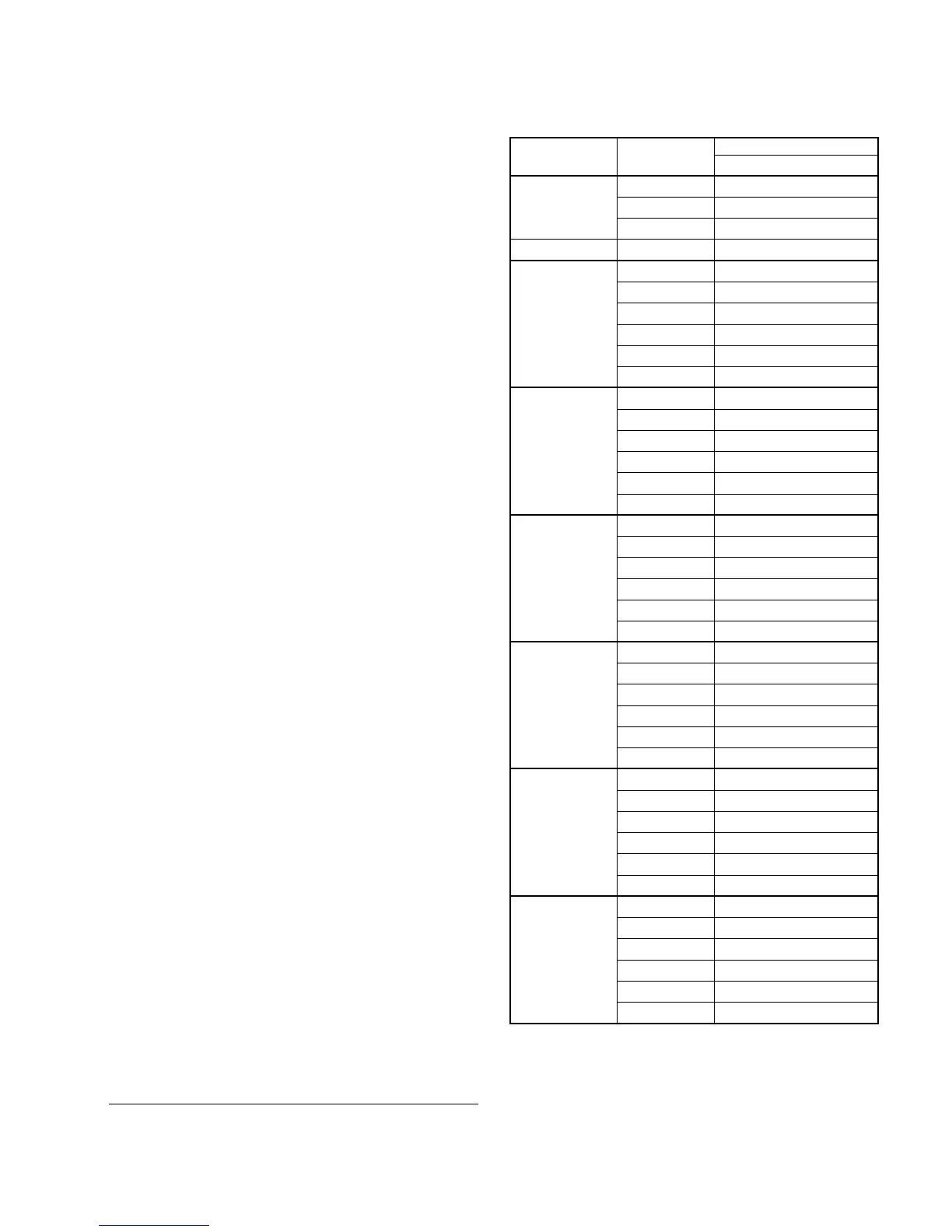
Cross Table of Board Replacement
Board Name
Device Name Item Name C
P.DRV VCOM (R) O
VCOM (G) O
VCOM (B) O
W/B ADJUST
INPUT-A HIGH GAIN R O
GAIN G O
GAIN B O
BIAS R O
BIAS G O
BIAS B O
INPUT-A LOW GAIN R O
GAIN G O
GAIN B O
BIAS R O
BIAS G O
BIAS B O
INPUT-A HIGH GAIN R O
GAIN G O
GAIN B O
BIAS R O
BIAS G O
BIAS B O
INPUT-A MID GAIN R O
GAIN G O
GAIN B O
BIAS R O
BIAS G O
BIAS B O
VIDEO MID GAIN R O
GAIN G O
GAIN B O
BIAS R O
BIAS G O
BIAS B O
VIDEO LOW GAIN R O
GAIN G O
GAIN B O
BIAS R O
BIAS G O
BIAS B O
O: Need adjustment



 To Next Page