18
Projecting an Image
6 When projecting a computer image, switch your computer’s output to
external display.
The method to switch the output varies depending on the type of
computer.
(Example)
To play video and audio using USB Connection, see “Playing Video and Audio
using USB Connection” (page 64). To use Presentation Function via Network,
see “Presentation Function via Network” (page 54).
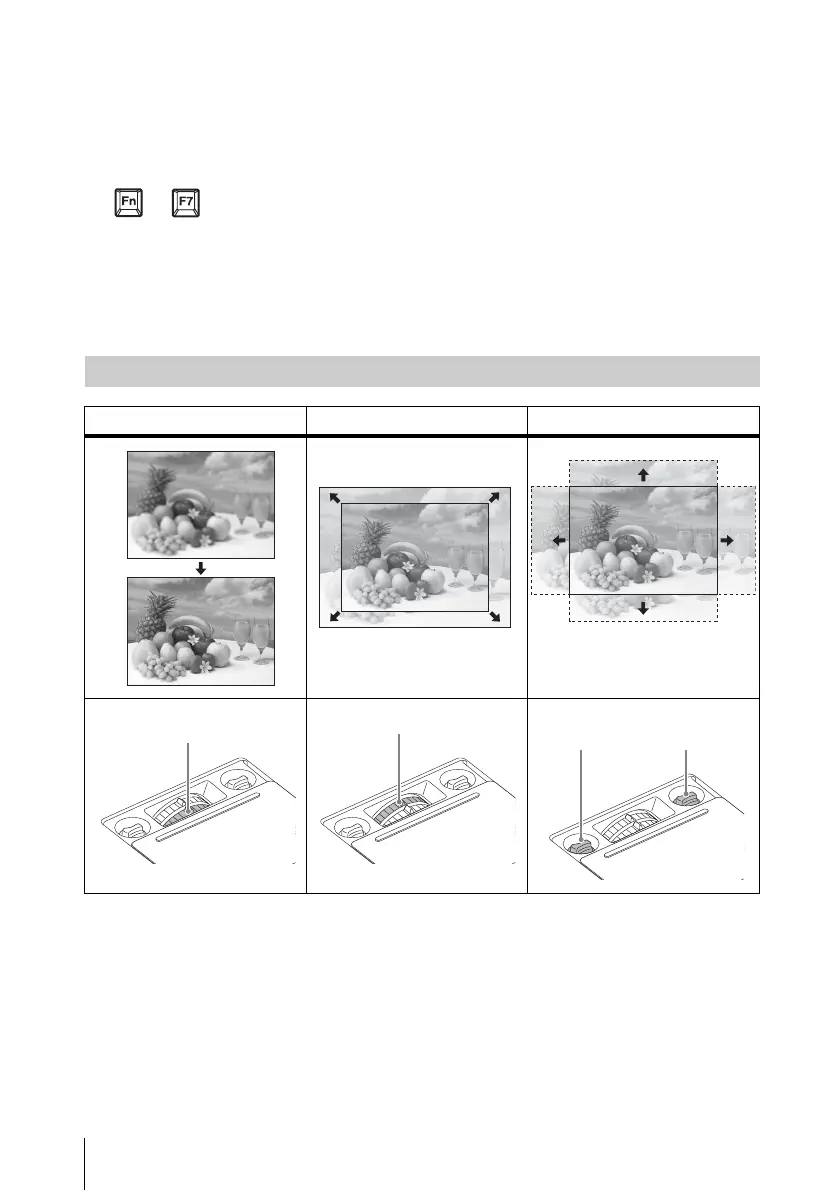
7 Adjust the focus, size and position of the projected image (page 18).
+
Adjusting the Focus, Size, and Position of the Projected Image
Focus Size (Zoom) Position (Lens shift)
V lens
shift dial
H lens
shift dial


 To Next Page