65
Playing Video and Audio using USB Connection
Playing Video and Audio using USB Connection
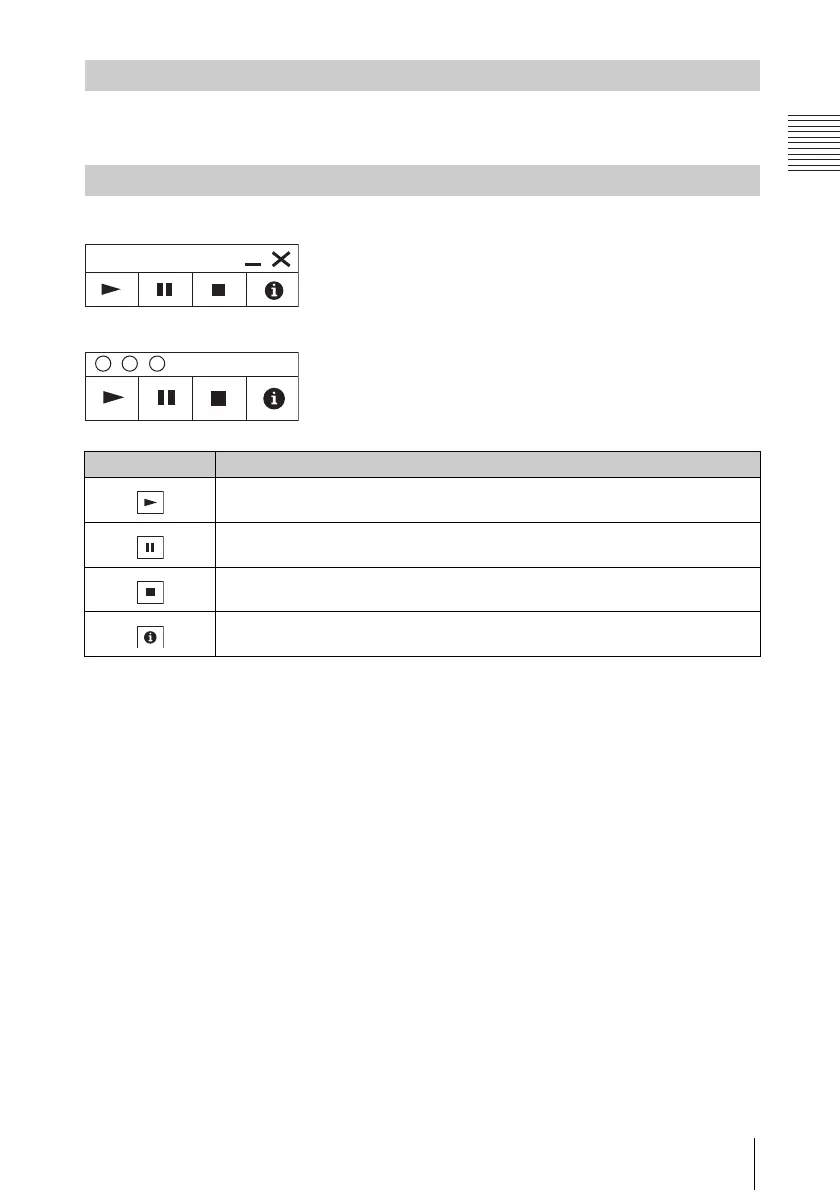
After starting USB Display, the controller appears on the screen, and projection
playback starts automatically.
For Windows
For Mac
Playing Video and Audio
Using the Controller
Items Functions
Start audio/video playback.
Pause audio/video playback.
Stop audio/video playback (the screen turns black).
Display information about USB Display.



 To Next Page