23
GB
Step 3: Adjusting the Picture Size and Position
Connections and Preparations
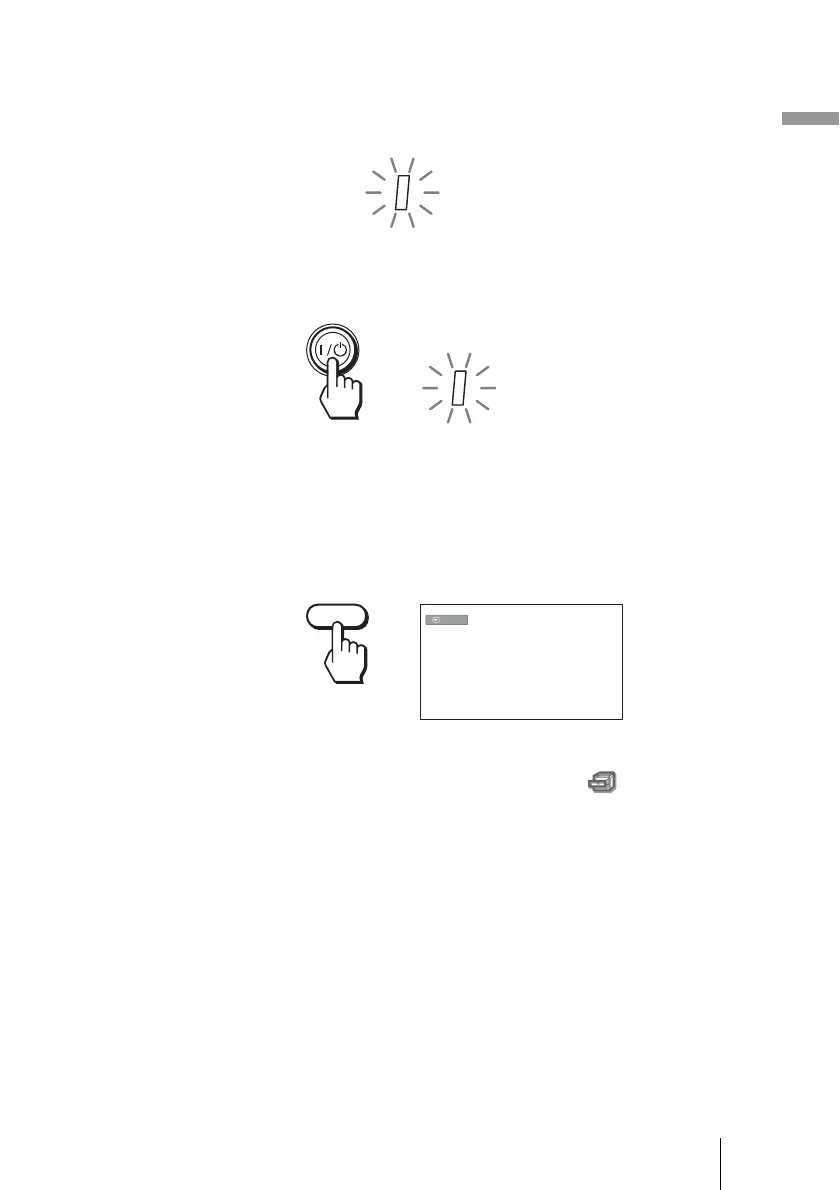
1 Plug the AC power cord into a wall outlet.
The ON/STANDBY indicator lights in red and the projector goes into
standby mode.
2 Press the ?/1 (on/standby) switch to turn on the projector.
The ON/STANDBY indicator flashes in green, and then lights in green.
3 Turn on the equipment connected to the projector.
Refer to the operating instructions of the connected equipment.
4 Press INPUT to project the picture on the screen.
Each time you press the button, the input indication and equipment to be
projected change. (1 page 30)
Tip
When “Auto Input Search” is set to “On” in the Function menu, the channel
of the signal input is automatically displayed by pressing INPUT. (1 page 50)
5 Adjust the vertical picture position.
Press the LENS button repeatedly until the Lens Shift adjustment window
(test pattern) appears. Then select the proper vertical position by pressing
the M/m/</, buttons.
To move the position upward, press
M or ,.
To move the position downward, press
m or <.
ON/
STANDBY
Lights in red.
ON/
STANDBY
Flashes in green for a few
seconds, and then lights in
green.
INPUT
Video



 To Next Page