49
GB
Signal Menu
Using the Menus
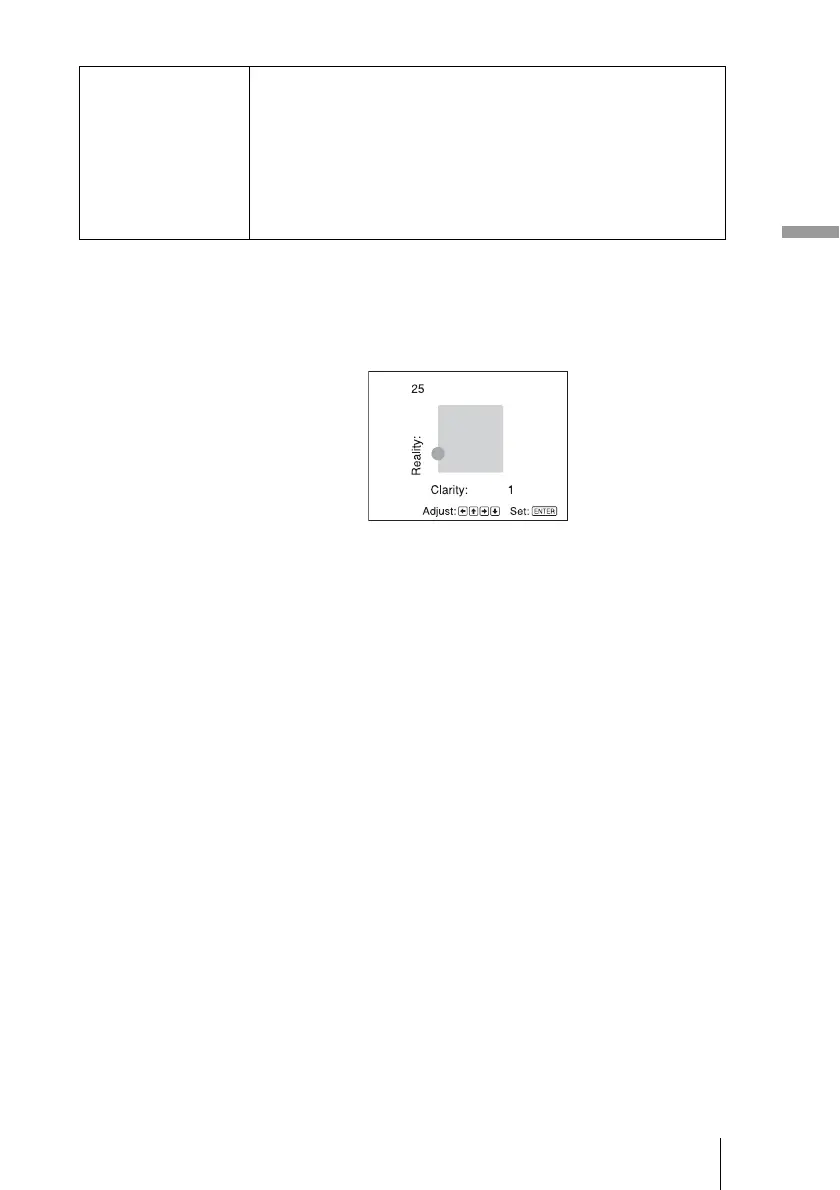
DRC Palette
You can adjust the “Reality” and “Clarity” of a picture to suite your taste.
This function is effective only when “Mode 1” or “Mode 2” is selected in DRC Mode.
To increase the value for “Clarity,” press the , button.
To decrease the value for “Clarity,” press the < button.
To increase the value for “Reality,” press the M button.
To decrease the value for “Reality,” press the m button.
Screen Area Selects the size of the picture when a Hi-Vision picture is
overscanned.
Full: Expands the picture on the whole of the screen.
Through: Does not expands the picture on the whole of the screen.
Note
This item is effective only when a Hi-Vision signal (preset memory
Nos. 7, 8, 9, 12, and 13) is input and “On” is selected in
“Over Scan.”



 To Next Page