GB
68
Replacing the Air Filter
filter cover for ceiling installation” (1
page 76).
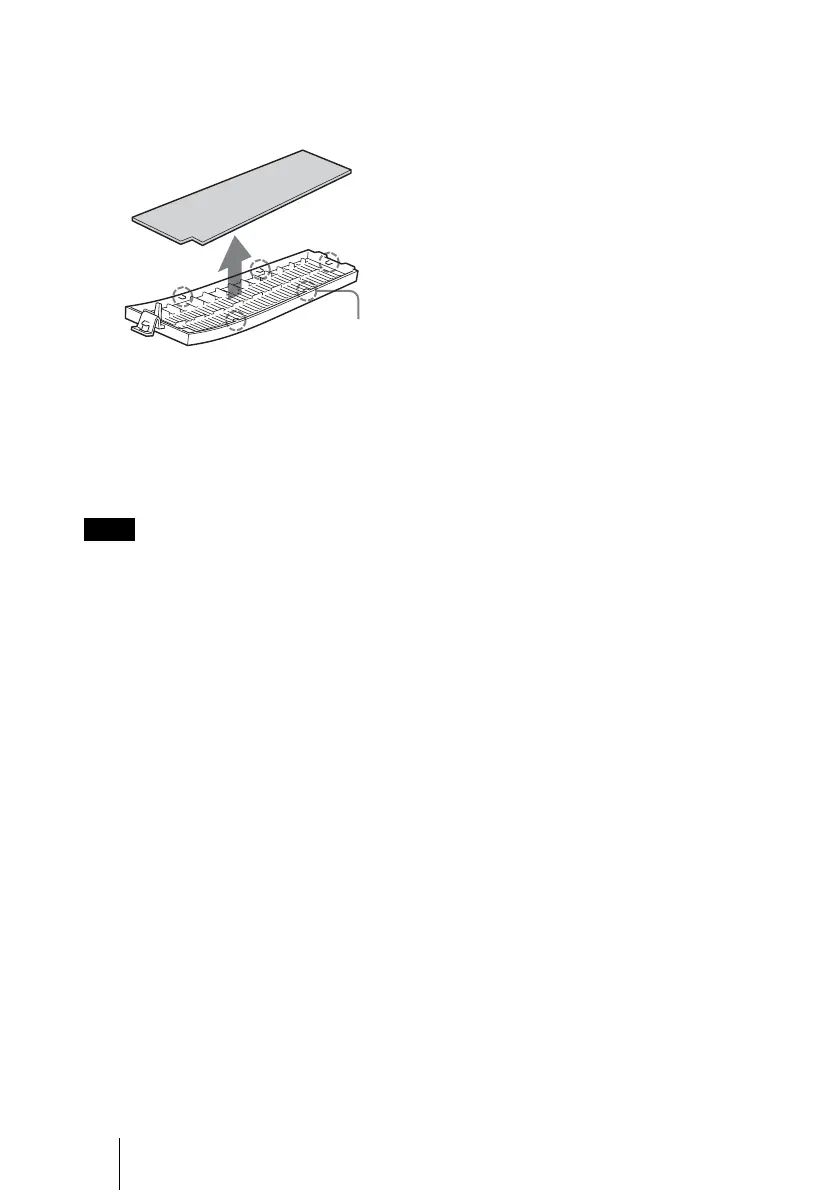
4 Remove the air filter.
5 Attach the new air filter so that it
fits into the each claws (5
positions) on the filter holder.
6 Attach the filter holder.
The projector will not turn on unless the filter
holder is securely closed.
Note
Claws



 To Next Page