NW-E013/E015/E016/E013F/E015F/E016F.GB 3-093-019-11(1)
10
10
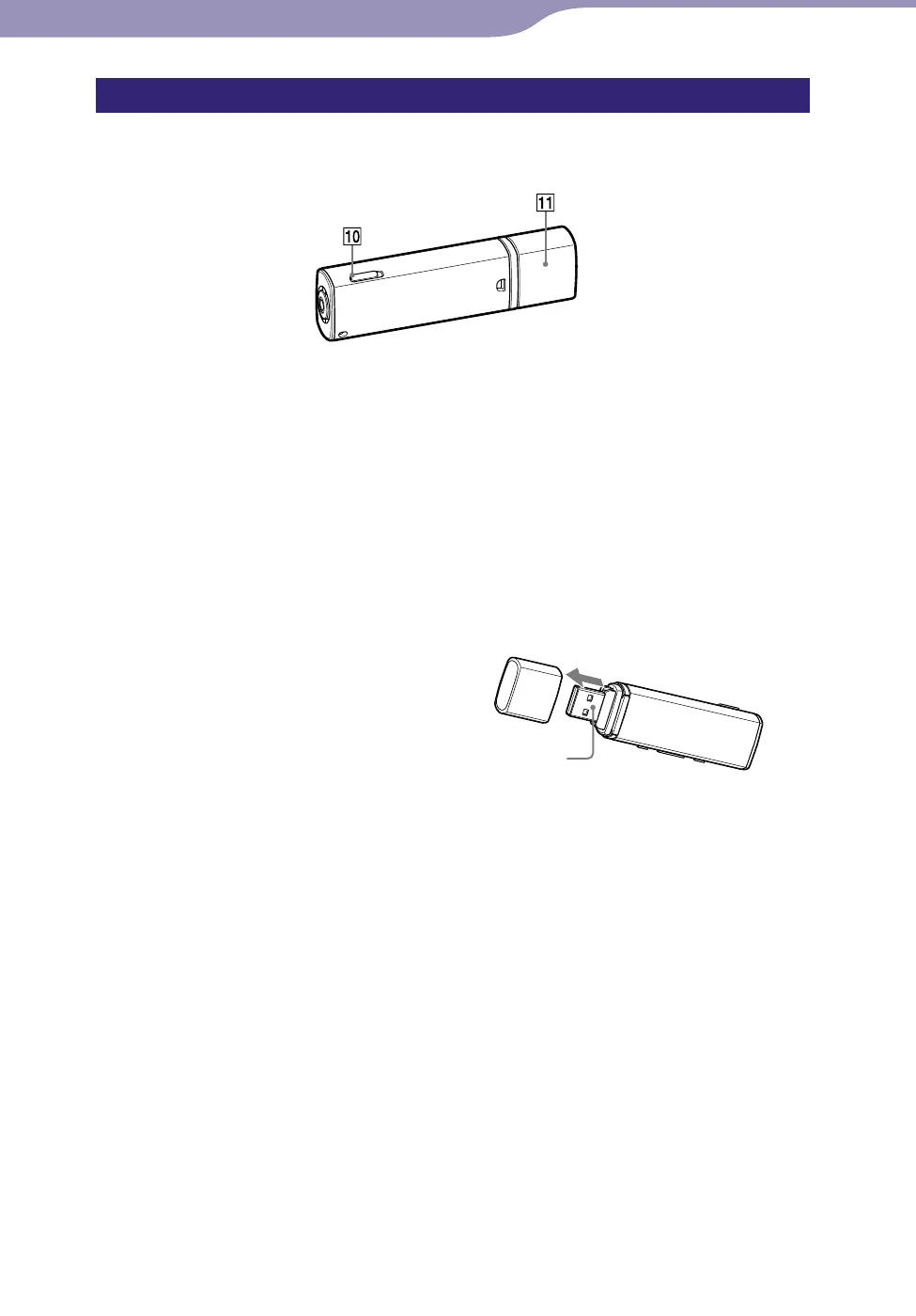
HOLD switch
You can protect the player against
accidental operation by using the
HOLD switch when carrying it.
By sliding the HOLD switch in the
direction of the arrow (), all
operation buttons are disabled. If you
press buttons while the HOLD
function is activated, “HOLD”
appears in the display. If you slide
the HOLD switch to the opposite
position, the HOLD function is
released.
USB cap
Remove the USB cap and connect
the USB connector of the player to a
USB port on your computer.
To remove the USB cap
Remove the USB cap as shown
below.
USB connector
Continued
Rear












 To Next Page