64
64
NW-E013/E015/E016/E013F/E015F/E016F.GB 3-093-019-11(1)
Listening to FM Radio (NW-E013F/E015F/E016F only)
Setting the Reception
(Scan Sens)
When you select stations using the “FM Auto Preset” function (
page 60) or
“Manual Tuning” (
page 61), the FM receiver may receive many unwanted
broadcast stations because the reception is too sensitive. In this case, set the
reception to “Scan Sens Low.” “Scan Sens High” is set by default.
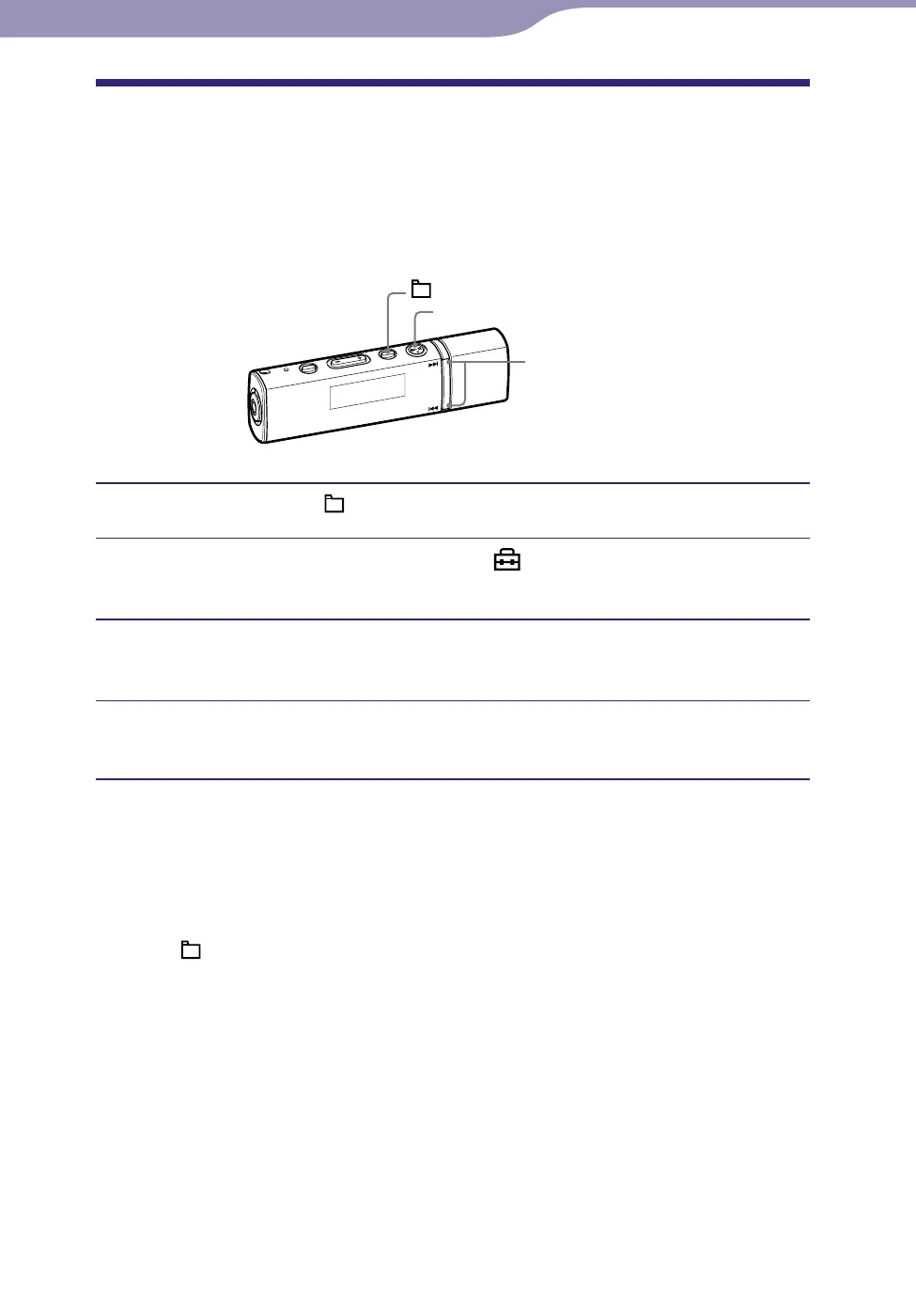
/ button
button
/HOME button
Press and hold the /HOME button until the HOME menu appears.
Press the / button to select (Settings), and then press
the button to conrm.
Press the / button to select “Scan Sens>,” and then press
the button to conrm.
Press the / button to select “Scan Sens Low,” and then
press the button to conrm.
To set the reception sensitivity back to the default
Select “Scan Sens High” in step
and press the
button to confirm.
To return to the previous menu
Press the /HOME button.












 To Next Page