NW-E013/E015/E016/E013F/E015F/E016F.GB 3-093-019-11(1)
35
35
Settings
Adjusting the Volume Level
(Dynamic Normalizer)
You can set to reduce the volume level between songs. With this setting, when
listening to album songs in the shuffle play mode, the volume level between
songs is moderated to minimize the difference in their recording levels.
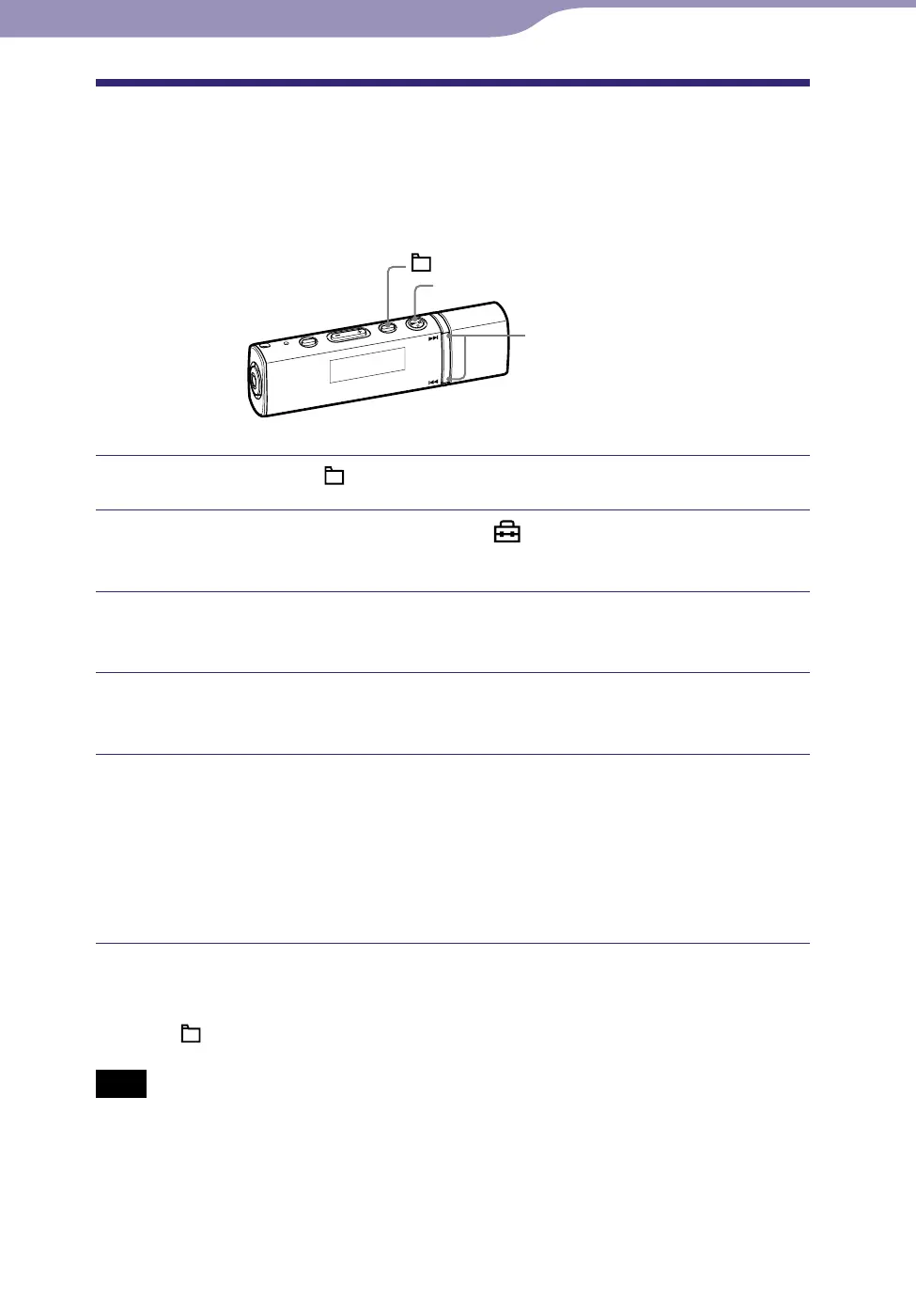
/ button
button
/HOME button
Press and hold the /HOME button until the HOME menu appears.
Press the / button to select (Settings), and then press
the button to conrm.
Press the / button to select “Advanced Settings>,” and then
press the button to conrm.
Press the / button to select “Dynamic Normalizer>,” and
then press the button to conrm.
Press the / button to select the setting, and then press the
button to conrm.
D. Normalizer ON: Minimizes the difference of the volume level between
songs.
D. Normalizer OFF: Plays back songs at the original volume level as
transferred. (Default setting)
To return to the previous menu
Press the /HOME button.
Note
This setting cannot be made while using the FM tuner (NW-E013F/E015F/E016F only).












 To Next Page