NW-E013/E015/E016/E013F/E015F/E016F.GB 3-093-019-11(1)
36
36
Settings
Changing the Song Order
(Sort)
You can set the song order by Album order, Albums by artist order, Artist
order, Genre order or Release year order.
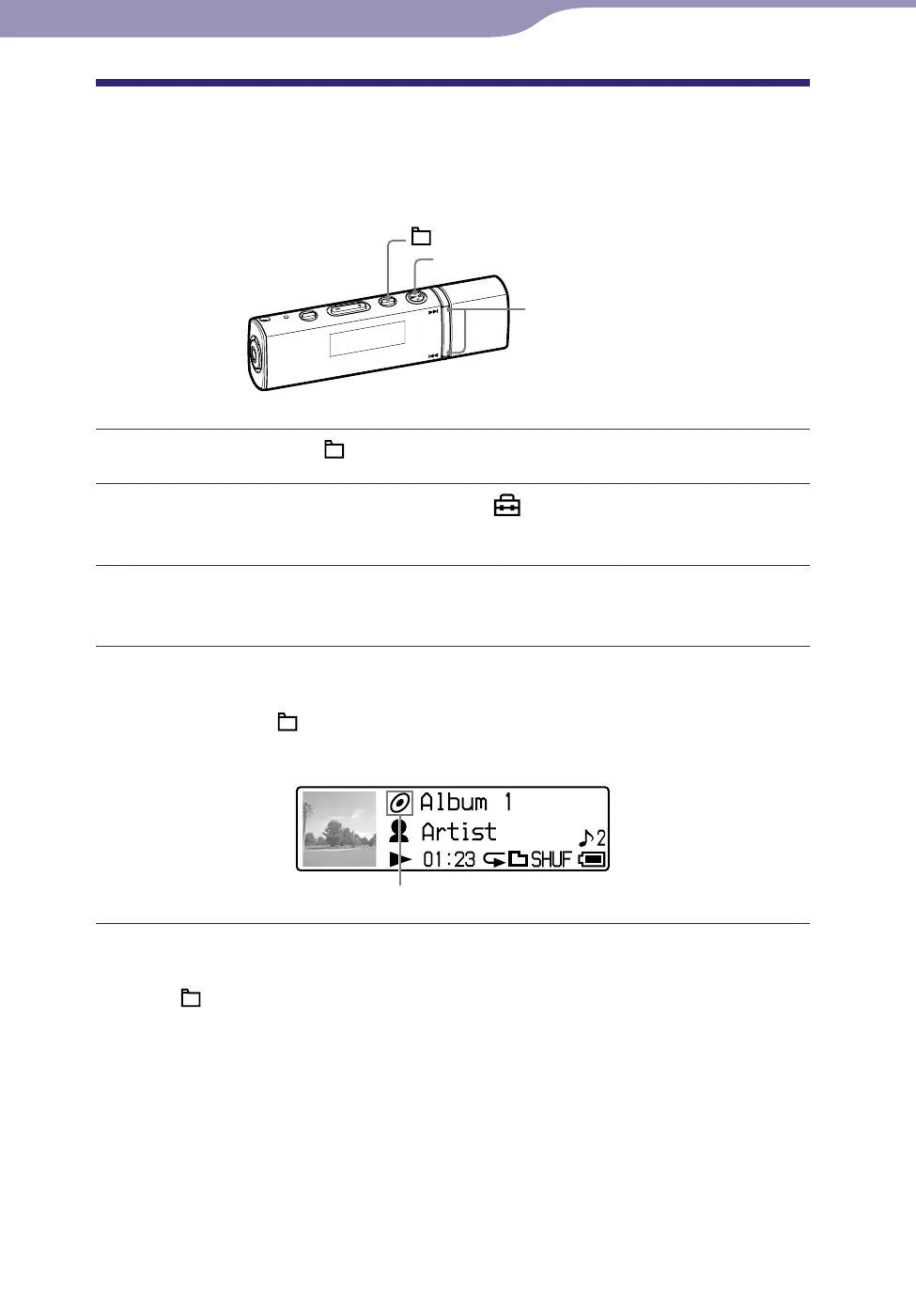
/ button
button
/HOME button
Press and hold the /HOME button until the HOME menu appears.
Press the / button to select (Settings), and then press
the button to conrm.
Press the / button to select “Sort>,” and then press the
button to conrm.
Press the / button to select a song order (
page 37), and
then press the button to conrm.
If you press the /HOME button to change to the Folder mode, the song
order appears as an icon.
Sorting status indication
To return to the previous menu
Press the /HOME button.
Continued












 To Next Page