NW-E013/E015/E016/E013F/E015F/E016F.GB 3-093-019-11(1)
34
34
Settings
Listening with Clear Stereo Sound
(Clear Stereo)
“Clear Stereo” enables individual left and right digital processing of the sound.
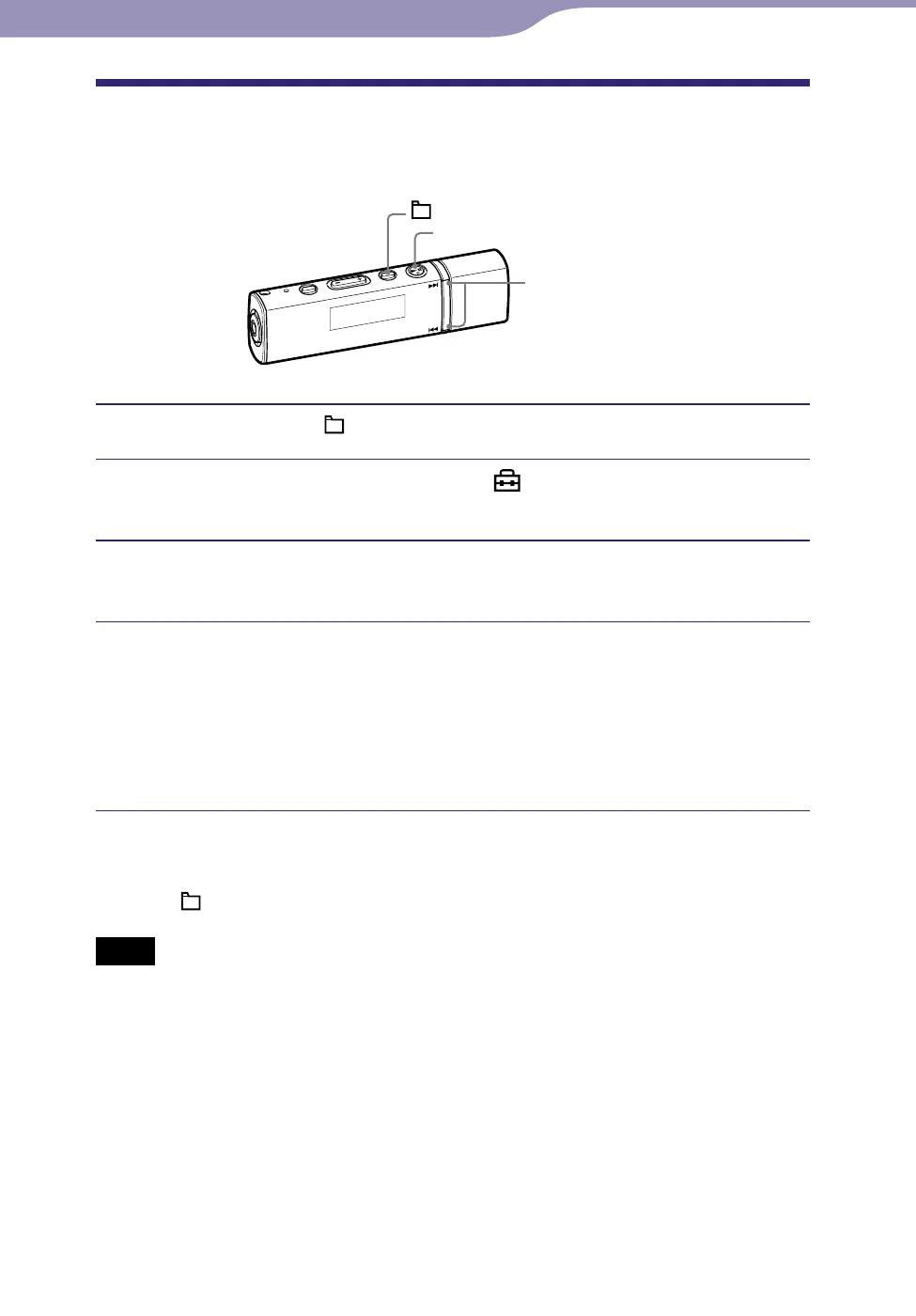
/ button
button
/HOME button
Press and hold the /HOME button until the HOME menu appears.
Press the / button to select (Settings), and then press
the button to conrm.
Press the / button to select “Clear Stereo>,” and then press
the button to conrm.
Press the / button to select the setting, and then press the
button to conrm.
Clear Stereo ON: Plays back clearly the sound from the right and left
headphones. (Default setting)
Clear Stereo OFF: Disables the “Clear Stereo” function and plays back
normal sound.
To return to the previous menu
Press the /HOME button.
Notes
This setting cannot be made while using the FM tuner (NW-E013F/E015F/E016F only).
The “Clear Stereo” function is set to obtain maximum effect with the supplied headphones.
The “Clear Stereo” effect may not be obtained with other headphones. In this case, set
“Clear Stereo” to “Clear Stereo OFF.”












 To Next Page