NW-E013/E015/E016/E013F/E015F/E016F.GB 3-093-019-11(1)
46
46
Settings
Setting the Current Time
(Set Date-Time)
You can set the current time by adjusting it manually or by synchronizing the
time with a device connected to the player, such as a computer, etc.
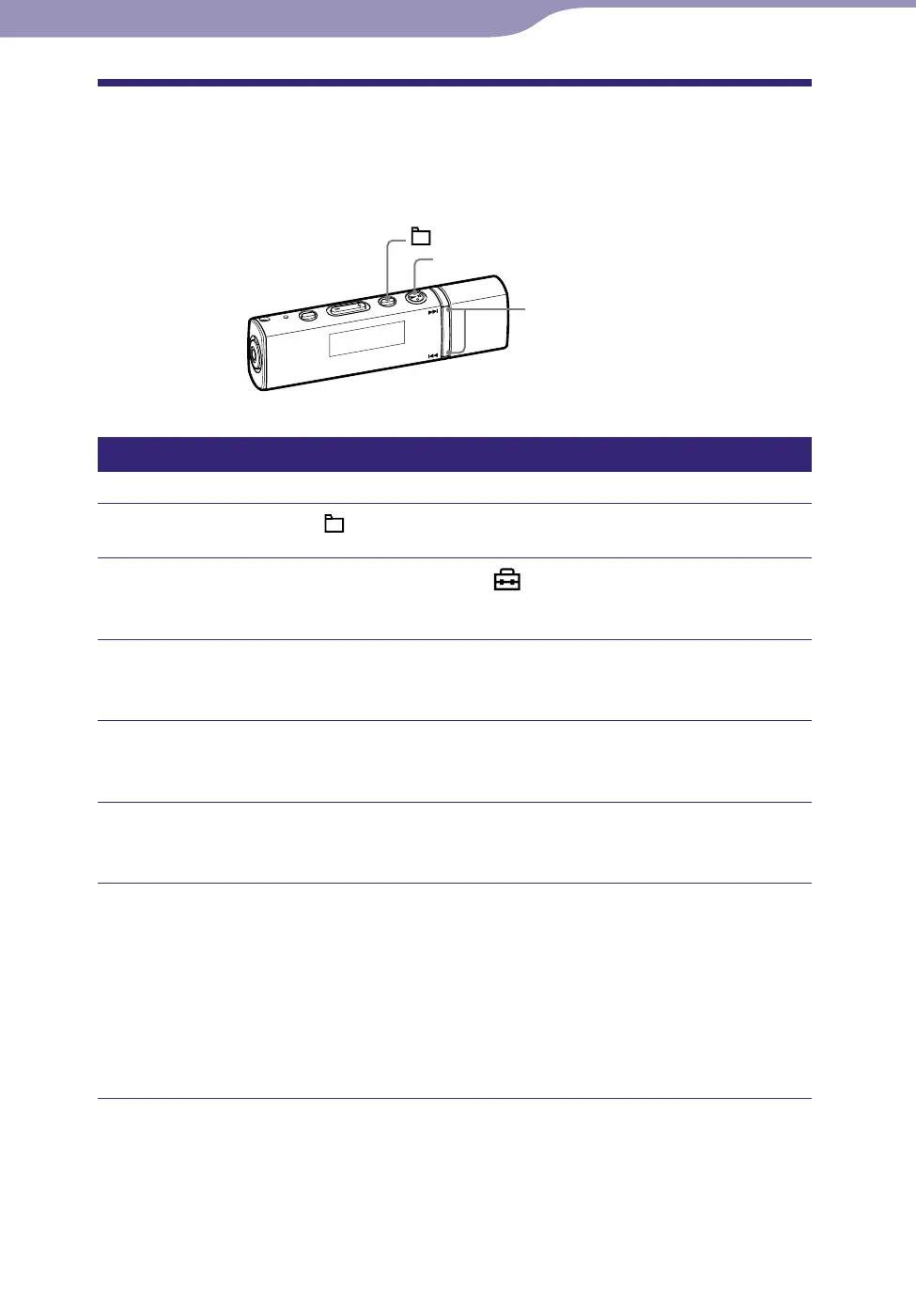
/ button
button
/HOME button
Selecting the current time setting
Press and hold the /HOME button until the HOME menu appears.
Press the / button to select (Settings), and then press
the button to conrm.
Press the / button to select “Advanced Settings>,” and
then press the button to conrm.
Press the / button to select “Date-Time>,” and then press
the button to conrm.
Press the / button to select “Set Date-Time>,” and then
press the button to conrm.
Press the / button to select the setting mode, and then
press the button to conrm.
Date-Time Automatic: Synchronizes the date and time of the player with
your computer when connecting the player to your computer after
starting the SonicStage software. (Default setting)
Date-Time Manual: To set the date and time manually. For details, see
“Setting the current time manually” (
page 48).
Continued












 To Next Page