65
65
NW-E013/E015/E016/E013F/E015F/E016F.GB 3-093-019-11(1)
Listening to FM Radio (NW-E013F/E015F/E016F only)
Changing the Monaural/Stereo
(Mono/Auto)
If noise occurs during FM reception, set the receiver to “Mono” for monaural.
If you set it to “Auto,” stereo/monaural reception is set automatically, depending
on reception conditions. “Auto” is set by default.
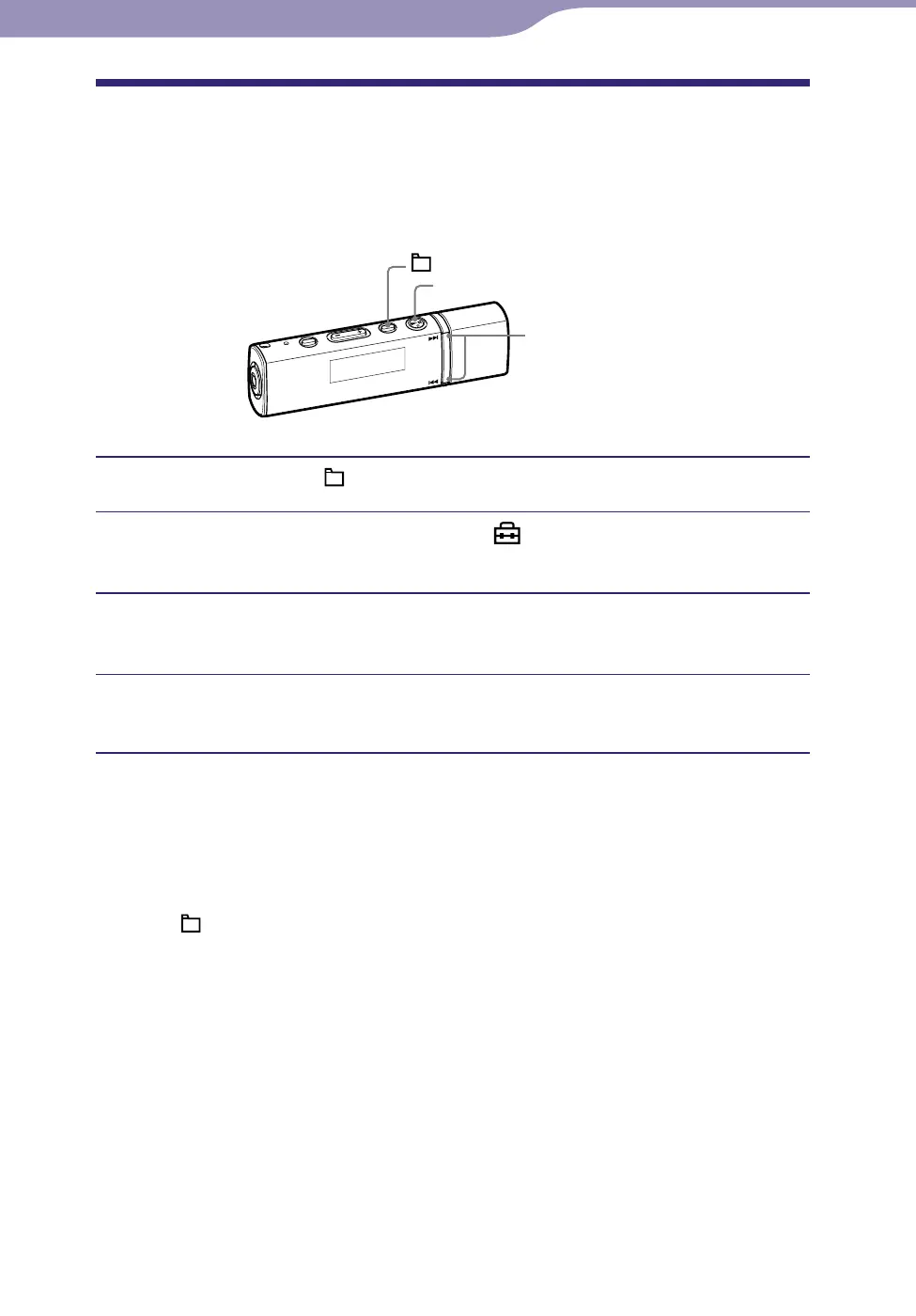
/ button
button
/HOME button
Press and hold the /HOME button until the HOME menu appears.
Press the / button to select (Settings), and then press
the button to conrm.
Press the / button to select “Mono/Auto>,” and then press
the button to conrm.
Press the / button to select “Mono,” and then press the
button to conrm.
To return to the automatic setting
Select “Auto” in step
and press the
button to confirm.
To return to the previous menu
Press the /HOME button.












 To Next Page