NW-E013/E015/E016/E013F/E015F/E016F.GB 3-093-019-11(1)
27
27
Playing Songs
Changing the Play Mode
(PLAY MODE)
The player offers a variety of play modes, including random play and selected
repeat play.
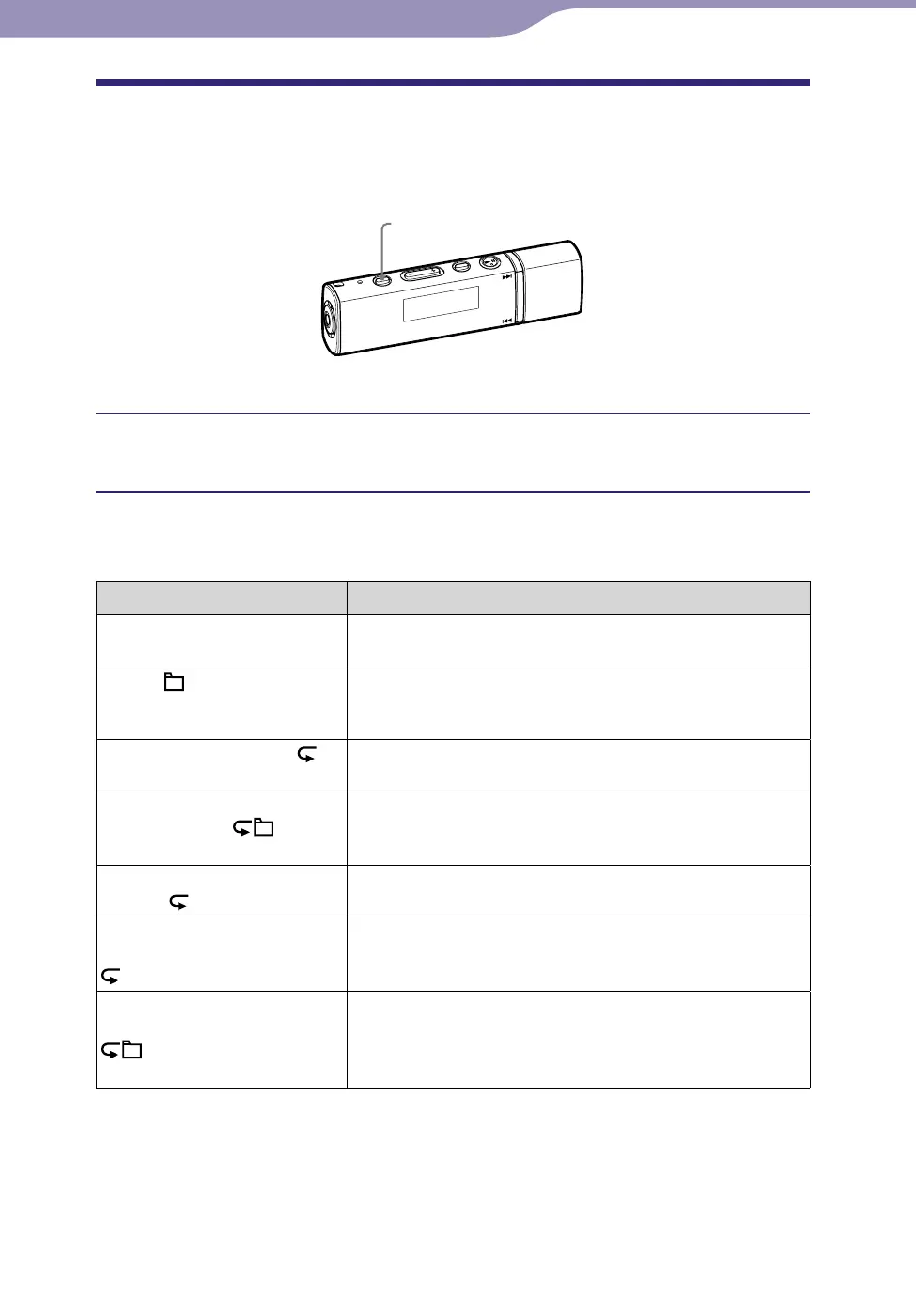
PLAY MODE/SOUND button
Press the PLAY MODE/SOUND button repeatedly to select the
desired play mode.
List of play modes
Play mode type/Icon Description
Normal/No icon All transferred songs after the current song are
played once. (Default setting)
Folder/
All transferred songs of a sort category set by the
song order (
page 36), including the current song
are played once.
Repeat All (all repeat)/
All transferred songs after the current song are
played repeatedly.
Repeat Folder
(folder repeat)/
All transferred songs of a sort category set by the
song order (
page 36), including the current song
are played repeatedly.
Repeat 1 Song (one song
repeat)/ 1
The current song is played repeatedly.
Repeat Shuffle All (all song
shuffle repeat)/
SHUF
All transferred songs after the current song are
played in random order.
Repeat Shuffle Folder
(folder shuffle repeat)/
SHUF
The current song is played, and then all transferred
songs of a sort category set by the song order (
page 36), including the current song are played in
random order.












 To Next Page