NW-E013/E015/E016/E013F/E015F/E016F.GB 3-093-019-11(1)
53
53
Settings
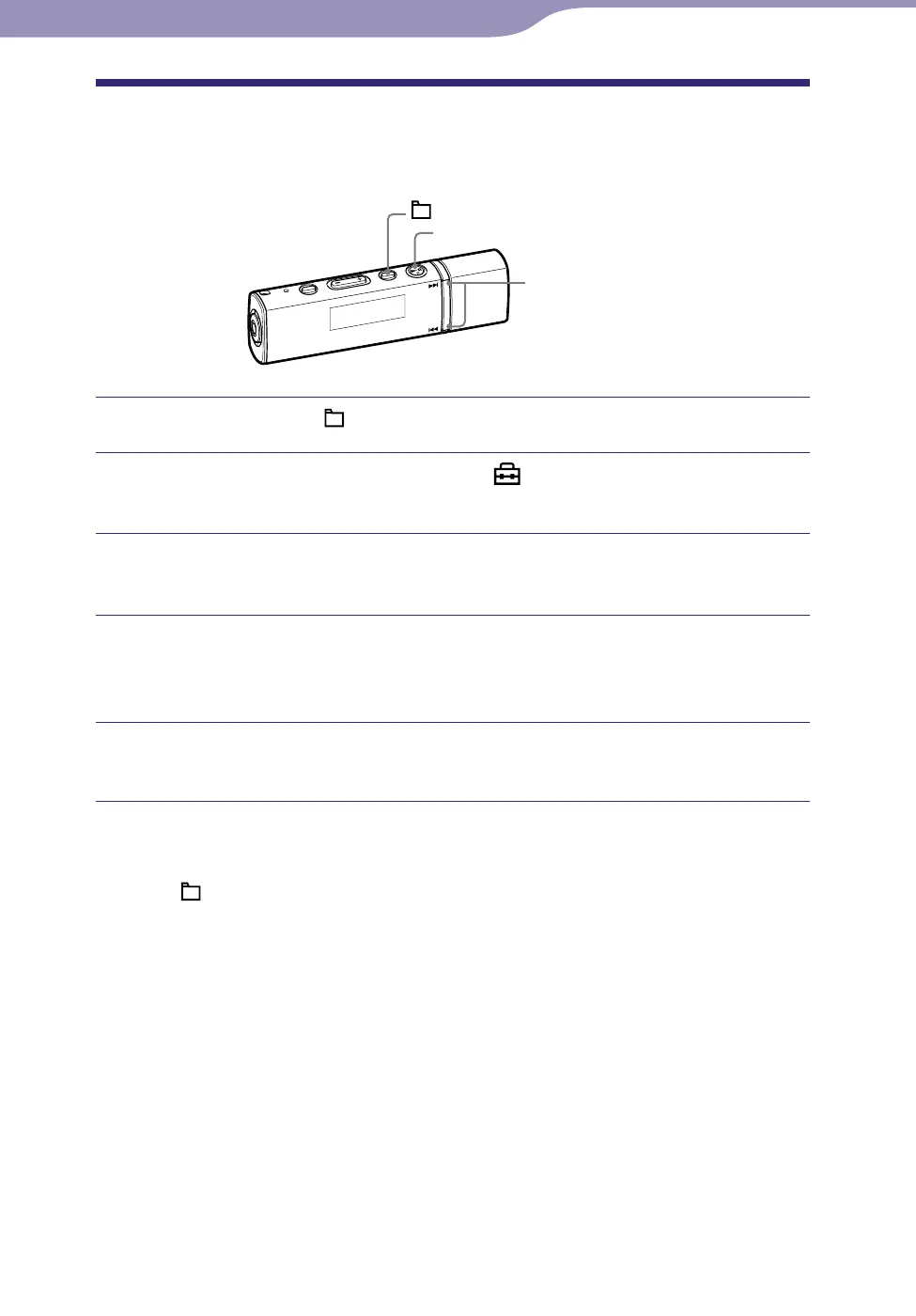
Setting the Contrast of the display
(Contrast)
You can set the display contrast to one of 15 levels. “0” is set by default.
/ button
button
/HOME button
Press and hold the /HOME button until the HOME menu appears.
Press the / button to select (Settings), and then press
the button to conrm.
Press the / button to select “Advanced Settings>,” and then
press the button to conrm.
Press the / button to select “Contrast>,” and then press the
button to conrm.
The contrast adjustment screen appears.
Press the / button to adjust the contrast level, and then
press the button to conrm.
To return to the previous menu
Press the /HOME button.












 To Next Page