NW-E013/E015/E016/E013F/E015F/E016F.GB 3-093-019-11(1)
51
51
Settings
Changing the USB Connection Setting
(USB Bus Powered)
Depending on how you are using the computer, if the power supply (USB Bus
Power) is insufficient, incomplete data transfer may occur from the computer
to the player. In this case, setting the USB connection (USB Bus Powered) to
“Low-Power 100mA” may improve data transfer.
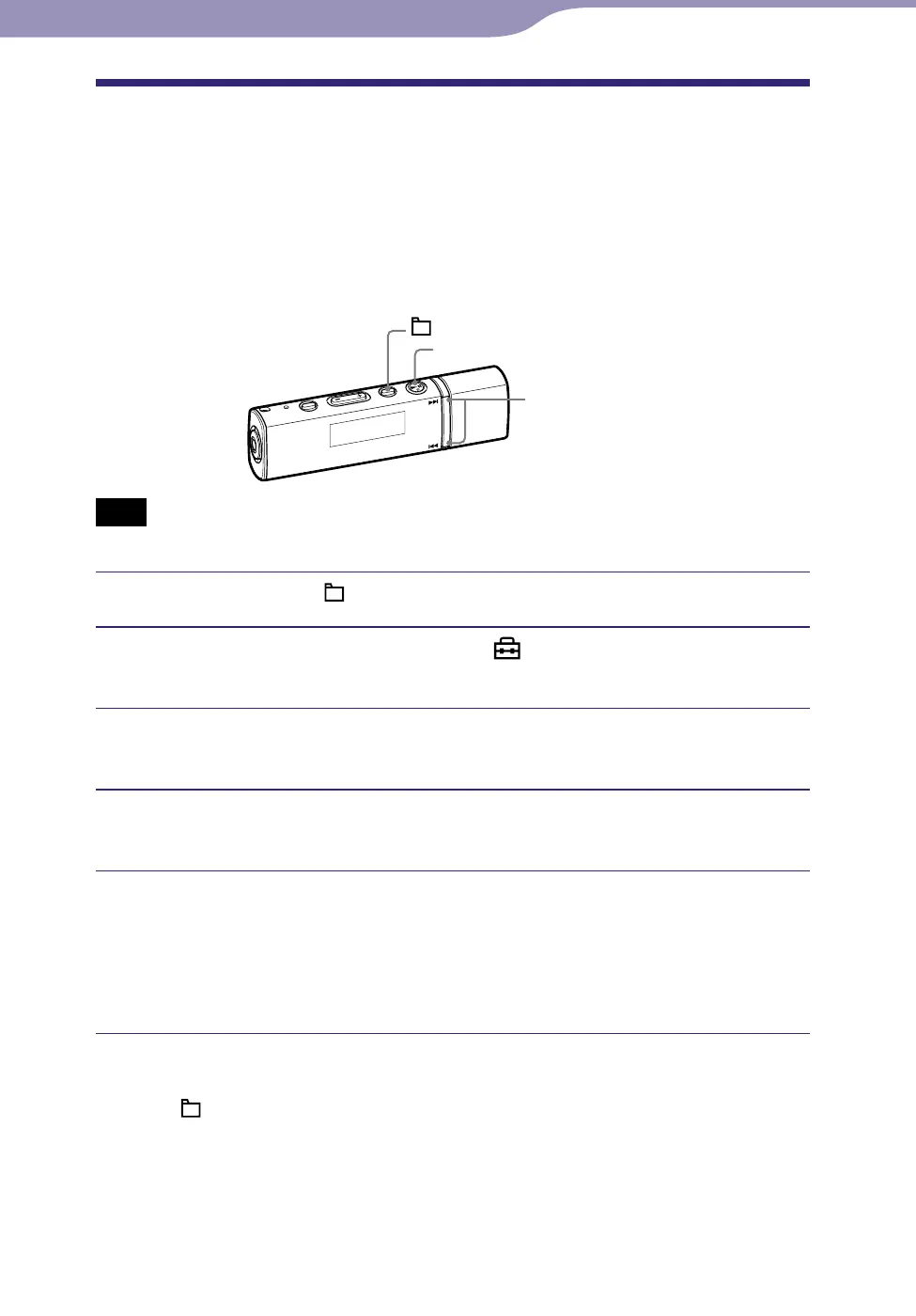
/ button
button
/HOME button
Note
You cannot set this during the USB connection.
Press and hold the /HOME button until the HOME menu appears.
Press the / button to select (Settings), and then press
the button to conrm.
Press the / button to select “Advanced Settings>,” and then
press the button to conrm.
Press the / button to select “USB Bus Powered>,” and then
press the button to conrm.
Press the / button to select the setting, and then press the
button to conrm.
High-Power 500mA: Sets the power rating from computer to 500mA.
(Default setting)
Low-Power 100mA: Sets the power rating from computer to 100mA.
To return to the previous menu
Press the /HOME button.
Hints
When you connect the player to a laptop computer, we recommend to connect the
laptop computer to a power supply.
The charging time will be longer if the “USB Bus Powered” is set to “Low-Power 100mA.”












 To Next Page