63
63
NW-E013/E015/E016/E013F/E015F/E016F.GB 3-093-019-11(1)
Listening to FM Radio (NW-E013F/E015F/E016F only)
Presetting Desired Broadcast Stations
You can preset broadcast stations that “FM Auto Preset” misses (
page 60).
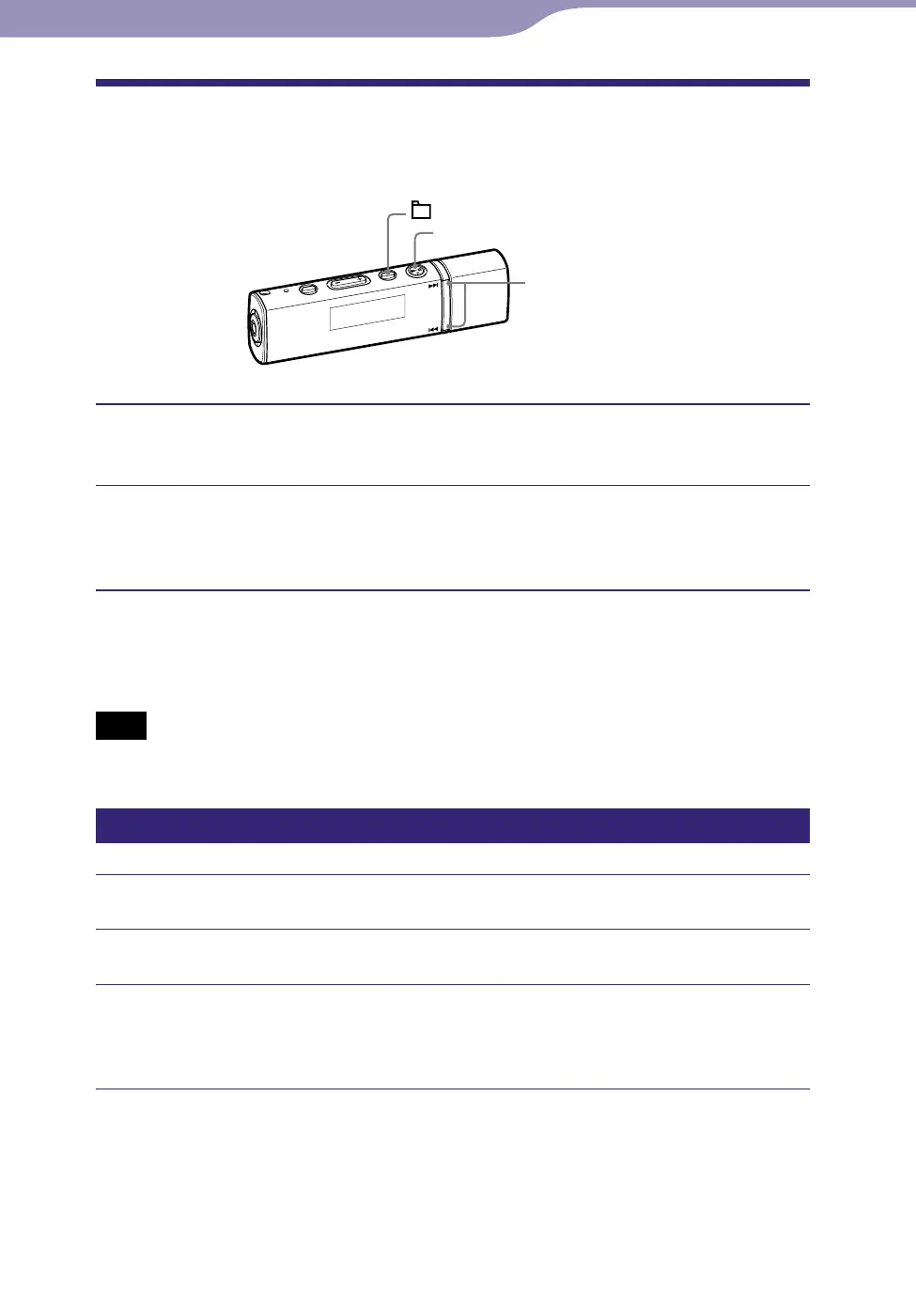
/ button
button
/HOME button
Select the desired frequency by the manual tuning mode (
page
62).
Press and hold the button.
The frequency you select in step
is preset and the preset number
appears to the left of the frequency.
Hint
You can preset up to 30 stations (P01 to P30).
Note
The preset number is always sorted from low to high frequency order.
Deleting preset broadcast stations
Select the preset number of the frequency to delete.
Press and hold the button.
Press the / button to select “OK,” and then press the
button to conrm.
The preset broadcast station is deleted and the next one appears.
To cancel deletion of the preset broadcast station
Select “Cancel” in step
and press the
button to confirm.












 To Next Page