NW-E013/E015/E016/E013F/E015F/E016F.GB 3-093-019-11(1)
49
49
Settings
Setting the Date Format
(Date Disp Type)
You can select the date format displayed for the current time (
page 46) from
among year/month/day, day/month/year, and month/day/year.
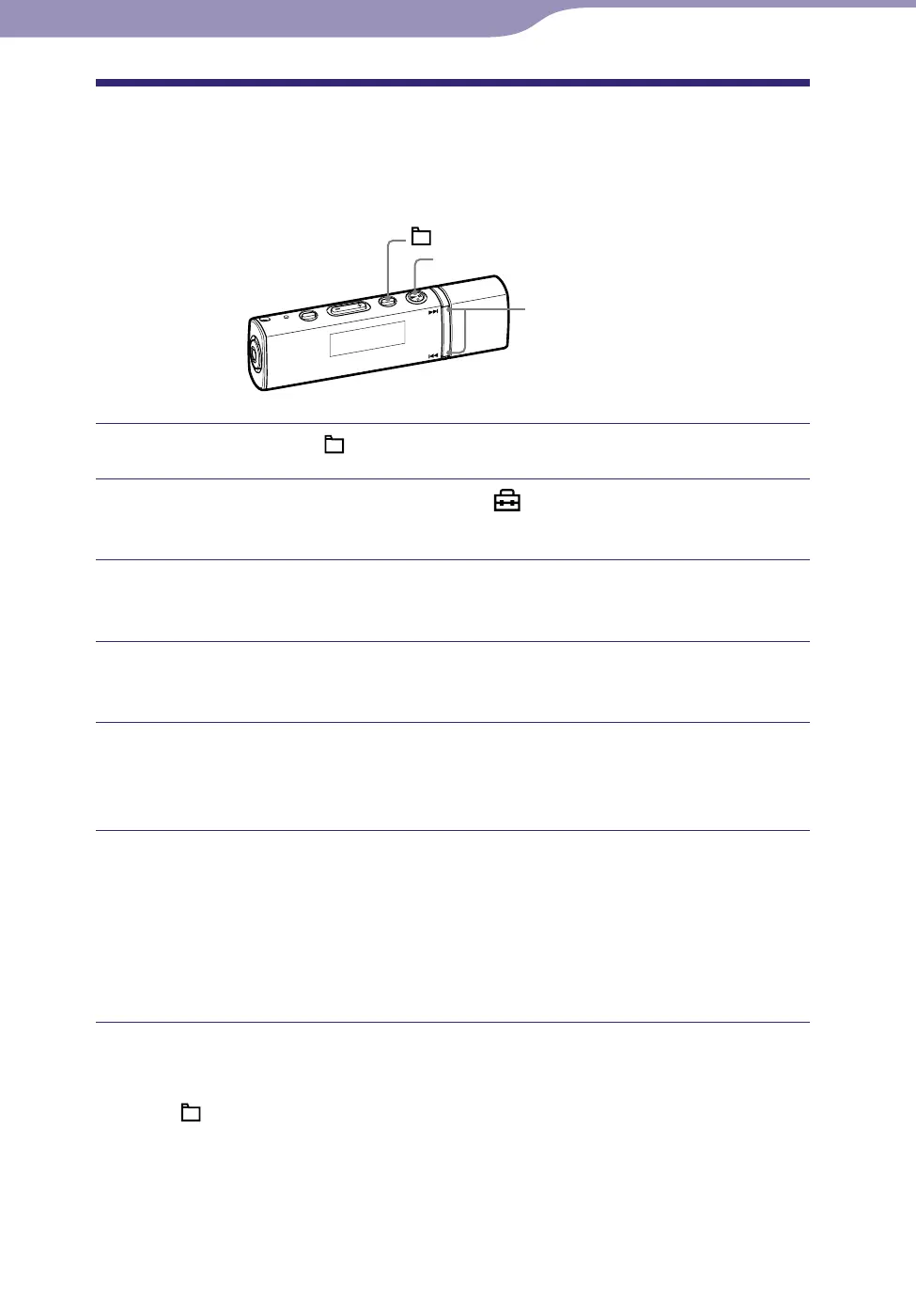
/ button
button
/HOME button
Press and hold the /HOME button until the HOME menu appears.
Press the / button to select (Settings), and then press
the button to conrm.
Press the / button to select “Advanced Settings>,” and then
press the button to conrm.
Press the / button to select “Date-Time>,” and then press
the button to conrm.
Press the / button to select “Date Disp Type>,” and then
press the button to conrm.
The screen used to set the display format appears.
Press the / button to select the format, and then press the
button to conrm.
You can select the format from the following 3 types.
Date yy/mm/dd: The date appears as year/month/day. (Default setting)
Date dd/mm/yy: The date appears as day/month/year.
Date mm/dd/yy: The date appears as month/day/year.
To return to the previous menu
Press the /HOME button.












 To Next Page