Making calls
5
Dialling someone using the personal directory or the
extra phonebook(s)
The directory, often called personal directory, is present in your terminal. Before you
can dial someone using the directory, you must have a directory set up with names
and numbers (see Adding a name to the directory). It can contain up to 100 names.
An extra phonebook consists of names/numbers, present in the system e.g. a list of the
employees in the company. An extra phonebook is not always present, this depends
on the system.
Directory
or
PhoneBook
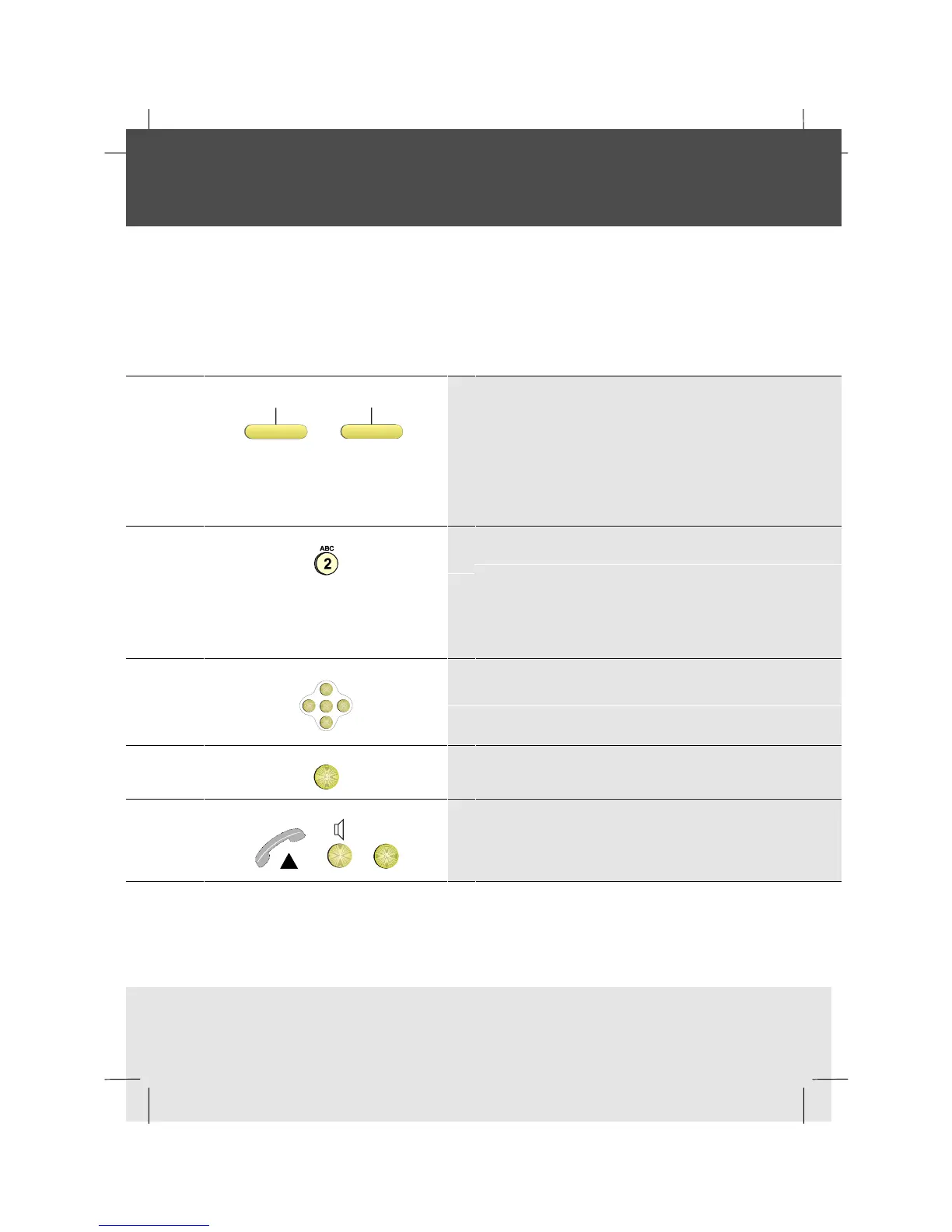
1 Press the directory softkey or the phonebook
softkey.
If you have a phonebook softkey, select the
phonebook you want to access by pressing the
related softkey
2 Key the first letter of the name you are calling:
(for example, to enter B press number key 2
twice)
Alternatively, you can use the optional
alphanumeric keyboard if you have one
OK
<
<
<
<
3 Scroll if necessary to find the name you want
OK
4 Press OK to see the number
or or
OK
5 Either lift the handset, press the Loudspeaker
key, or press OK



 To Next Page