Using Special mode
48
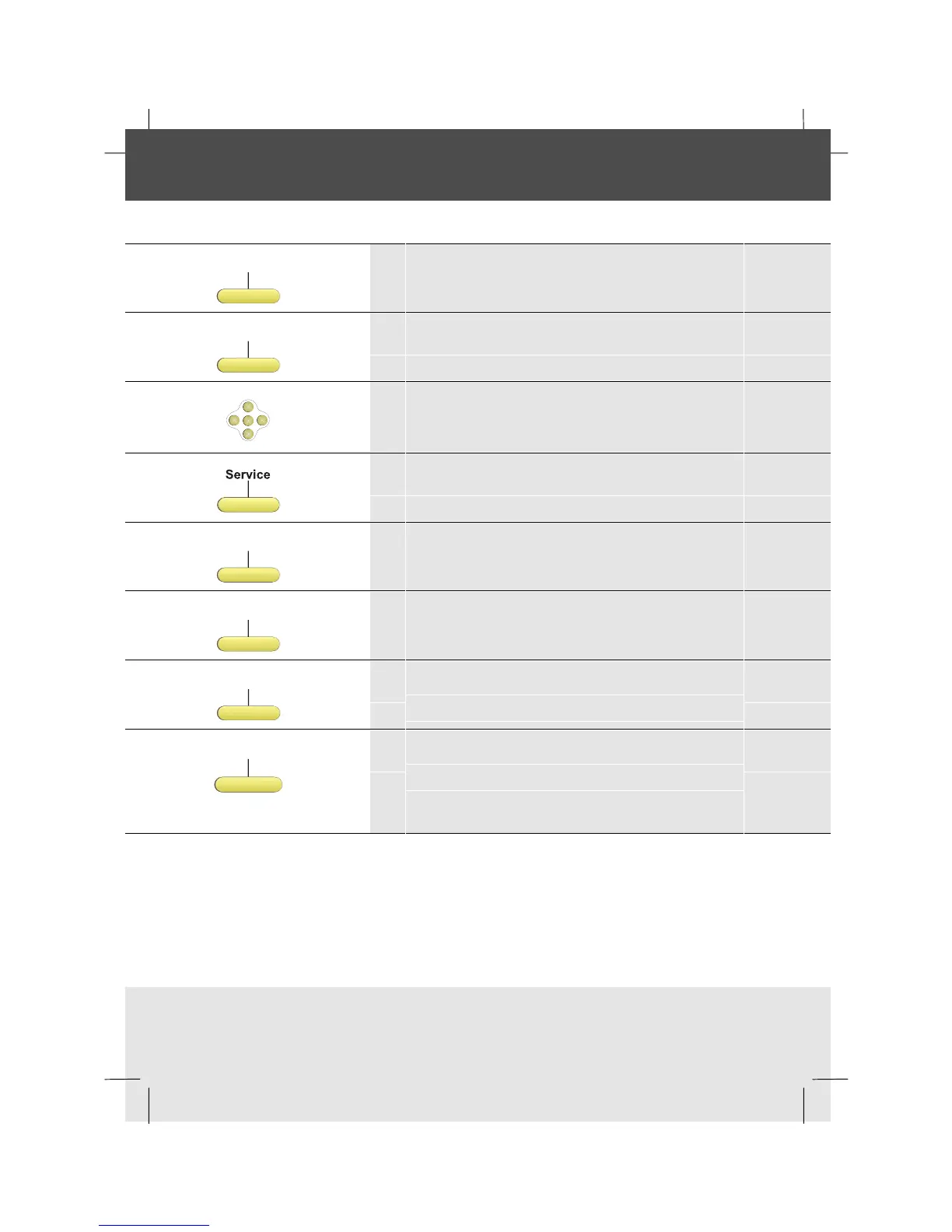
Clearing all personal information (keys, directory, messages)
The phone needs to be in Special Mode to do this. (see section Entering Special Mode)
Features
1 In Special mode, from the Idle menu, press
the Features softkey
Setphone
2 Press the SetPhone softkey
OK
<
<
<
<
3 Scroll right twice to display the third level of
softkeys
4 Press the Service softkey
Clean
5 Press the Clean softkey
ClearMsg
6 To clear all messages, press the ClearMsg
softkey
ClearKeys
7 To clear all keys at once, press the ClearKeys
softkey
ClearDir
8 To clear the directory, press the ClearDir.
softkey
continued on next page



 To Next Page