Introducing the SOPHO ErgoLine D340 1
Introducing the SOPHO ErgoLine D340
The SOPHO ErgoLine D340 telephone combines modern styling with sophisticated, easy-
to-use functionality. The ErgoLine range is designed to release the full power of the
Philips iS3000 system.
The following Ergoline options offer you increased flexibility:
• Direct Station Select (DSS) module
Each DSS module gives you an
additional 14 programmable keys. You can
attach up to 3 DSS modules.
• Infra-red Alphanumeric Keyboard
(optional)
Makes data entry easier. It also enables
you to control your terminal remotely.
• PC interface
Enables you to control your terminal
from your P.C. via a TAPI interface.
• line interfaces
The set is factory fitted with a 4-wire or 2-
wire terminal interface card.
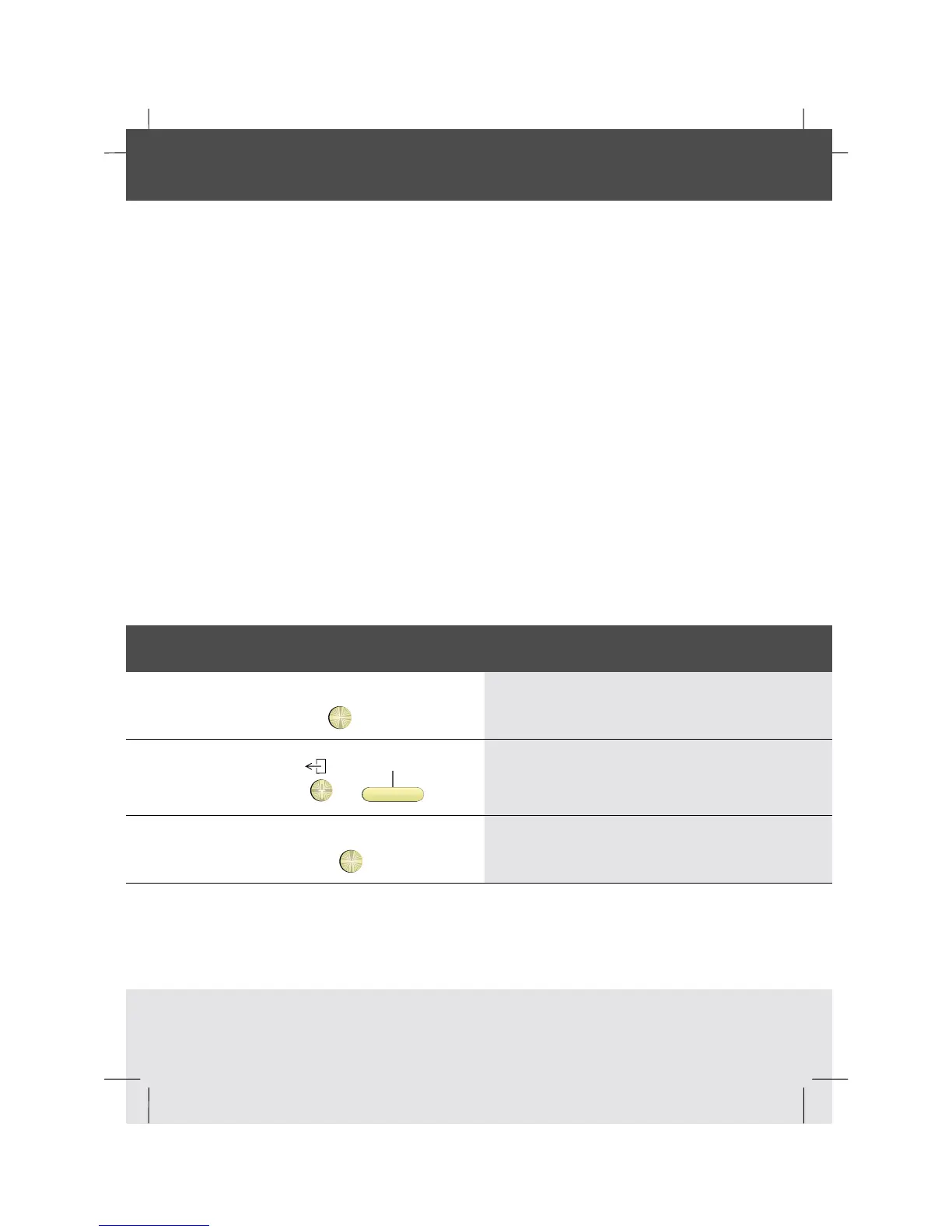
How to use the Help key
?
1 Press the Help key to get Help on specific
softkeys or fixed functionkeys
e.g.
or
Directory
2 Press the fixed function key or softkey
in any situation and read the display
?
3 Press the Help key again to switch off
Help



 To Next Page