Changing specific telephone settings
41
Adjusting the ringer volume on your telephone
Features
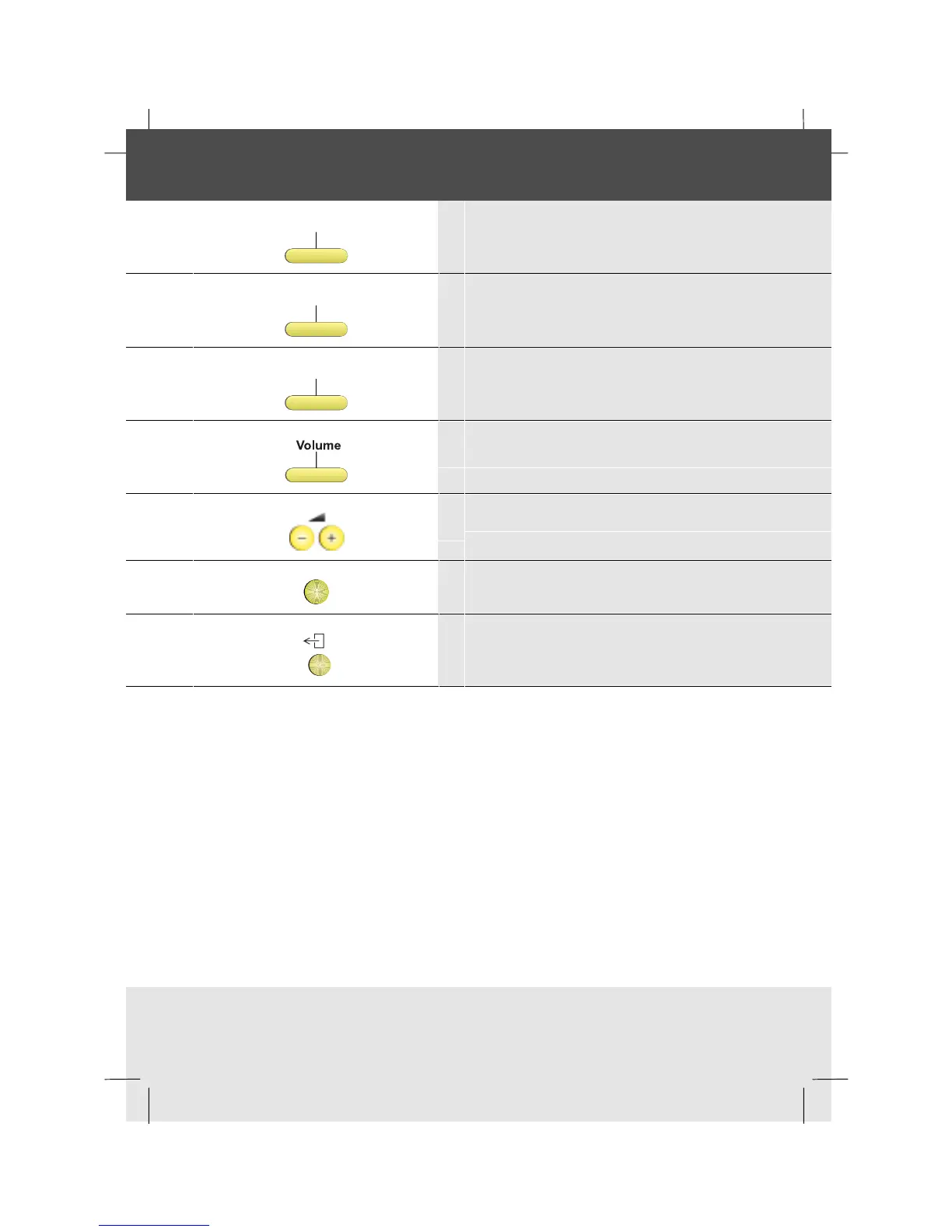
1 Press the Features softkey
Setphone
2 Press the SetPhone softkey
Sounds
3 Press the Sounds softkey
4 Press the Volume softkey
5 Adjust the volume up or down using the volume
control keys
OK
6 Press OK to save the setting
7 To return to idle, press the Exit key



 To Next Page