Using the directory
27
Removing a name from the directory
Directory
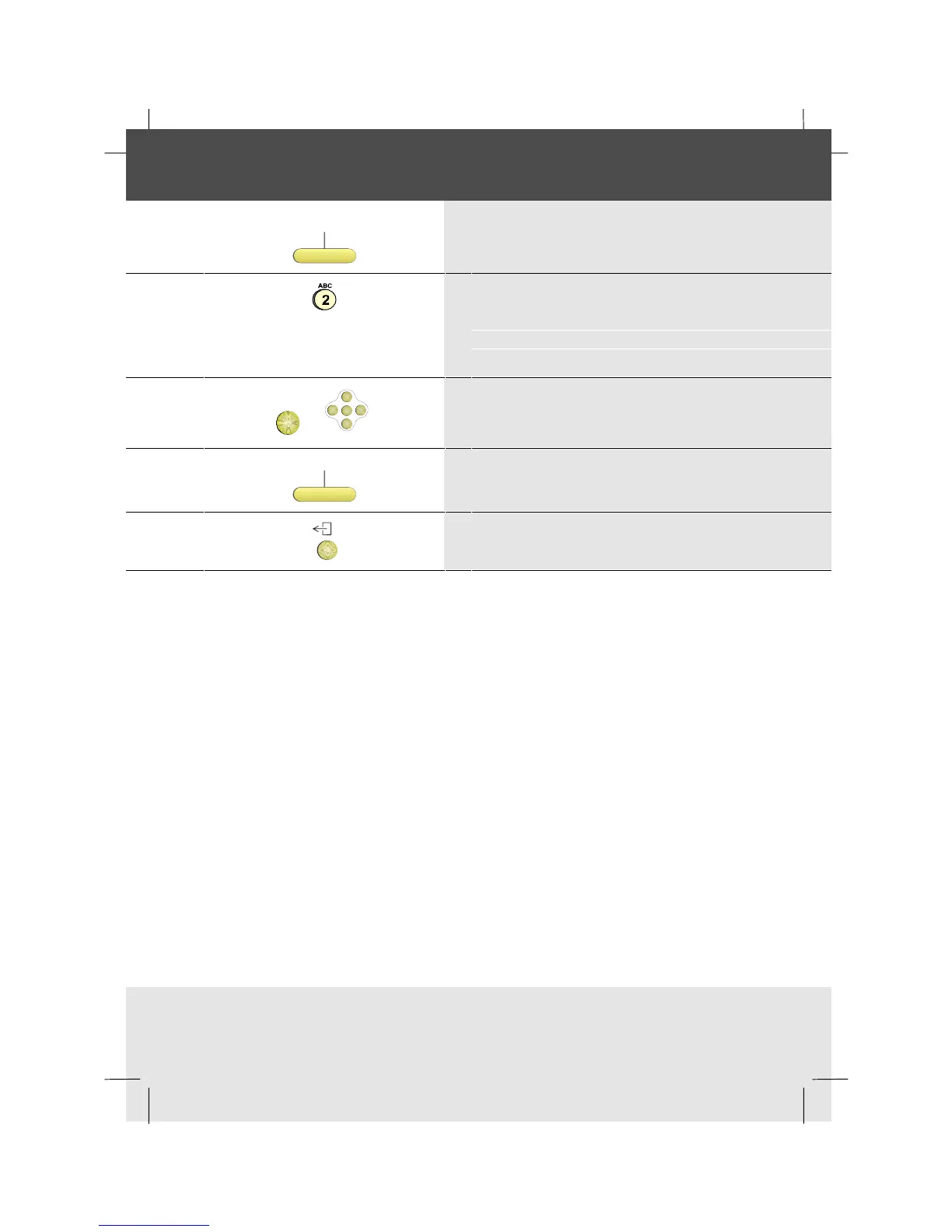
1 Press the Directory softkey
2 Type the first character(s) of the name:
e.g., to enter B press number key 2 twice
Alternatively, you can use the optional
Alphanumeric Keyboard if you have one
OK
or
OK
<
<
<
<
3 Press OK, or scroll if necessary to the name
Remove
4 Press the Remove softkey
5 To return to idle, press the Exit key



 To Next Page